

Rasterizing my map layer makes it flicker when I animate it, how do I avoid this???
When I rasterize my map, the map seems to flicker (especially in the Norway area of the map) as my 3D camera moves over it. I discovered that the only way to avoid this issue is by turning off the "Continuously Rasterize/Collapse Transformation" button (" * "). But then my map loses resolution and becomes pixelated when I zoom in on it. Please see these two videos showing no flicker with the non-rasterized map and flicker with the rasterized map.
Is there another solution? Thank you in advance.
RASTERIZED MAP WITH FLICKER ISSUE:
https://www.youtube.com/watch?v=bk39xtWx-9s
NON-RASTERIZED MAP WITH NO FLICKER ISSUE:
https://www.youtube.com/watch?v=IB-5XU2ATaw
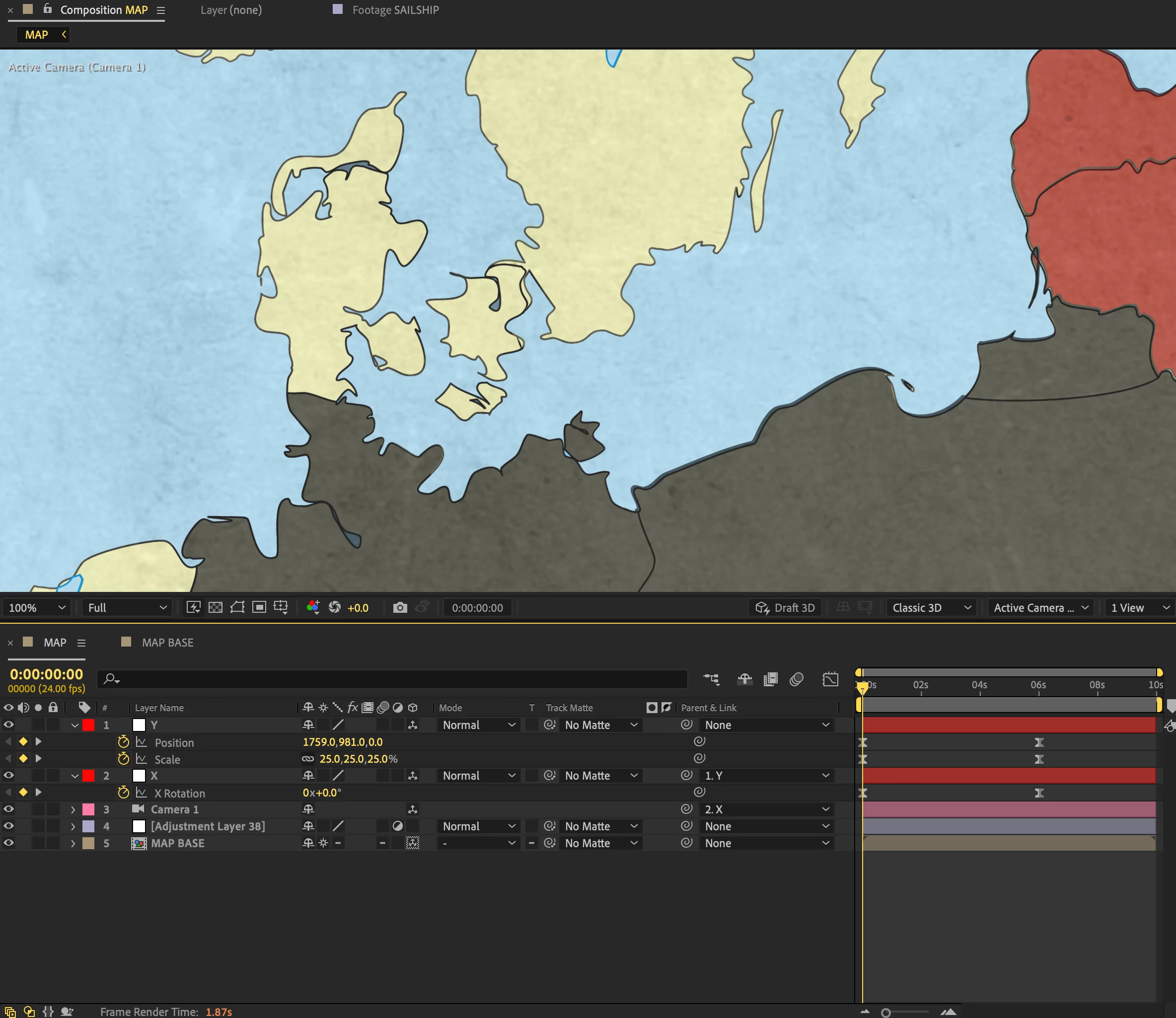
The rasterized map even when zoomed in all the way (as seen here over Denmark) looks clean and tack sharp as it should be, since it's a vector file. The problem is that if you look at Norway, you'll see the pixels flicker in that area of the map as the camera dollies into the map.
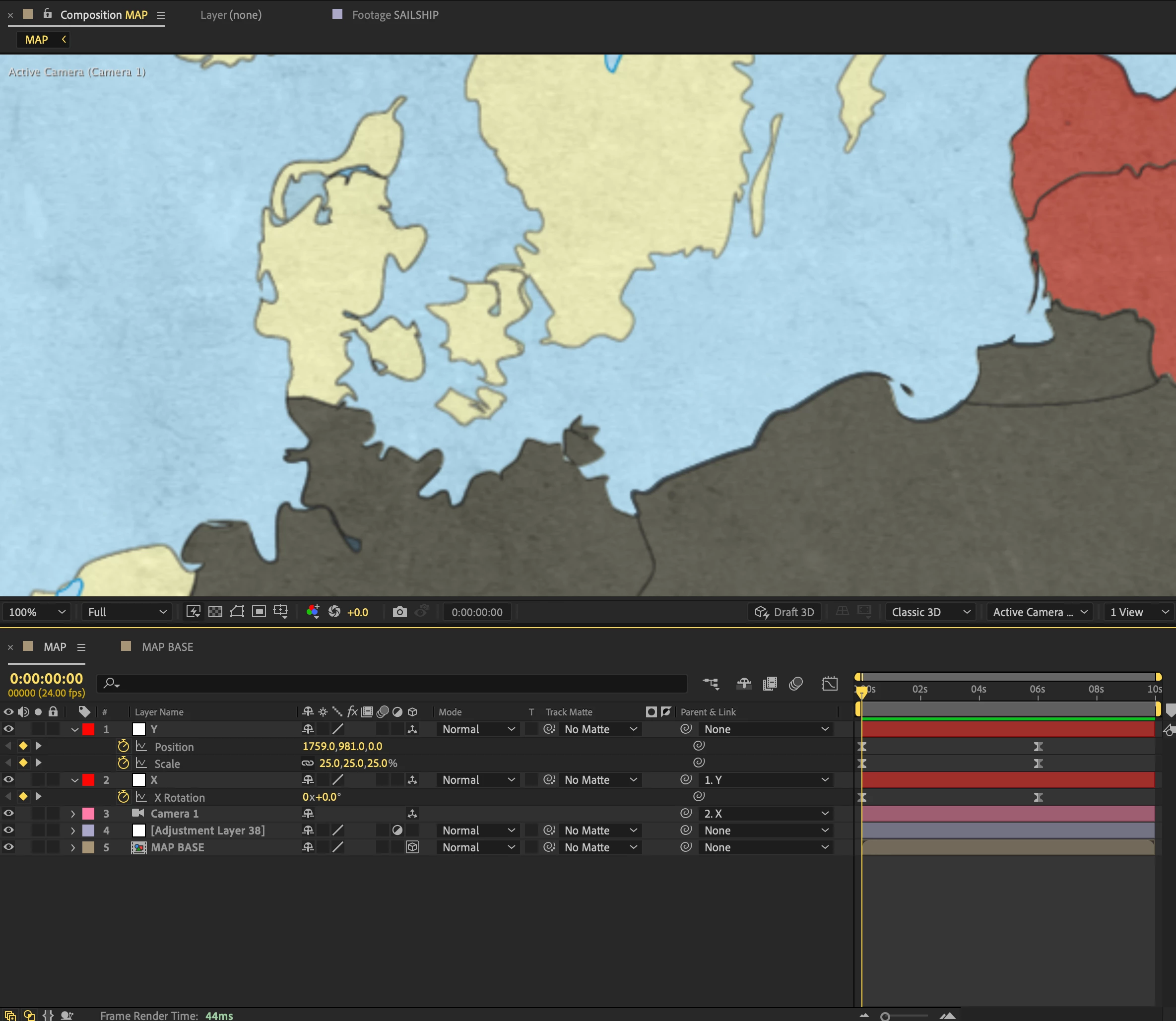
Turning off the Rasterize button avoids the flicker issue but causes the map to get very pixelated as you zoom in.


 AdChoices