
Pravvy
Participant
July 5, 2019
Question

Red current time cursor who always start at the beginning of my clips

  • July 5, 2019
  • 2 replies
  • 2640 views

I use Adobe After Effects CC 2018

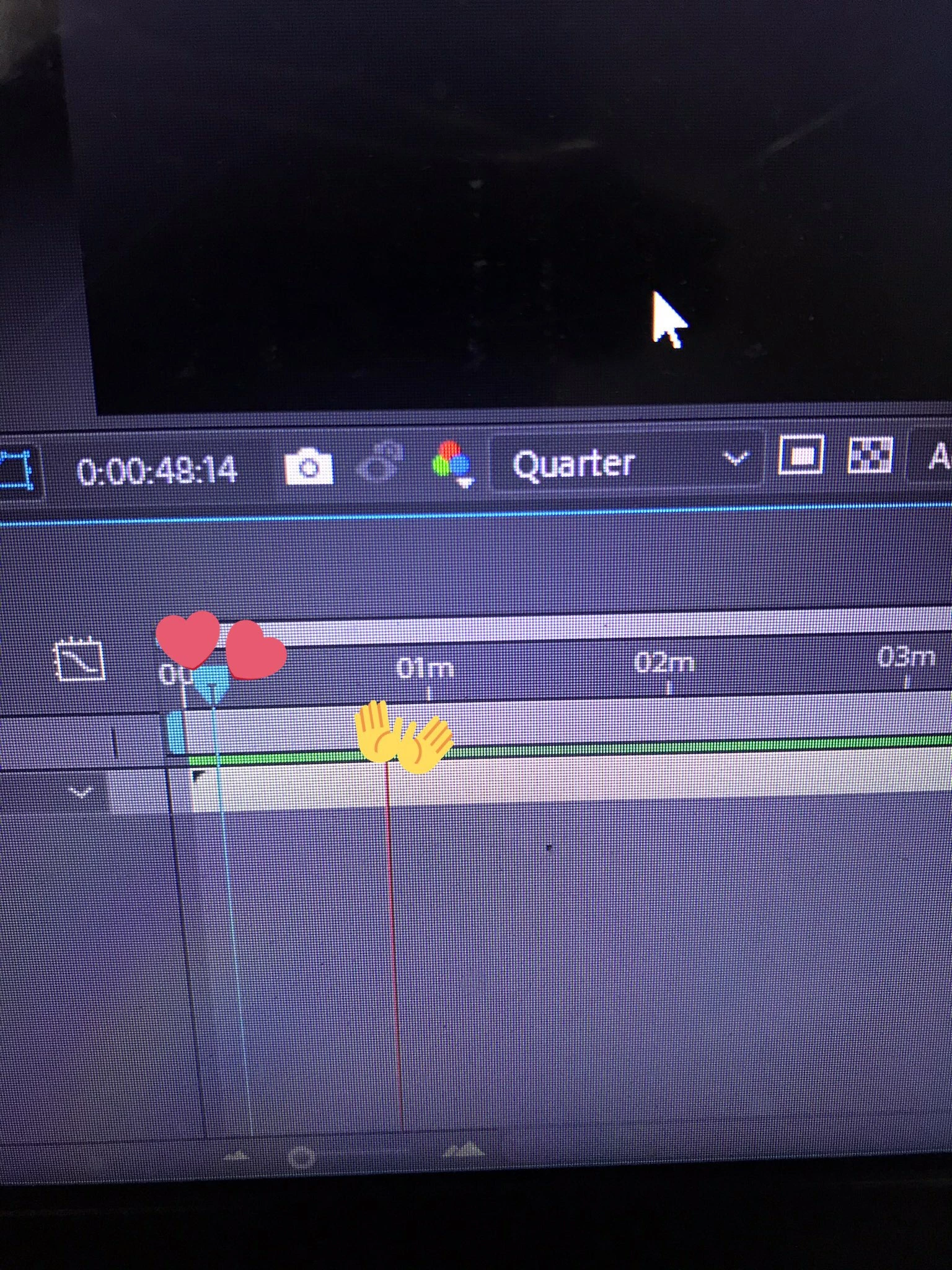
Hello, so I have this red time cursor ( the one that I put a hand emoji on ) that always starts at the beginning of my clip, it doesn't let me to preview my clip whenever I want. Like when I want to preview my clips at ( 00:00:05:00 ) instead of play from that time, it starts at the beginning of my clips which I found this annoying to. I have saw some videos on youtube but it doesn't help me at all, ( I even reinstall my after effects ).

Also I think this not the default program setting since this doesn't happen at me when the last time I edited my clips.

Here is the picture, I hope this not confusing
This topic has been closed for replies.

2 replies

Community Expert
July 5, 2019

You may be able to set the work area where you’d like the preview to begin by moving your timeline indicator to the desired time and typing ”b.”

Jus be sure to re-set it to the beginning before you tender out the movie.

Pravvy
PravvyAuthor
Participant
July 5, 2019

Alright. Thank you so muchh

Jose Panadero
Community Expert
Community Expert
July 5, 2019

It depends on the options you have selected in the Preview Panel. You have some possibilities based on the key you press (see attached image). If you want to play from the position of your playhead you must select Work Area Extended By Current Time in the Range category. Another option is to create a work area over the time you want to playback using B and N shortcuts and press "0" on the numeric keypad. This way AE will playback only the range between the in and out of your work area. Anyway, you can modify this settings to adapt to your needs using the Shortcut and Range categories on the Preview panel.