This topic has been closed for replies.

3 replies

Andrew Yoole
Inspiring
July 5, 2021

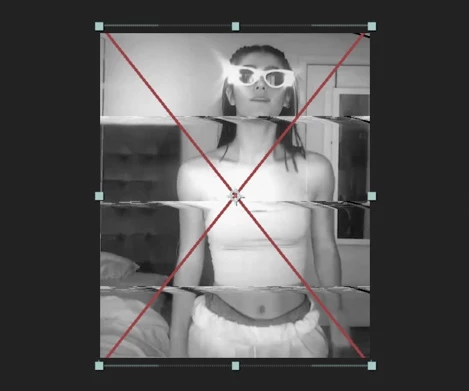
As others have commented, it looks like you've applied a third party filter (probably some kind of Bad TV or Glitch filter, or maybe VCP Twitch) which has not been licensed on your machine.  If you own the license, simply follow the plugin maker's instructions to apply the license.  Otherwise you'll need to purchase it.

Community Expert
July 5, 2021

Cropped screenshots are not very helpful in diagnosing the problem. Select the layer with the Red X, press UU to reveal all modified properties. If nothing shows up but the layer is showing FX in the timeline, then press E to reveal all of the effects applied to the problem layer. Start turning them off one at a time. When the Red X disappears look for licensing link in the Effects Control panel and click that. If you have not purchased the plug-in, you'll have to buy it and license it to remove the red X. If you want other options so that you don't have to purchase the plug-in embed a screenshot of the entire UI and maybe we can make some suggestions. 


I have no idea what effects are applied to the problem layer, but I don't see anything there that could not be closely duplicated with the standard set of effects that AE ships with.

Known Participant
July 4, 2021

It's because of an effect of a plugin that you used on this clip. Try to license the plugin again. That should work.