

S_ A
Inspiring
July 7, 2024
Answered

region of interest after effects not working

  • July 7, 2024
  • 1 reply
  • 474 views

Hi,


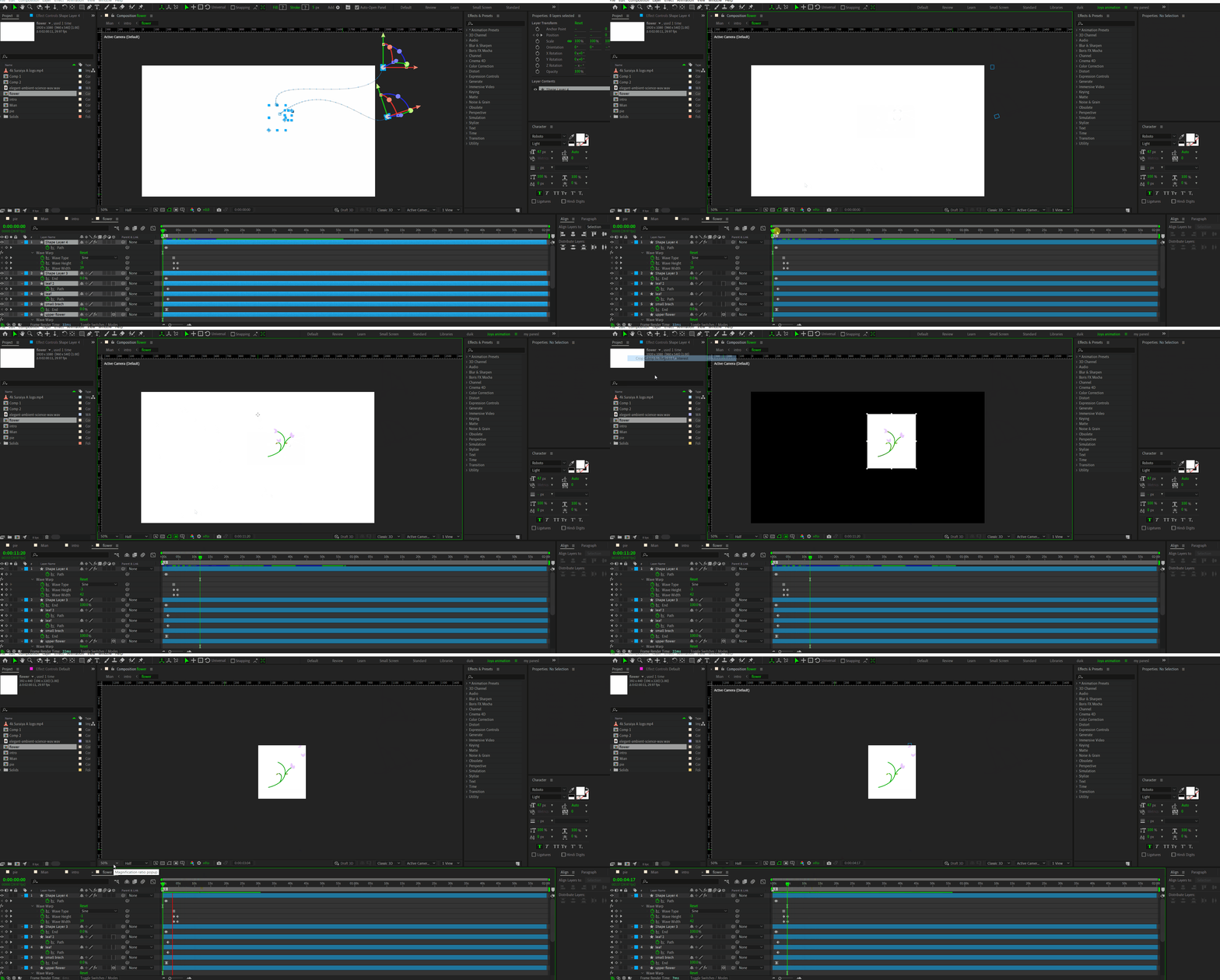
I try to crop a comp and watch several turorials on how to apply region of interest in after effects. I follow everything but not getting proper result. I dont understand what am doing wrong. Please help me.
 

This topic has been closed for replies.
Correct answer Rick Gerard

When you crop to the Region of Interest, and you have 3D layers, the relative position of the camera to the 3D layers changes. Your 3D layers are not exactly in the center of the composition, so the new default Active Camera is now in the center of the new comp, so the position of the layers relative to the camera changes. If you add a comp camera and carefully line things up or stick to only 2D layers, the problem will be easy to solve or completely disappear.

1 reply

Rick GerardCommunity ExpertCorrect answer
Community Expert
July 7, 2024

When you crop to the Region of Interest, and you have 3D layers, the relative position of the camera to the 3D layers changes. Your 3D layers are not exactly in the center of the composition, so the new default Active Camera is now in the center of the new comp, so the position of the layers relative to the camera changes. If you add a comp camera and carefully line things up or stick to only 2D layers, the problem will be easy to solve or completely disappear.

S_ A
S_ AAuthor
Inspiring
July 7, 2024

😮

none of those tutorials mentioned it. I lsot so many minutes. :@ Thank you so much . didnt know this.