
Answered
Reload Footage
I can understand Replace Footage which can be used to replace lost link. What is the pupose of Reload Footage?
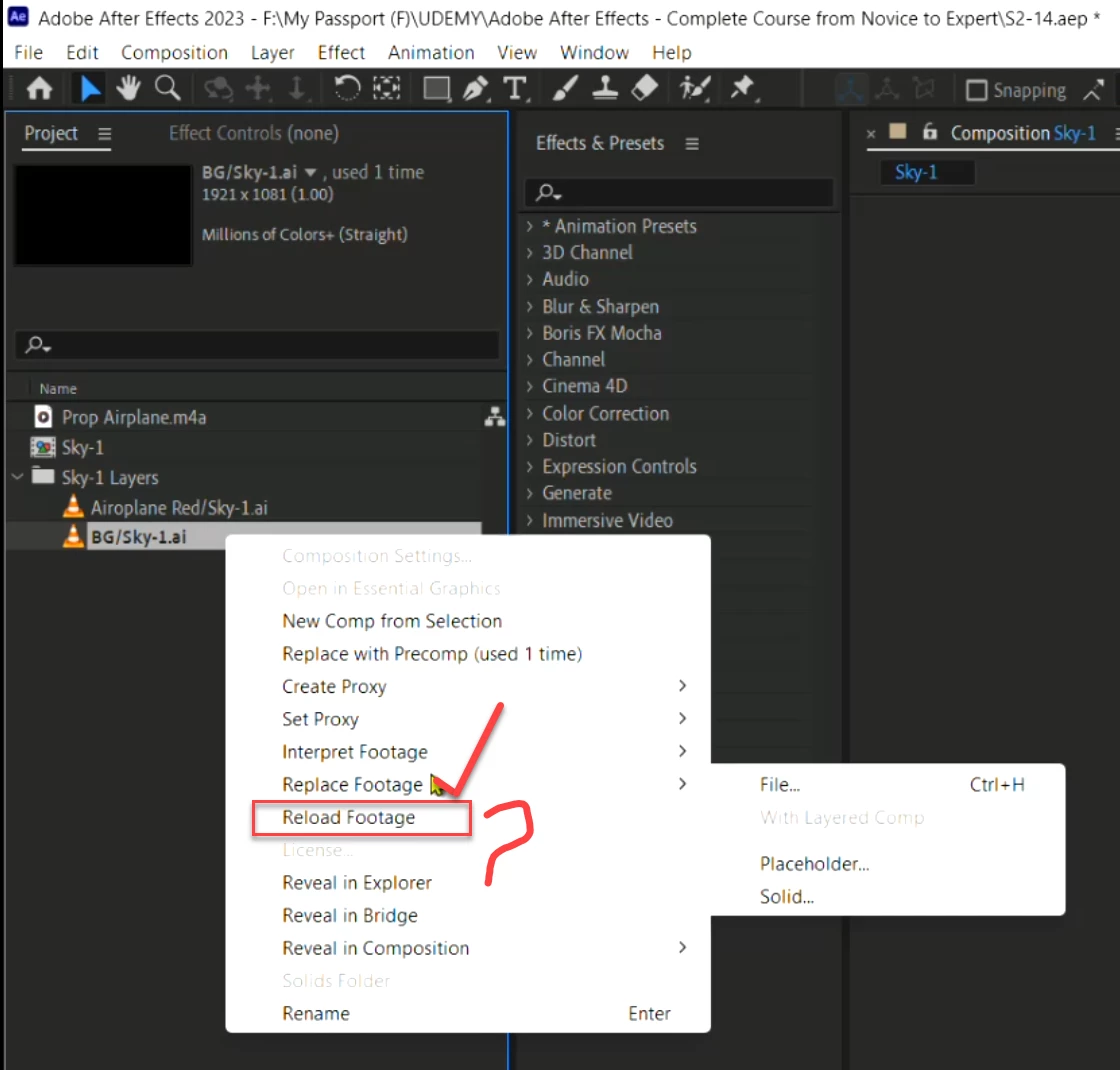

I can understand Replace Footage which can be used to replace lost link. What is the pupose of Reload Footage?
Using File > Reload Footage tells After Effects that the source footage has been edited outside of After Effects since the last time the footage was loaded and forces the changes to appear.
Still image file formats are an excellent example of when this might be needed. Let's say we tab out of After Effects and open an image used in our After Effects project in an image editor like Adobe Photoshop, Adobe Illustrator, Affinity Photo, or Affinity Designer, make changes to the image, and then save. When we return to After Effects, we'll likely still see the older version of the picture until we reload the footage.
If we use Edit > Edit Original, After Effects should reload footage automatically upon returning to After Effects. If for some reason it doesn't, we can use Reload Footage to do so.
Already have an account? Login
Enter your E-mail address. We'll send you an e-mail with instructions to reset your password.


 AdChoices