


Participating Frequently
April 27, 2026
Question

Remove a Title box from a template

  • April 27, 2026
  • 2 replies
  • 9 views

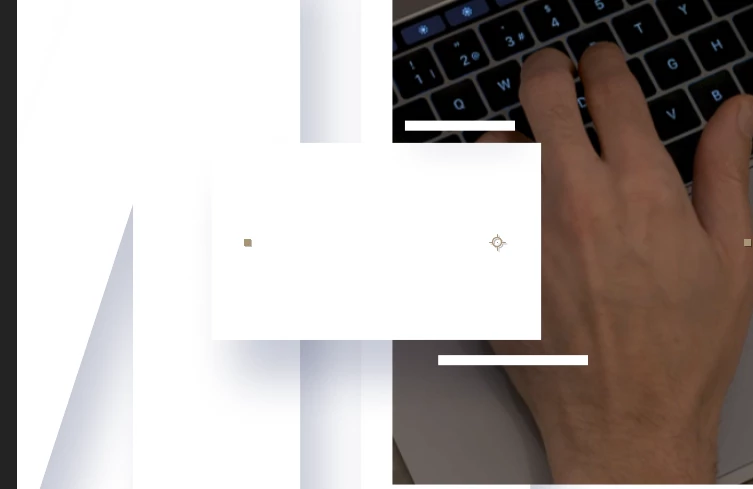
I just DL a template from mixkit.co called Letterbox Slideshow. It comes with 10 scenes. I only need text on the first 3 but for some reason i cannot figure out how to remove the BOX that the text sits in. I have removed the text but the box is still there. There is no layer for the box. The box also has 2 rectangle narrow box designs that appear with it. It looks like it is part of each layer’s Media asset. I’m very new to AE and do not know how to dig deeper. It’s a free DL if anyone has some serious free time. I’m baffled.


https://mixkit.co/free-after-effects-templates/letterbox-slideshow-592/ 


I’m trying to edit Scene 5 and here is a ss of the boxes that i need to remove.


    2 replies

    Community Expert
    April 27, 2026

    The flow chart is your friend here. Expand it, and you can see all of the effects, pre-comps, and layers in a project. Many templates are designed with shy layers, and the Shy button in the timeline is turned on to prevent accidentally moving something that should not be moved.

    Participating Frequently
    April 27, 2026

    Thank you so much.

    I Just had another question pop up. I had a mask rectangle restricting the size of my image that was hidden on a shy layer. Now trying to figure how to enlarge the mask so my image fills more of the screen.

    Participating Frequently
    April 27, 2026

    I did find it guys.

    For anyone interested in how and where. In the Controller Layer under (Effects) there were all 3 items. When i deleted them i got an error msg about an expression error and it created a red fill on the object but did not remove it. I had to click the Mag Glass icon which selected the object then hit delete a couple more times before it was gone.