BarCarmel
Participant
June 14, 2022
Question

Removing GunGif Script from scripts lists

  • June 14, 2022
  • 2 replies
  • 1149 views

Hello everyone!
yesterday I deleted the GifGun Script from my "ScriptUI Panels" folder because it's not working as well for my M1 Max Mac.

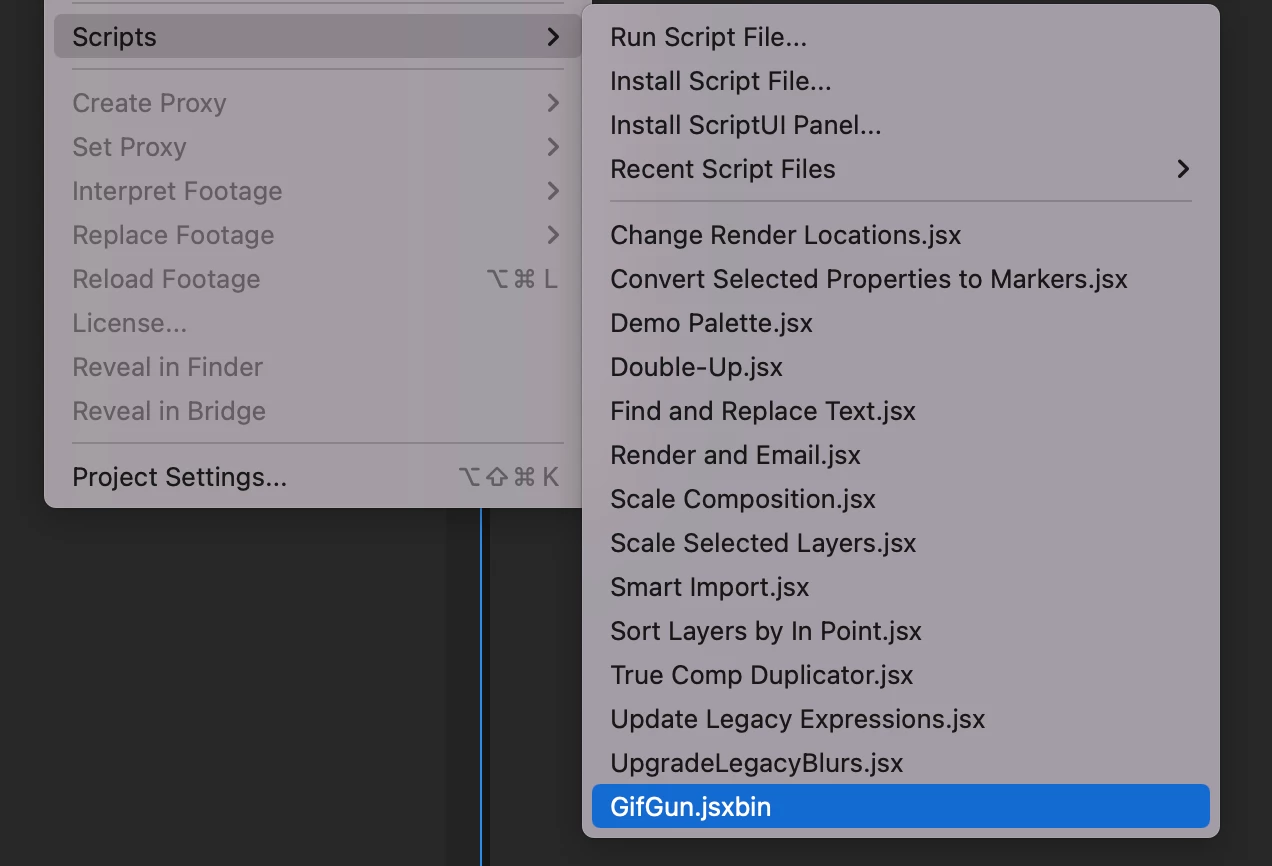
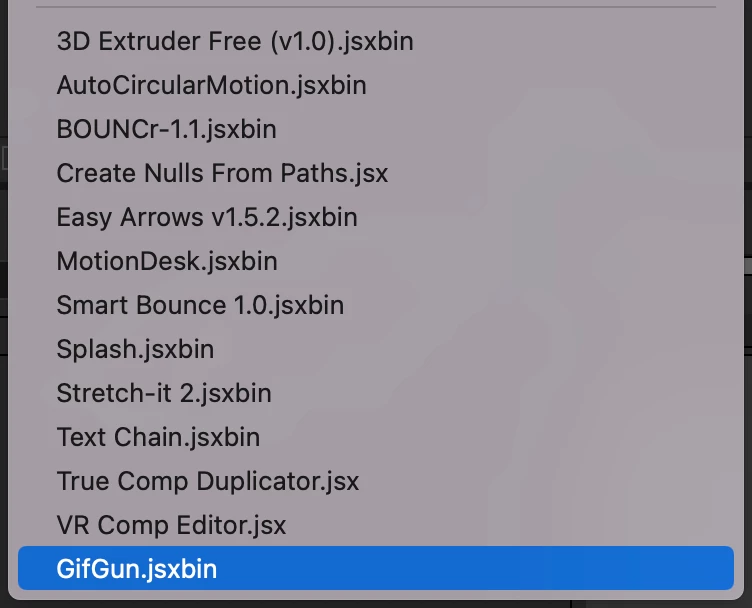
For some reason, the script is still showing up in my scripts lists at the "Window" drop menu and the "File --> Scripts" menu.


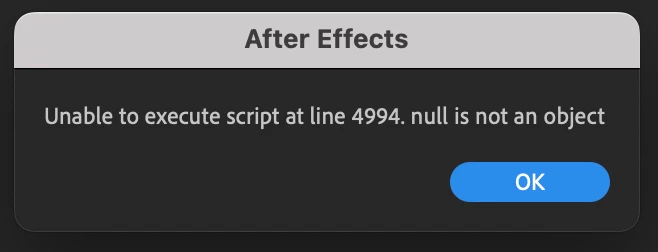
By clicking the script an error says "Unable to execute script at line 4994. null is not an object" which sort of makes sense because the script is no longer in the "ScriptUI Panels" folder.


Does anyone come across this problem and can help me remove the script from the lists?


This topic has been closed for replies.

2 replies

Mathias Moehl
Community Expert
Community Expert
June 14, 2022

Is it still listed as installed by the aescripts manager app?
https://aescripts.com/learn/aescripts-aeplugins-manager-app/

Can you uninstall it with this app?

Also note that scripts can also be installed inside the user folder. I think this happens, when you install them via the Ae menu command File->scripts->Install Script UI Panel

The script will then be in a folder like
Documents/Adobe/After Effects 2022/Scripts

if I remember correctly.

Mathias Möhl - Developer of tools like BeatEdit and Automation Blocks for Premiere Pro and After Effects
BarCarmel
BarCarmelAuthor
Participant
June 15, 2022

Thank you for responding.
It's nither in the aescripts manager app nor the Documents/Adobe/After Effects 2022/Scripts folder...


Mylenium
Legend
June 14, 2022

It's probably still in some secondary cache folder in your Library or wherever, so do a search at the system level and remove it fully.


Mylenium

BarCarmel
BarCarmelAuthor
Participant
June 14, 2022

Thank you for responding.
I did, and it is still there, I deleted everything about it!