Participating Frequently
May 14, 2024 5:08 PM UTC
Question

Removing old Scripts from Window menu

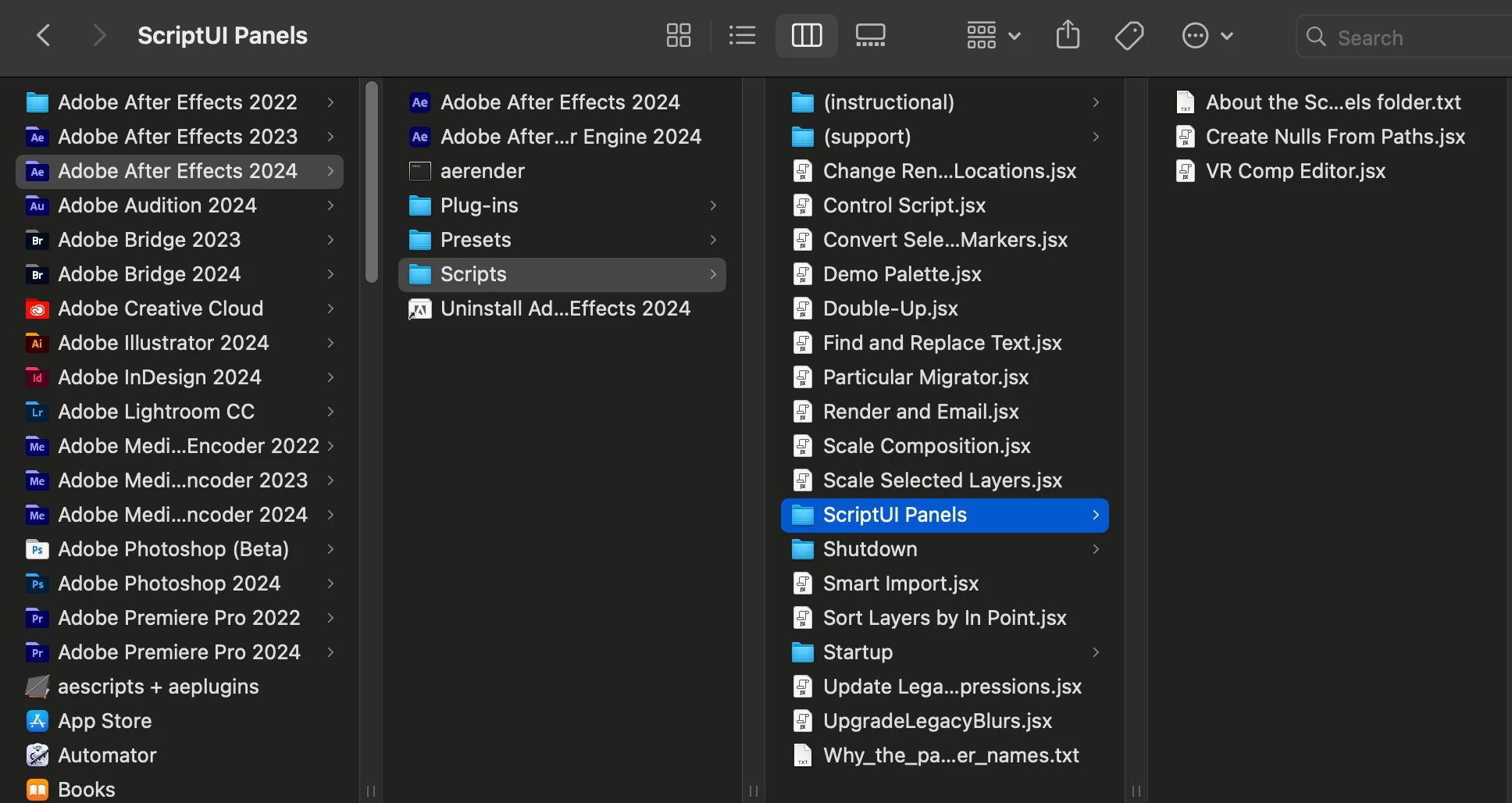
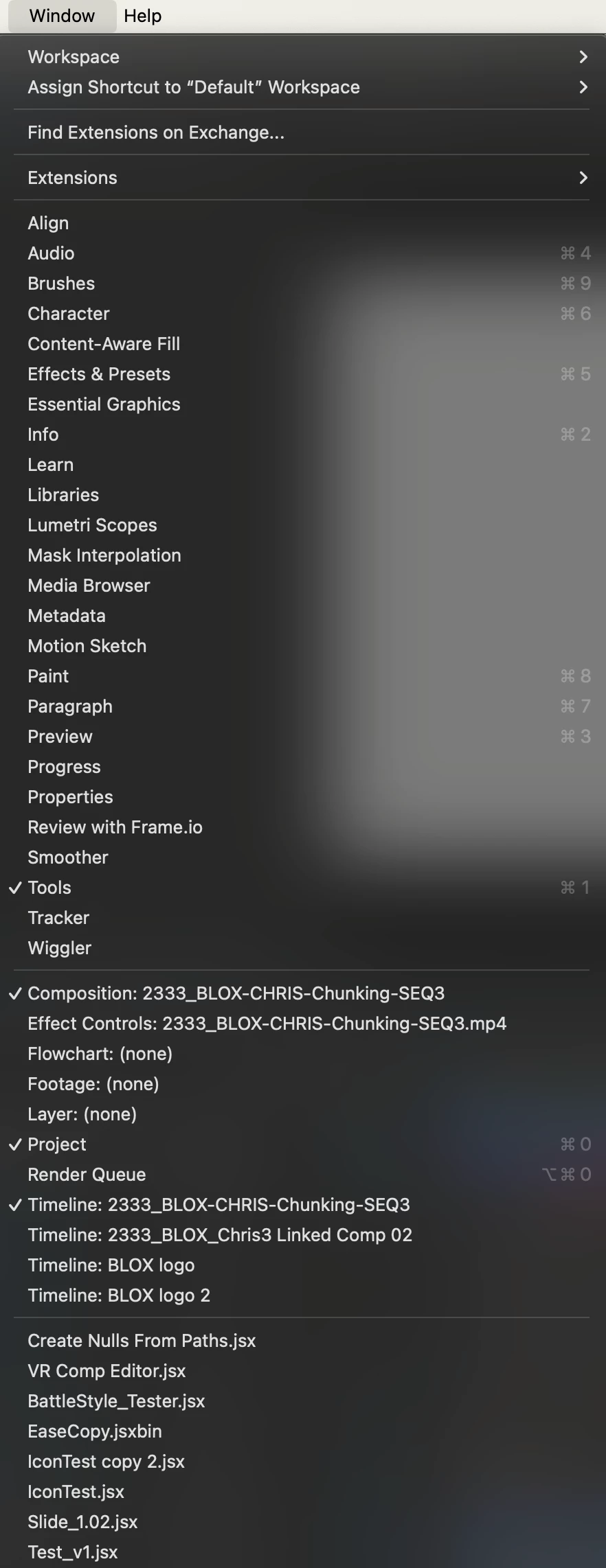
I need to remove old scripts from the Window menu. When I go to: Applications/Adobe After Effects 2024/Scripts/ScriptUI Panels, all I see are the default ones that are shipped with AE. However, in my Windows menu you can see there are many that are installed.

They were all installed using File/Scripts/Install Script UI Panel...

How can I remove these old scripts?


This topic is closed to new replies. Start a new post to keep the conversation going.

2 replies

ToolfarmJP
Community Expert
Community Expert
May 15, 2024 3:29 AM UTC

You seem to have installed other versions of After Effects. The previous setting may be taken over.  You set it as default.


After Effects (top left) > Settings > Startup and Repair > Migrate Previous Version Preferences


Translate
Legend
May 14, 2024 10:56 PM UTC


On Windows, scripts are installed in a hidden directory (AppData).


\AppData\Roaming\Adobe\After Effects\24.3\Scripts\ScriptUI Panels


On Mac, there's probably a similar directory.

Translate