
Render Graph stack overflow - composition gets inserted into itself
I'm working in AE Team Projects and I noticed few times already that after reopening a team project I worked on (with no problem whatsoever) I get an error like this:
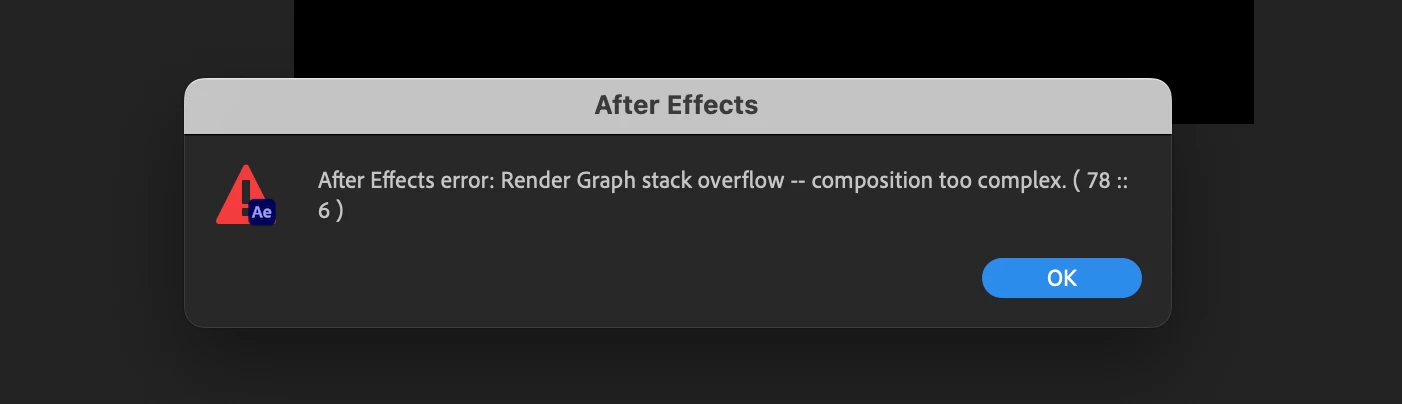
(it says "After Effects error: Render Graph stack overflow -- composition too complex. ( 78 :: 6)").
I can't preview my timeline and restarting etc doesn't help. When I convert the whole Team Project to regular project, then I finally know what is the cause of the problem because the error message changes to this:
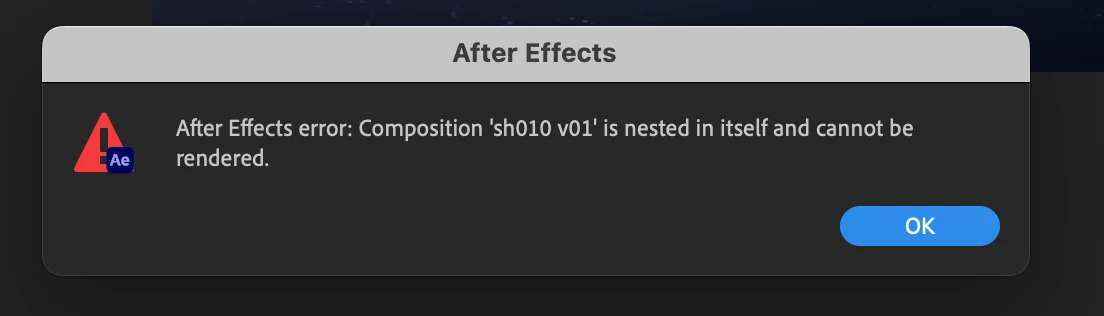
("After Effects error: Composition 'sh010 v01' is nested in itself and cannot be rendered.")
It turns out that in fact a composition named 'sh010 v01' is nested in itself, however I never even tried to do something like that (not to mention that AE doesn't allow to do this). I think that at some point Team Project makes some mistake when loading or saving the project and puts random composition in itself but its just my guess.
When I delete a layer with the sh010 v01 comp from that comp, the preview starts working again however I still randomly I get errors where the preview doesn't update when making changes in the timeline / layers. Sometimes it just ignores the changes but sometimes I get this error:
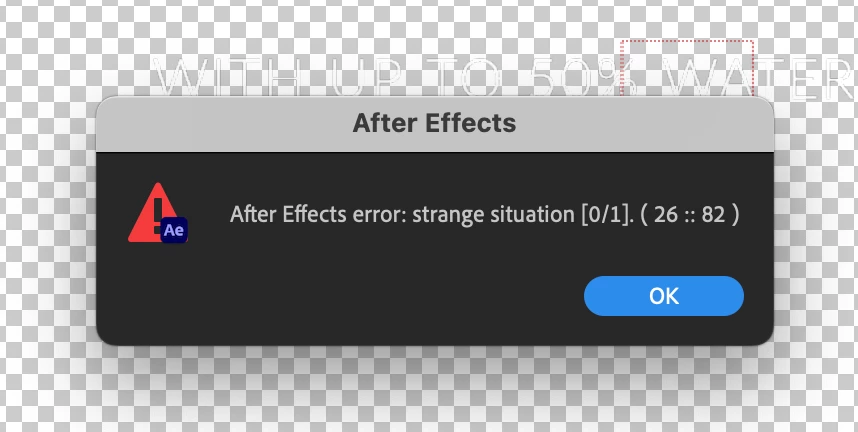
("After Effects error: strange situation [0/1]. (26 :: 82)")
The only way around this and making sure that the project is working properly again is creating a new project and importing the buggy project into it.
I would be really thankful for fixing this and other bugs in Team Projects that started to pop up recently. They make using Team Project kinda risky and unreliable. I appreciate the work and some recent useful updates (new Track Matte system) but I really need to be able to work in AE without worrying that the whole project gets corrupted out of nowhere.


 AdChoices