Answered
rendering screen?
i opened AE and this screen popped up. I've never seen this screen ever before, how can I have a normal editing screen again?
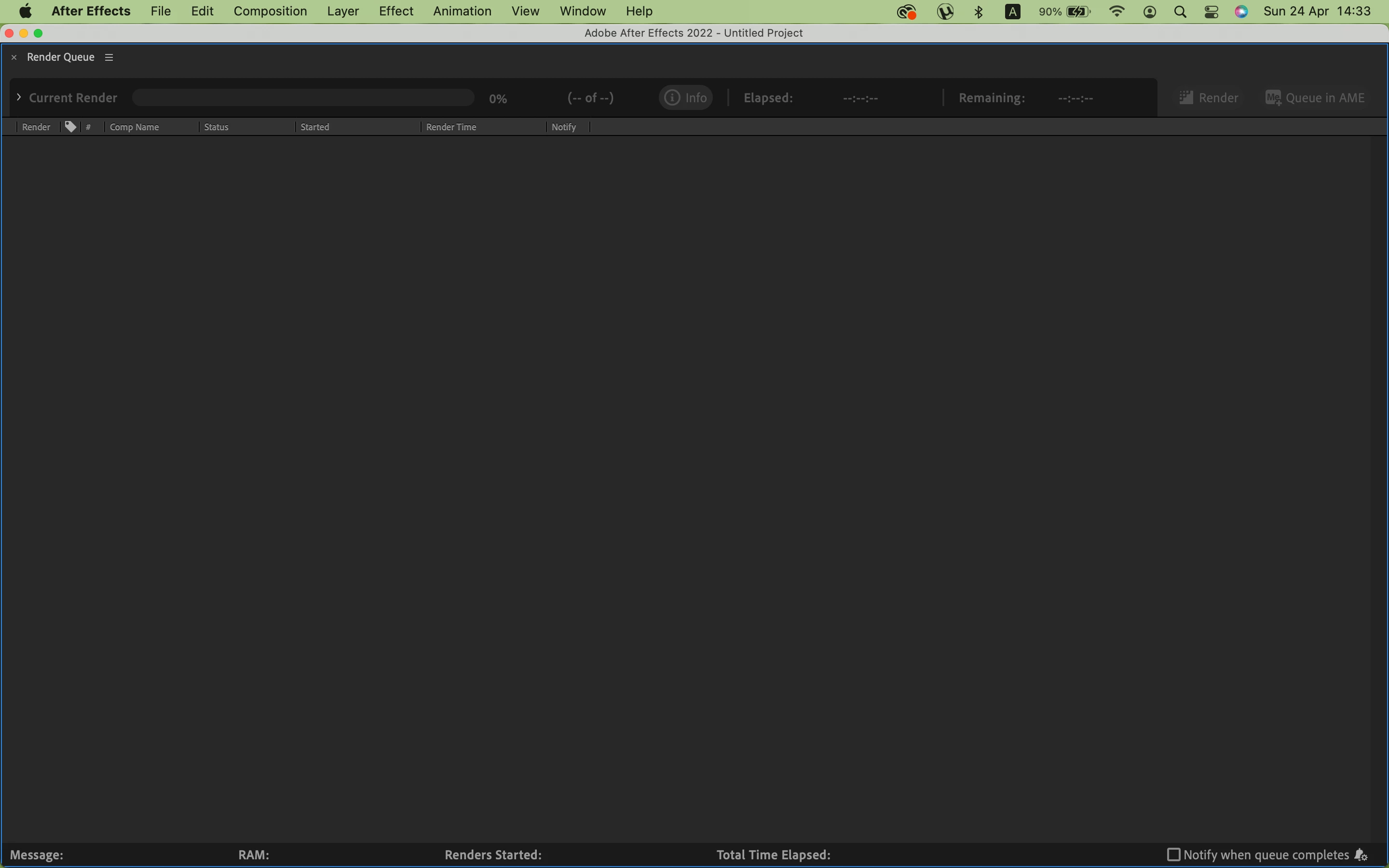

i opened AE and this screen popped up. I've never seen this screen ever before, how can I have a normal editing screen again?
doesn't change... I shut down my laptop and opened again but it was still same
Then try to delete the After Effects preferences file. Close AE, hold COMMAND+OPTION+SHIFT as soon as you open AE (when you open the application, not before launching). You will be prompted to delete the preferences file. Click OK and try to use the software again.
Already have an account? Login
Enter your E-mail address. We'll send you an e-mail with instructions to reset your password.
 AdChoices