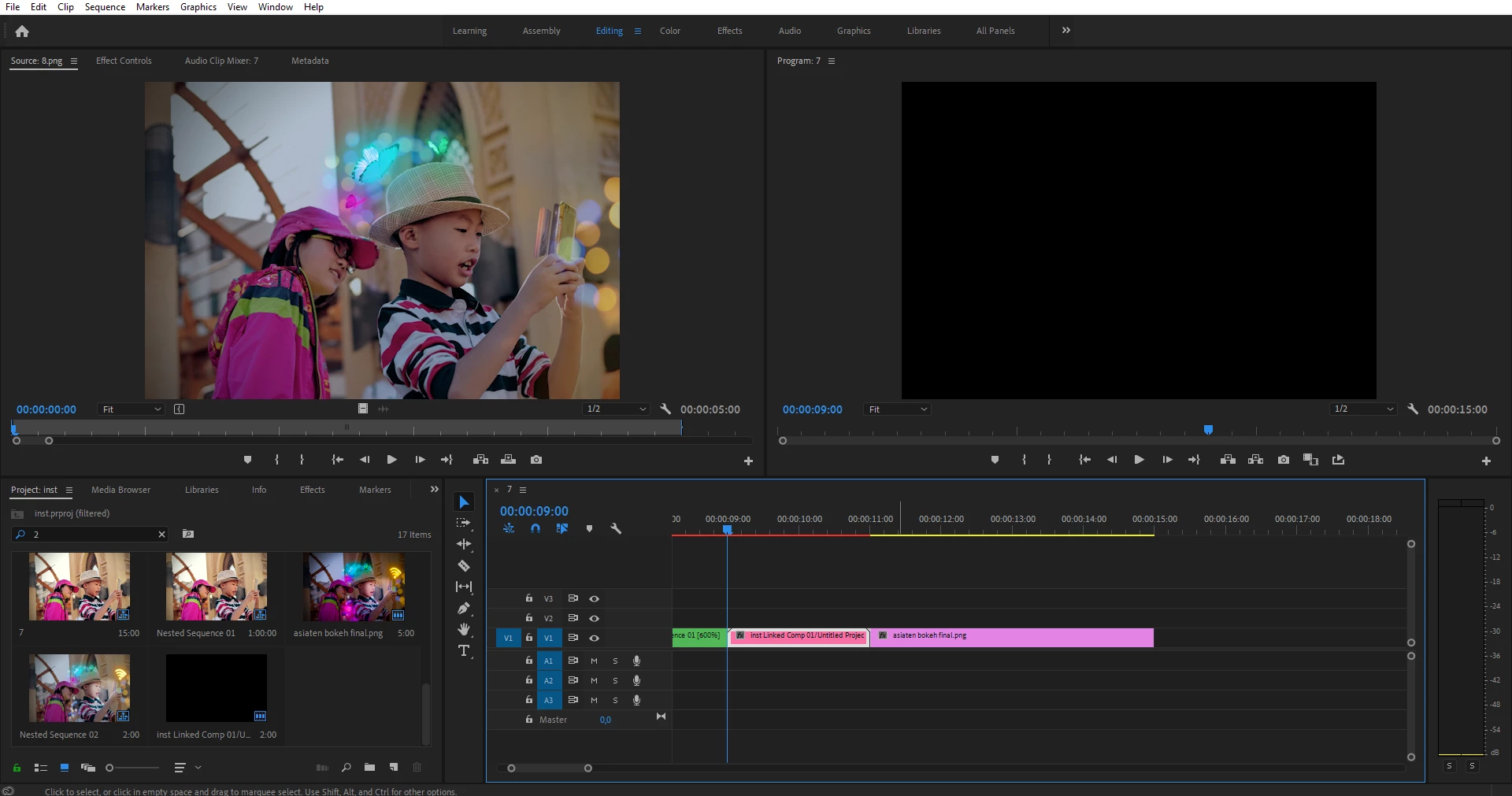
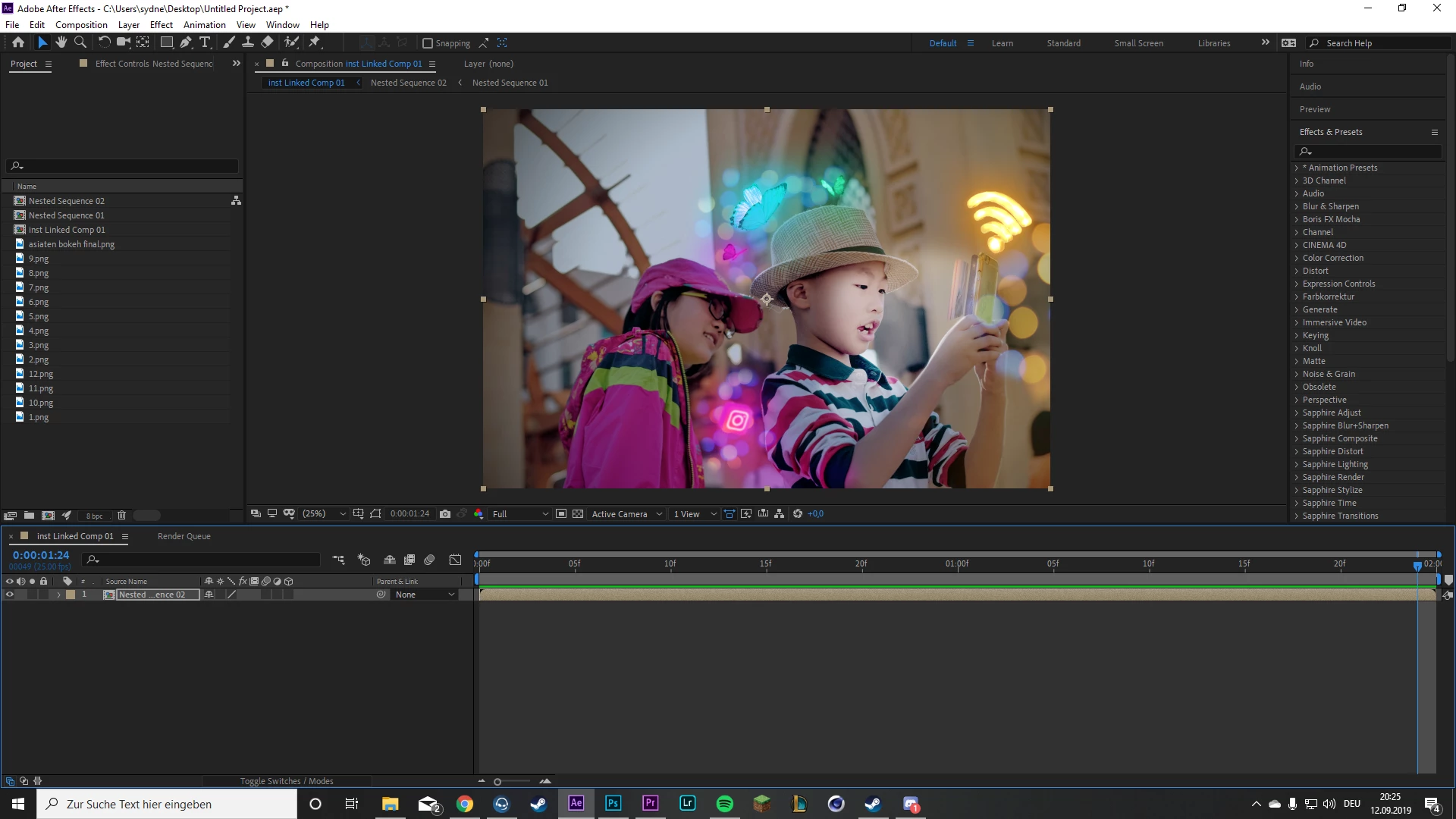
From what I can see in the screenshot from Premiere Pro, you only selected one jpg image. I could be wrong. In the AE timeline, it looks like you created a comp from the linked comp instead of opening the composition created by Dynamic Link. Open up the nested composition and see what is inside it.
I also do not have a clear understanding of your entire workflow. You have a bunch of JPG images in the AE project and no real explanation of what was in the Premiere Pro sequence before you created a comp from selected. This makes me wonder if you have looked at the user guide or any decent tutorials on using Dynamic Link.
The proper workflow is to select one or two clips in a Premiere Pro sequence, right-click and choose Replace with After Effects Composition, save the new AEP that is created and then make sure the composition that was created is open. If there are nested comps inside the main comp created from the PPro sequence, you need to open those comps up and see with is inside them.
I hope this helps. We really need more info and a more complete workflow description to be of much help.

 AdChoices