
Participant
November 4, 2019
Question

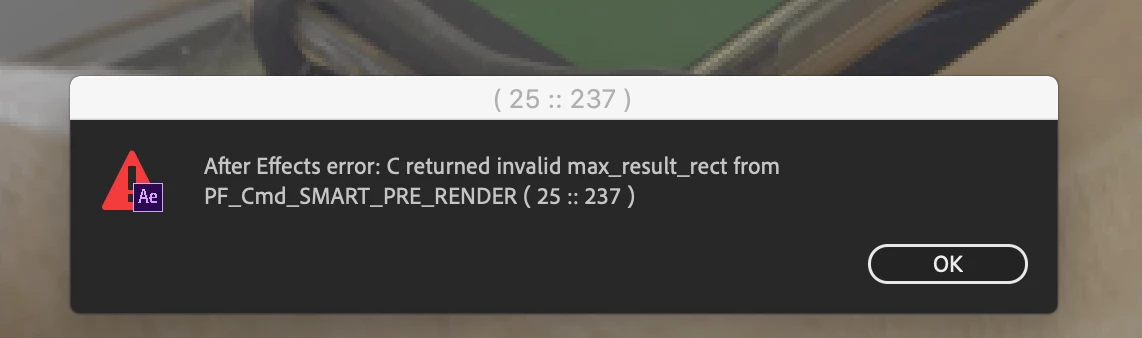
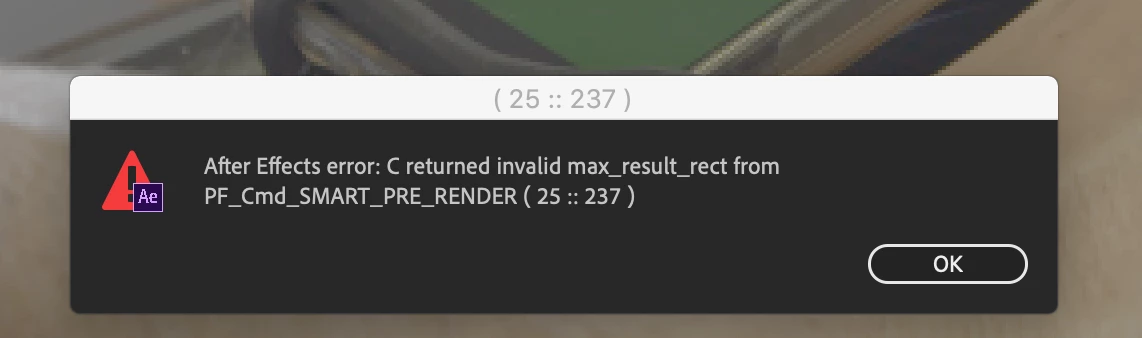
returned invalid max_result_rect
  • November 4, 2019
  • 2 replies
  • 13839 views

Hi all,
I have just today started getting this dreaded error, i am doing a colour key and motion tracking in 32bpc
I have two video layers, one with a rec709 LUT and keylight applied to create a matte and set to invisible, 
and duplicate layer underneath using the above as an aplha which is visible.

beneath that i have the tracked image with a curves to bring down the brightness
i also have 2 adjustment layers above everything one with a blur and another with hue and Sat
have been working on this for 2 plus days without any errors, just when i come to export today the error appeared!!
typical.
thanks for your help
 

This topic has been closed for replies.

2 replies

Whisky Content
Participant
August 19, 2021

Hi friends!

The same thing happened to me, I have a composition with video footage and motion graphics, 2min and the render stops with that error (PF_CMD_SMART_PRERENDER), and my solution was to simply turn off the Plugin (Video Copilot Twitch) and render perfect

Mylenium
Legend
November 4, 2019

Start by checking your hardware acceleration options and disable them selectively. You likely are simply exhausting resources - several of your effects use GPU features as does H.264 encoding via AME for instance. Also, since the big pile of manure that is Keylight is is involved, you might consider pre-rendering this particular layer. The effect is a buggy mess and a memory hog and can easily bomb any render.


Mylenium

Participant
November 4, 2019

cool thanks for your reply,
is there a particular software youd reccomend instead of keylight?


Known Participant
September 18, 2020

It definitely is..
Try composite brush from Chris Vranos. It offers much more than just keying..
https://aescripts.com/composite-brush/