Participating Frequently
May 19, 2022
Question

Roto Brush Refine Edge „slides" clockwise

  • May 19, 2022
  • 1 reply
  • 159 views

I'm in the process of rotosoping people shot on a white background in After Effects using Roto Brush and Refine Edge.


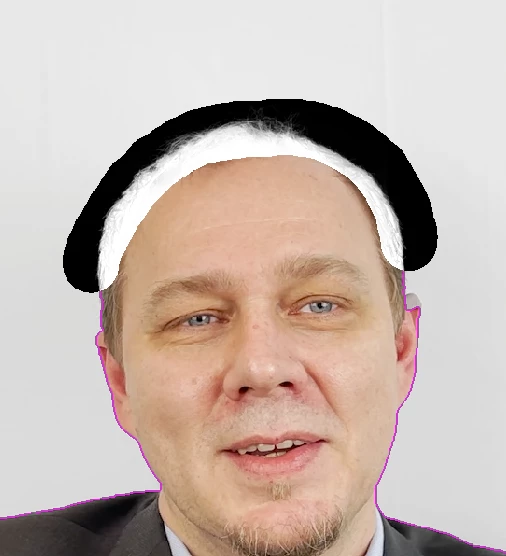
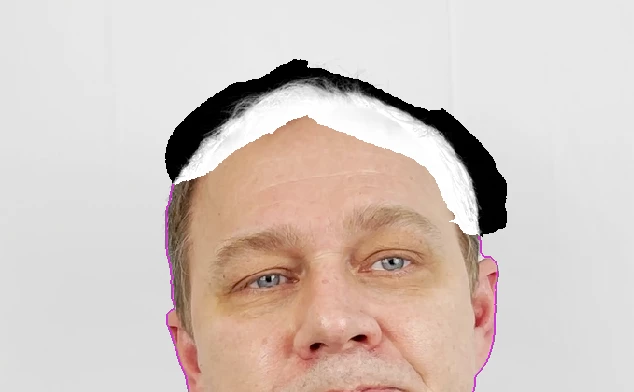
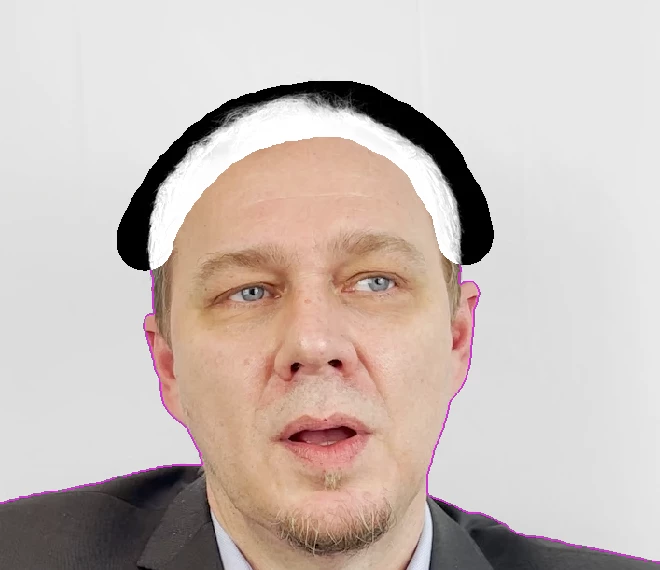
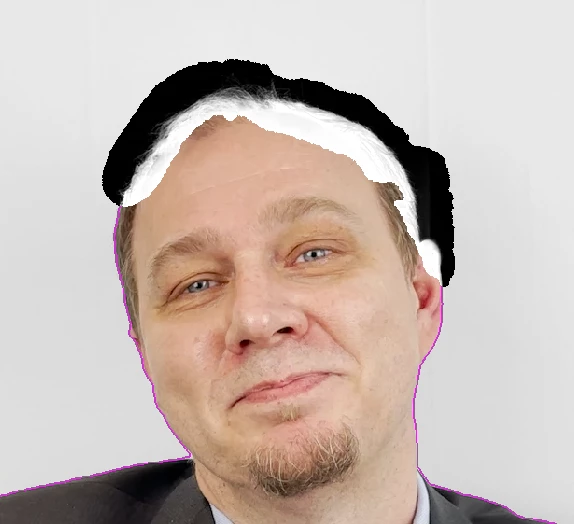
It happens again and again that the head/haur silhouette defined with Refine Edge slides clockwise to the right as the clips progress, this phenomenon occurs basically on all shots I'm working on, forcing me to readjust the Edge x times for 1 clip although people are mostly stationary.

Examples attached: start & end


This topic has been closed for replies.

1 reply

Roland Kahlenberg
Legend
May 19, 2022

You'll likely get a better matte using Luma Matte Generation/Extraction techniques with the Levels effect.
1) View the shot's individual color channels individually to detect the color channel with the most contrast between the foreground and background. 
2) Apply the Shift Channels effect and set the Take Alpha From parameter to the color channel determined in the previous step
3) Apply the Levels (Individual Controls) Effect  and set the Channel parameter to Alpha
4) In the Alpha section, adjust Alpha Input Black & Input White to obtain a good matte. 
If there are areas within the foreground boundary that is getting exposed with the adjustments made in Step 4, use a Mask to recover the area. 
HTH

Very Advanced After Effects Training | Adaptive & Responsive Toolkits | Intelligent Design Assets (IDAs) | MoGraph Design System DEV