


Participant
Jul 20, 2021 8:24 AM UTC
Question

Roto Brush rendering taking far to long

Hi,

My Roto Brush rendering is taking forever, I have a 50 second clip and it is taking over 2 hours to render.

Previously this type of job is done in a few minutes.


Can anyone suggest what I need to do to make the rendering run faster?


Thanks
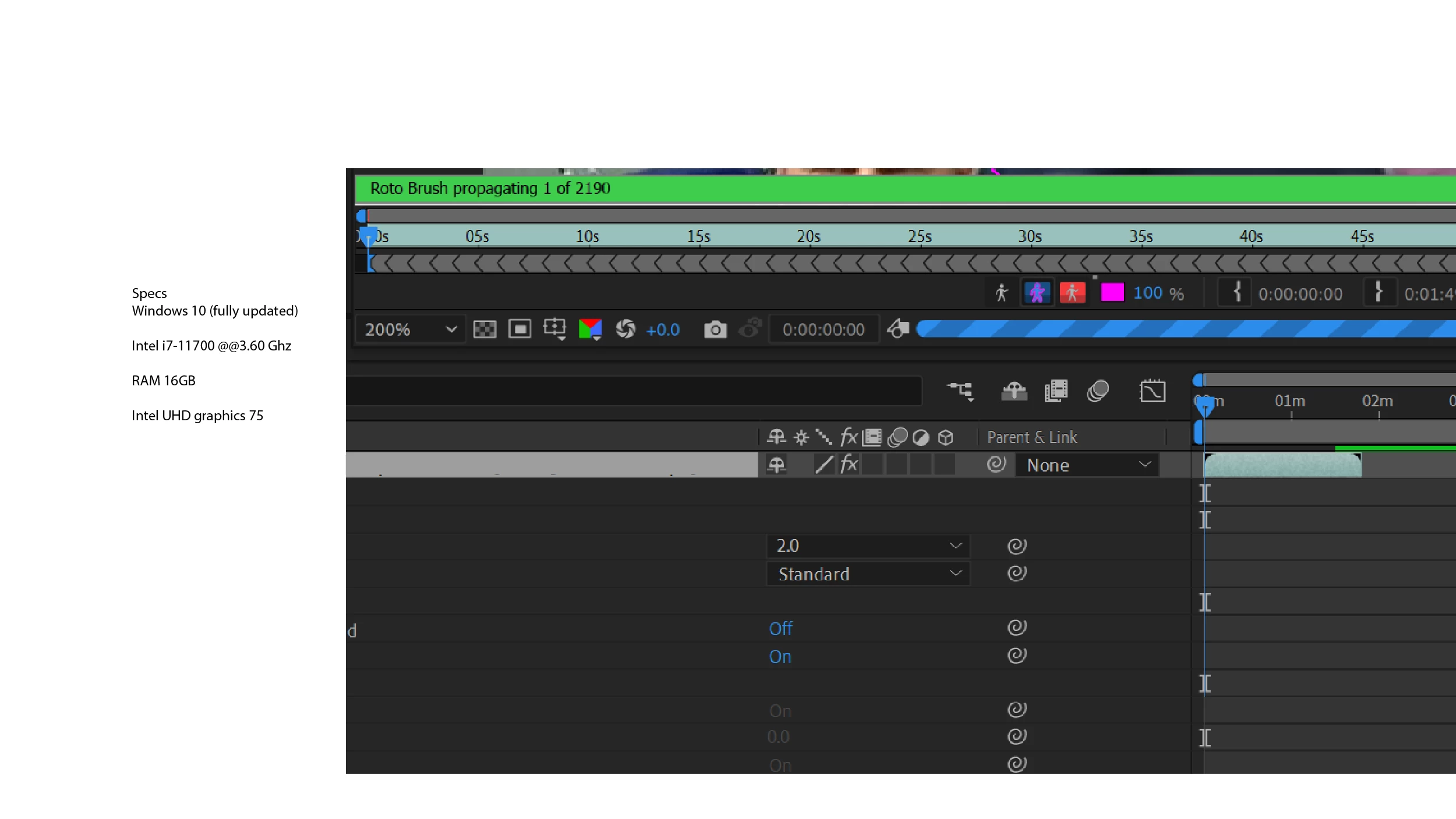
 

Windows 10 (fully updated)

Intel i7-11700 @@3.60 Ghz

RAM 16GB

Intel UHD graphics 75

9 replies

Participant
Aug 26, 2025 3:56 PM UTC

5 years late but I just faced the same problem and I fixed it by freezing (with snowflake icon beside it)  the roto after brushing the area that I wanted. It will reduce the render time and you can export it normally.

Translate
Participant
Oct 9, 2025 3:42 PM UTC

extremely helpful! 

Translate
Chuang NaiChen
Participant
Jul 4, 2024 8:01 AM UTC

Are you using Media Encoder to render?
I had a 7-second clip that took 6 hours to render with Media Encoder. However, the same clip only took about ten minutes to render in After Effects."

Translate
Participant
Apr 26, 2024 9:54 AM UTC

Mine is taking 5 hours for a 10 second clip. I had my cache files checked and cleaned and changed my bitrate to a lower setting about 10MBPS. 

Translate
Participant
Jun 24, 2024 5:34 PM UTC

Same, I've already tried restarting the pc and it's now at 1h 50min in rendering and the remaining is only getting higher for 10 second clip:Dd

Translate
Community Expert
Jul 20, 2021 5:32 PM UTC

There is also nothing preventing you from splitting up the layer you are trying to roto. If Rotobrush takes longer than a couple of minutes to propagate and to speed up my work in general, I will use Shift + Ctrl/Cmnd + D to split the longer layer into sections that are only a few seconds long, run rotobrush on each of the layers, freeze rotobrush, then pre-compose the entire stack of layers and use that as a track matte. 


I also strongly recommend that you use the Composition/Prerender menu to render and replace your Rotobrush layer if the shot is at all complicated. Then you can remove the rotobrush comp's from the project, greatly reducing the file size and at the same time, improving rendering efficiency and reliability.

Translate
Mylenium
Legend
Jul 20, 2021 2:16 PM UTC

For most people it works in 18.0 and 18.1, but a lot of them report issues in any 18.2.x, so you may indeed need to go back to the original base version from last year.


Mylenium

Translate
Mylenium
Legend
Jul 20, 2021 8:43 AM UTC

It's apparently extremely buggy in the latest versions, so you may want to consider going back to an older version.


Mylenium

Translate
Harry5C37Author
Participant
Jul 20, 2021 12:08 PM UTC

Thanks for replying, I had not thought of that.

Do you know if this is limited to just the 18.2.1 release and reverting back to 18.2 is the recommendation?


Regards 

Translate