
Participating Frequently
July 16, 2021
Answered

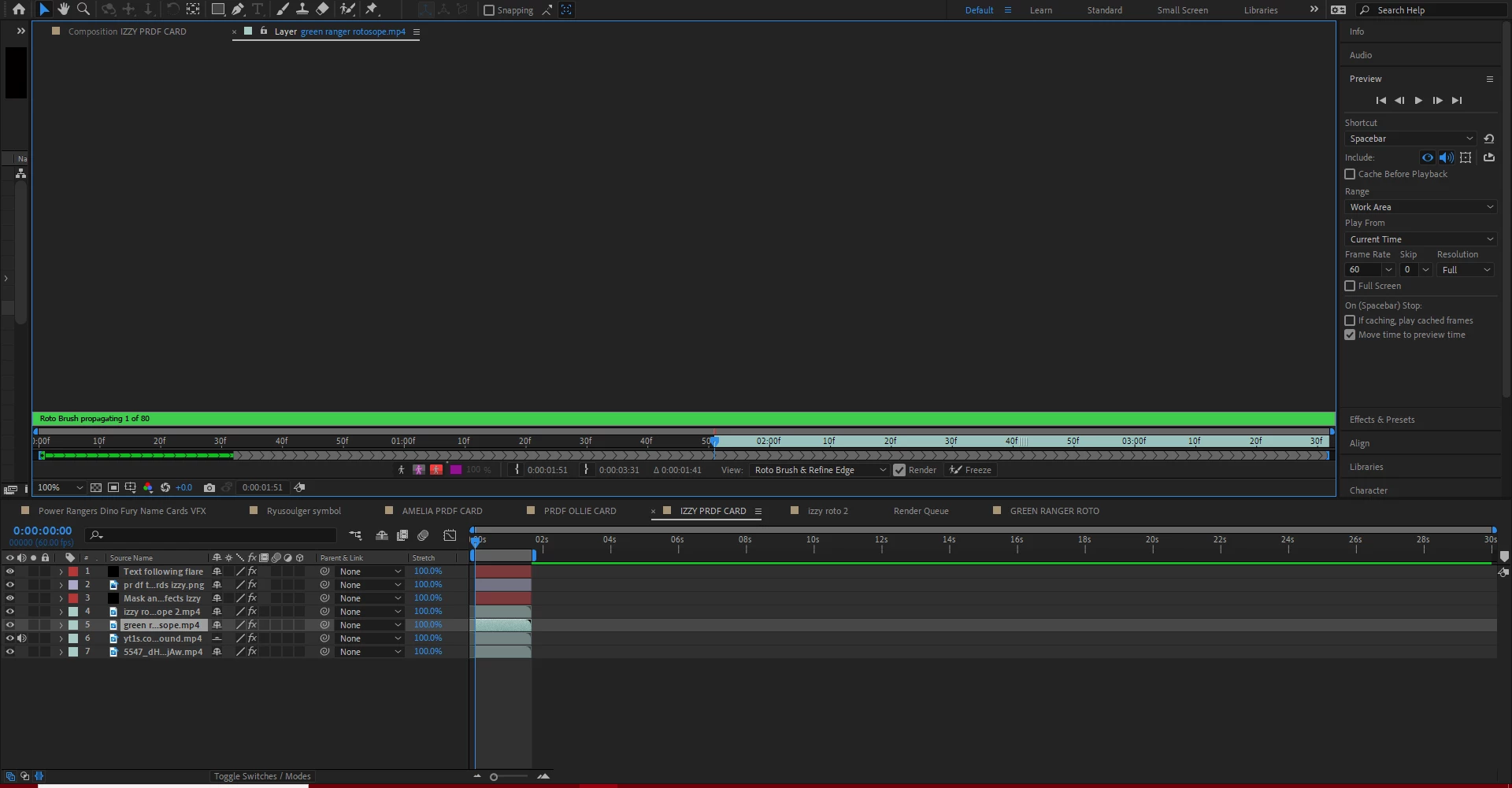
Roto brush taking too long to propagate and freeze a 1/5 second clip

  • July 16, 2021
  • 2 replies
  • 4199 views

Hello. I've been having this issue many times when trying to freeze and propagate a finished roto brushed layer in a composition.


It takes up to 8h to finish and it constantly gets stuck and lags on every percent and it annoys me.

It wastes me so much time and i don't know how to fix it. Also the preview window completely went gray when propagating the layer and i can't see it. Propagating is very slow and it takes about 20-30 minutes to propagate a single frame and that can take ages to finish it all so if anyone knows a solution for this and how to possibly make it faster, please let me know!


Thanks in advance!
 

Correct answer Jordan Clay

roll back your AE version to 18.1 this fixed my roto issues same ones youre having. i couldnt do any roto without freeze.

2 replies

Participant
October 30, 2021

Same here, it's going to take me 1 day to render 44s of rotobrushing. Looking for tutorials to improve workflow and reduce time. My computer is not that bad at all. It's a 2020 Dell XPS 8930 16gb. What's some advice or workflow that helps reduce time when freezing roto? Thank you!

Jordan ClayCorrect answer
Inspiring
July 16, 2021

roll back your AE version to 18.1 this fixed my roto issues same ones youre having. i couldnt do any roto without freeze.

Participating Frequently
July 16, 2021

Thank you! I'm gonna try it. Does the 18.1 version of After Effects have the Rotobrush 2.0 and can i import the project file from the version i'm cureently using? I'm using the 2021 version and i wonder if that will work.


Inspiring
July 21, 2021

Yeah 18.1 has roto 2.0 and best quality. Not sure if you can import from other project try it out and let us know so we can spread the word!