momink24757805
Participant
October 17, 2019
Question

Roto Brush Tool Section is not showing

  • October 17, 2019
  • 7 replies
  • 22894 views

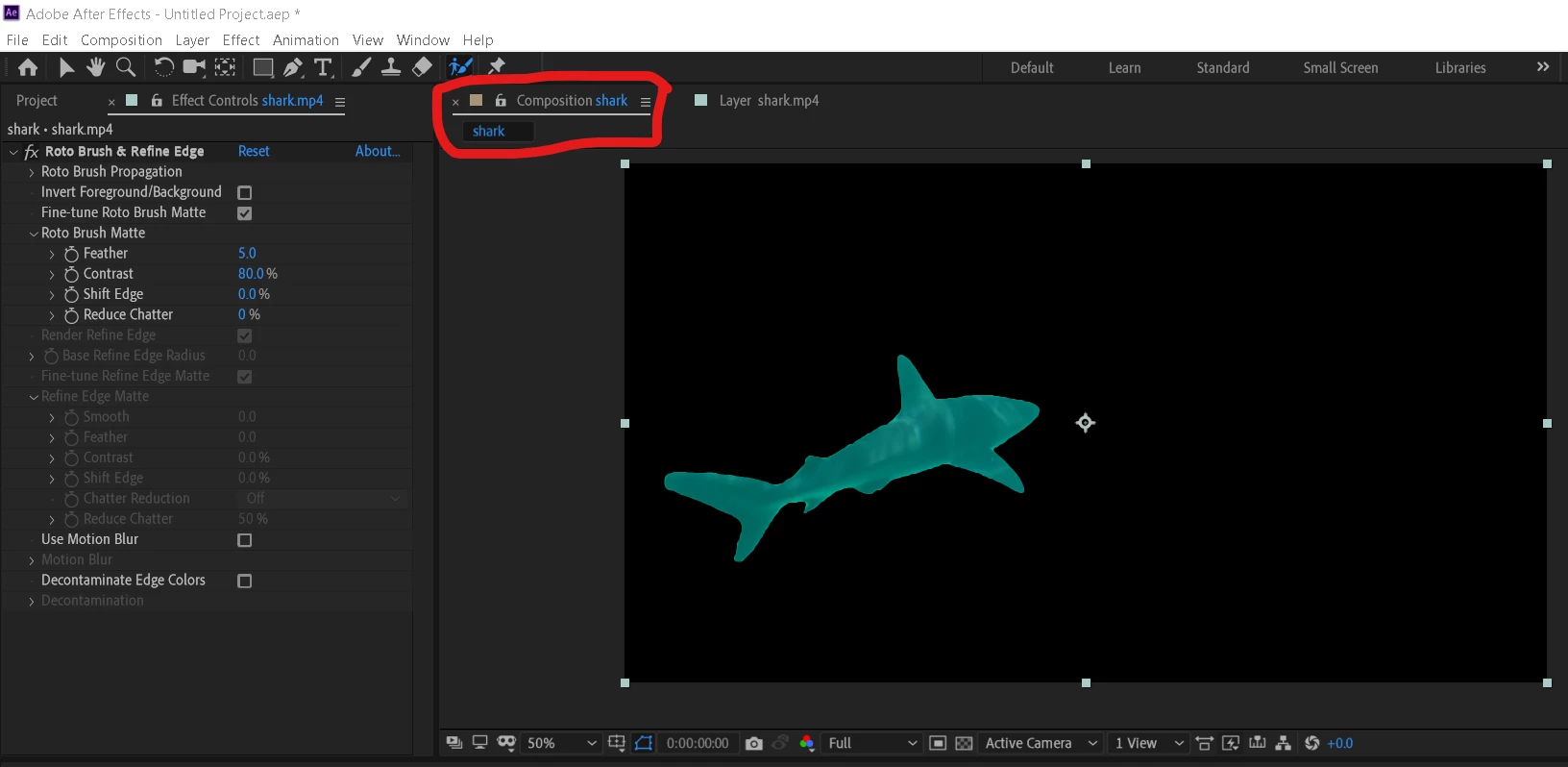
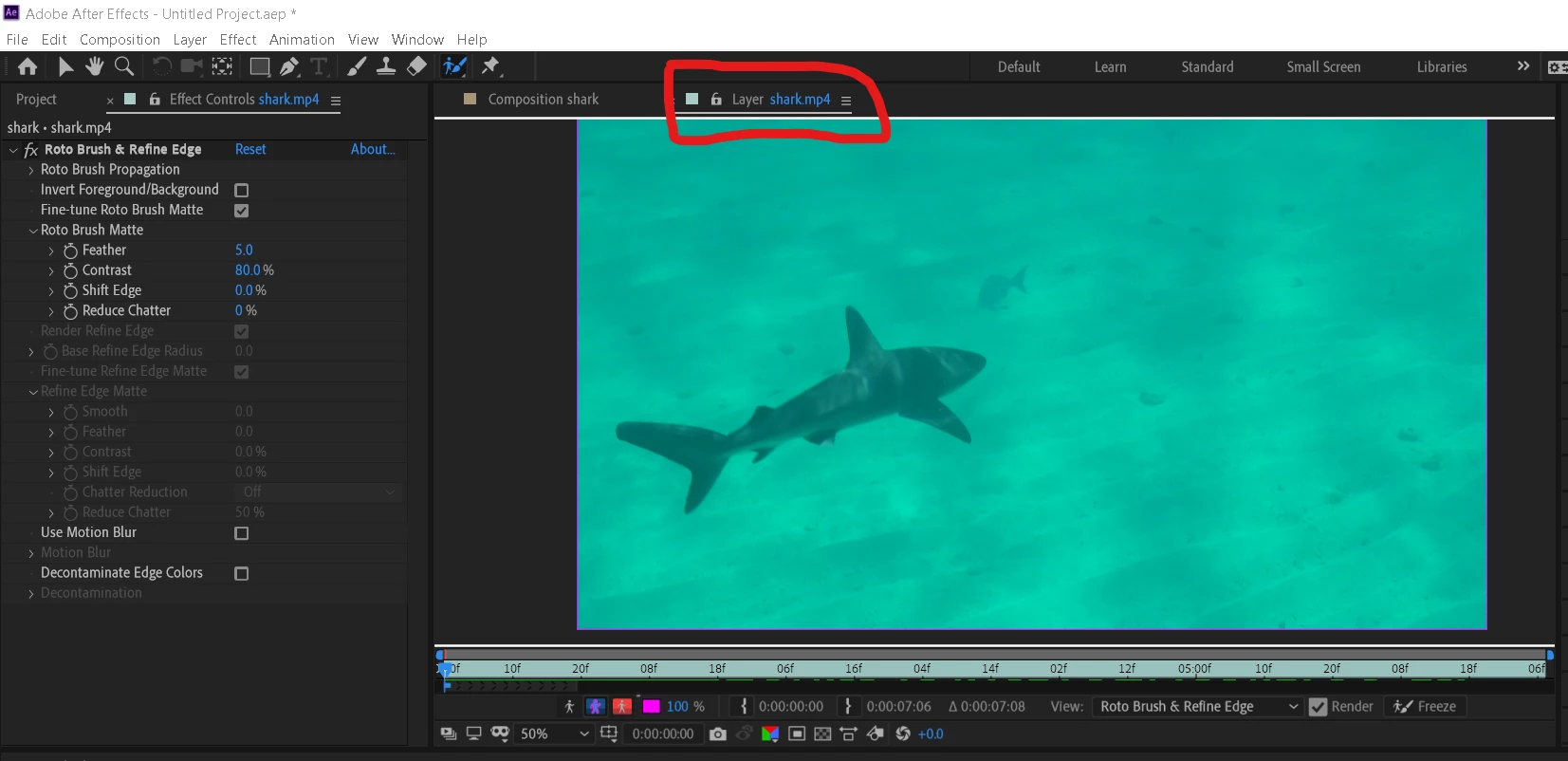
Hey group !! need help from experts. I'm using after effects CC 2019 and when I use roto Brush tool it's not showing selctions lines which I selected but roto do his work and display result in real time playback windows but not showing any lines of selction in composition playback of that particular windows and also I wanna add that when I'm pressing roto brush to select object as long as I clicked I can see the selection lines but when I release mouse button the lines disapears 
    7 replies

    Participant
    April 18, 2024

    I try it all the solutions commented but none worked, if anyone have the same problem in 2024 (24.3.0 version), just restart the computer and it's done! 

    Participant
    January 31, 2023

    Try switching between these toggle... Maybe this might help? 🙂

    Participant
    November 1, 2023

    Yes, yes. This is correct!


    Participant
    July 8, 2022

    This seemed to work for me:
    1. Turn off the "Roto Brush & Refine Edge" fx toggle in the Effect Controls panel of the layer you're rotoscoping.

    2. With the "Roto Brush Tool" selected, click and drag on the layer. (A new instance of "Roto Brush & Refine Edge" will appear in the Effect Controls panel) - The pink selection line appears again.

    3. Undo/Delete the new effect.

    4. Turn on the previous "Roto" effect. - The pink selection line should appear again.

    germaini53003210
    Participant
    July 21, 2022

    This works

    israel_dehesa
    Participant
    May 27, 2022

    I solve the same problem by:

    1. Exporting the original video in Premiere as a new video vlip, using the same framerate and size as in the end sequence were I am going to keep working.

    2. Importing the new video again in the timeline.

    3. I opened the clip again in my Premiere sequence and the I substitude it as an After Effects Composition (Right click on the clip in the timeline, and then look into the options in the menu).


    It seems that the video clip giving me a hard time had some problems with the frame rate ore some missing frames.

    israel_dehesa
    Participant
    May 26, 2022

    I solve the same problem by 1. exporting the original video in Premiere ass a new VideoClip. 2. Reimporting the Video in the Timeline 3. I opened the clip again as a After Effects Composition (Right Click on the clip in the Timeline, and look then the options). It seems that the Clip had some problem with the FrameRate ore some missing Frames.

    James Landy
    Inspiring
    October 23, 2020

    What you're encountering appears to be a bug.  A couple of suggestions.
    1. Try changing toggle settings (switch between alpha, alpha boundary, etc.).  That might force a redraw of the layer viewer to correctly display your line segmentation.
    2. Try moving the CTI to a new frame within the span.  

    We just this week released to the public a new version of AE (17.5) that includes Roto Brush 2.  It’s a major overhaul to the rotoscoping experience in AE, includes many bug fixes, UI improvements, and has faster and better segmentation results. 

    For reference, here’s a link to the most up to date help file on Roto Brush and Refine Matte workflow:
    https://helpx.adobe.com/in/after-effects/using/roto-brush-refine-matte.html

    Thanks


    Participant
    October 26, 2020

    Hello,

    Thank you for your help, ok it's a bit reassuring to know it may be just a bug; OK I'll try version 2 of the funcionality when I can.


    Regards,

    JP

    Participant
    March 30, 2020

    Had you been able to solve it?? I'm having the exact same problem which renders the rotobrush almost unusable. There's no answers from this in any part. If adobe continue having this bugs I'll end up moving to other softwares

    Participant
    October 23, 2020

    Hey,


    Having the same issue here, tried fixing it for hours, been skimming forums and videos with no solution except for this forum post that seems to be the only one evoquing the issue specificly.


    I'm running AE CC2019 version 16.1.3, the issue appears on several computers running on different hardware. However I'm not having the issue on CC2018, which is good news I guess.


    Hope it helps.


    Regards,

    JP