

Question
ROTO BRUSH TOOL Stopped working after AE crashed
My AE crashed while I was using the Roto brush tool. Now it's not working at all.
When I select the roto brush tool, the roto (circle) curser doesn't show, it stays as a mouse pointer and acts as a selection tool as though it doesn't recognize that the roto brush tool has been selected.
When I try to draw, it selects the video instead. My computer has plenty of storage/ ram. I restarted my computer, uninstalled/ reinstalled AE etc. and I still have the same problem.
I can't find anyone else having this issue.
PLEASE HELP!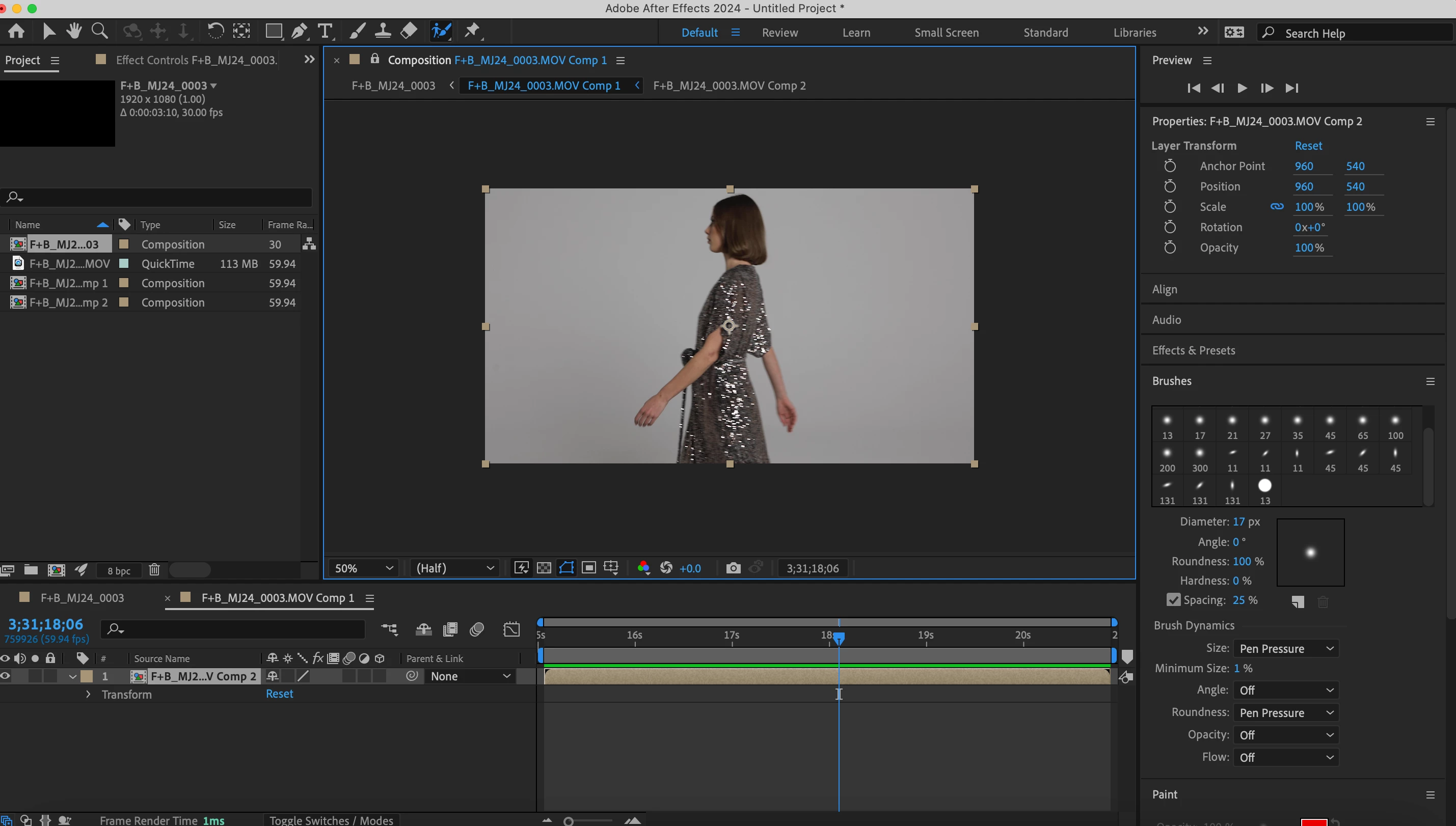


 AdChoices