
Rotoscope wont export properly on 4k footage composition
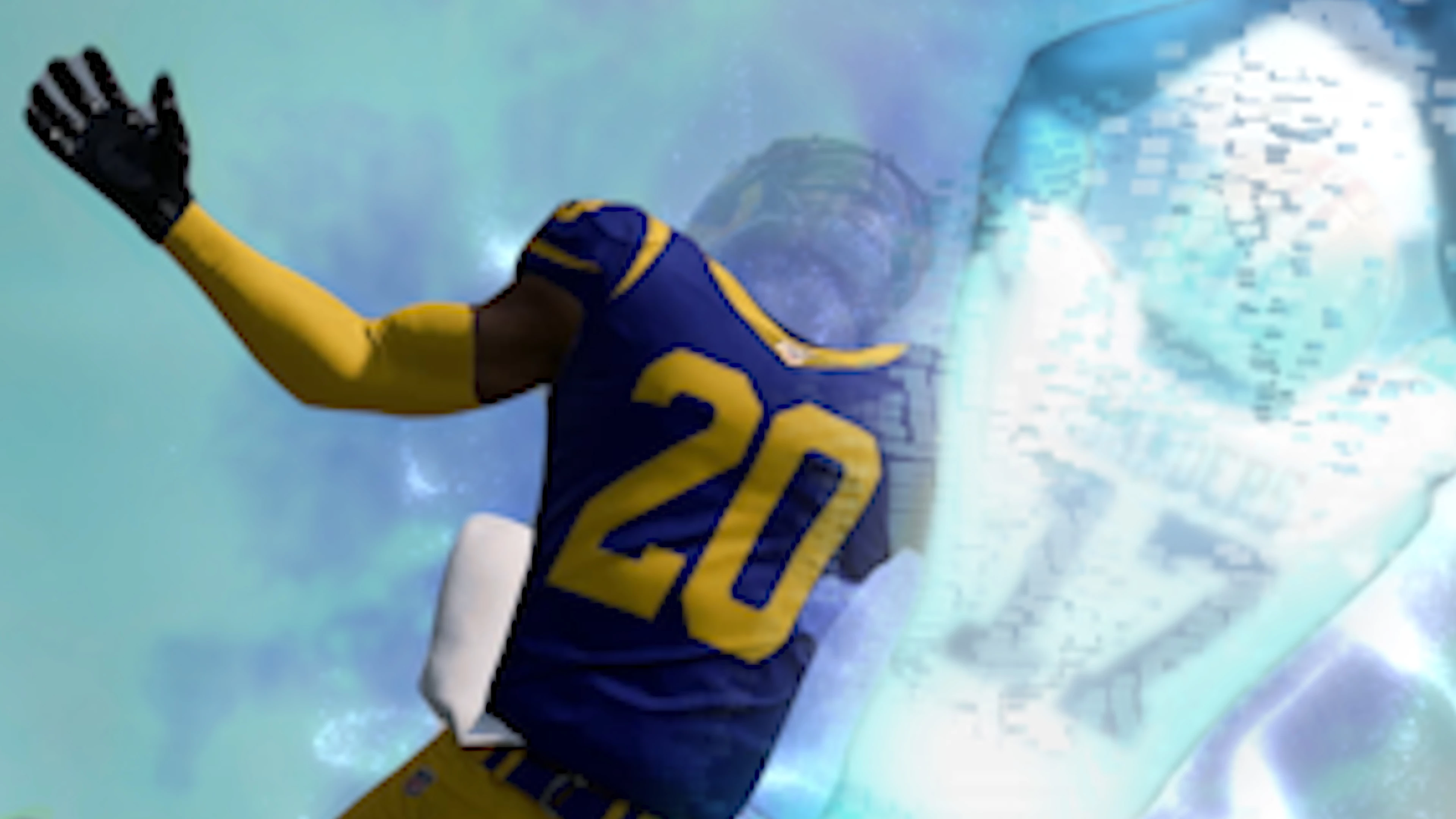
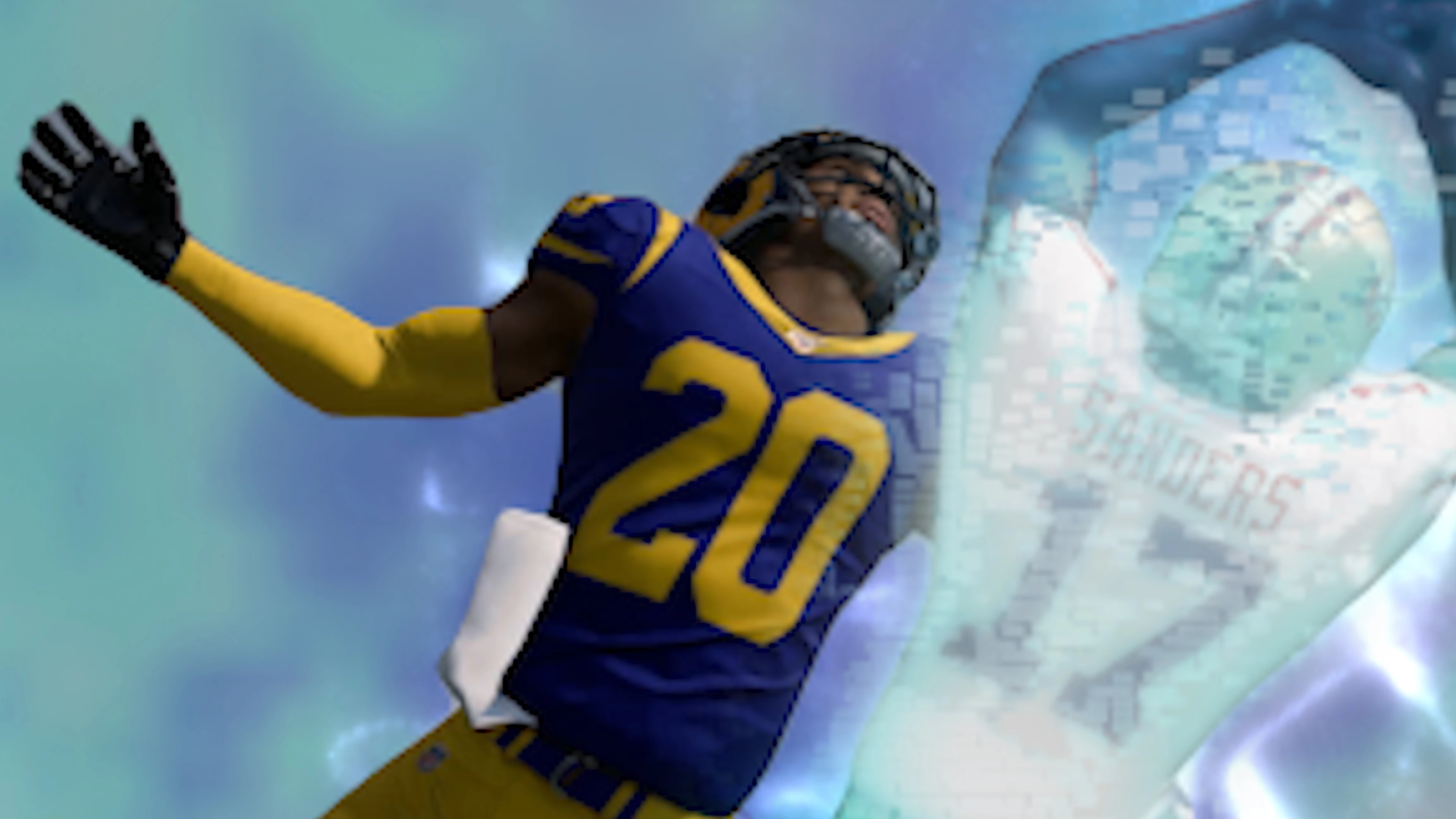
I created an AE composition with lots of layers and used a couple rotoscopes. The preview of my video in AE looks perfect, its just the way I want it. However when I export the footage my rotoscope glitches out and looses the correct path (see attached images). Stayed on the line with adobe support for over two hours and they couldnt figure out what was wrong.
I create complex compositions like this every day, usually using the rotobrush tool and never have an issue. The only variable with this project is that I am using 4k footage. My PC is custom build w/ core i9 and 32gb of ram so it shouldnt be a hardware issue. I tried using multiple export settings and came out with the same results. Anyone else run into this issue? Or have any idea on how I can get around it?
Fyi : The screenshot of the player with a proper rotoscope around his body is from my AE preview view, the screenshot where the rotoscope cuts is head off is how it looks after exporting.


 AdChoices