
Question
Rotoscoping mask is still there, but no longer visible. How can I see its outline again?
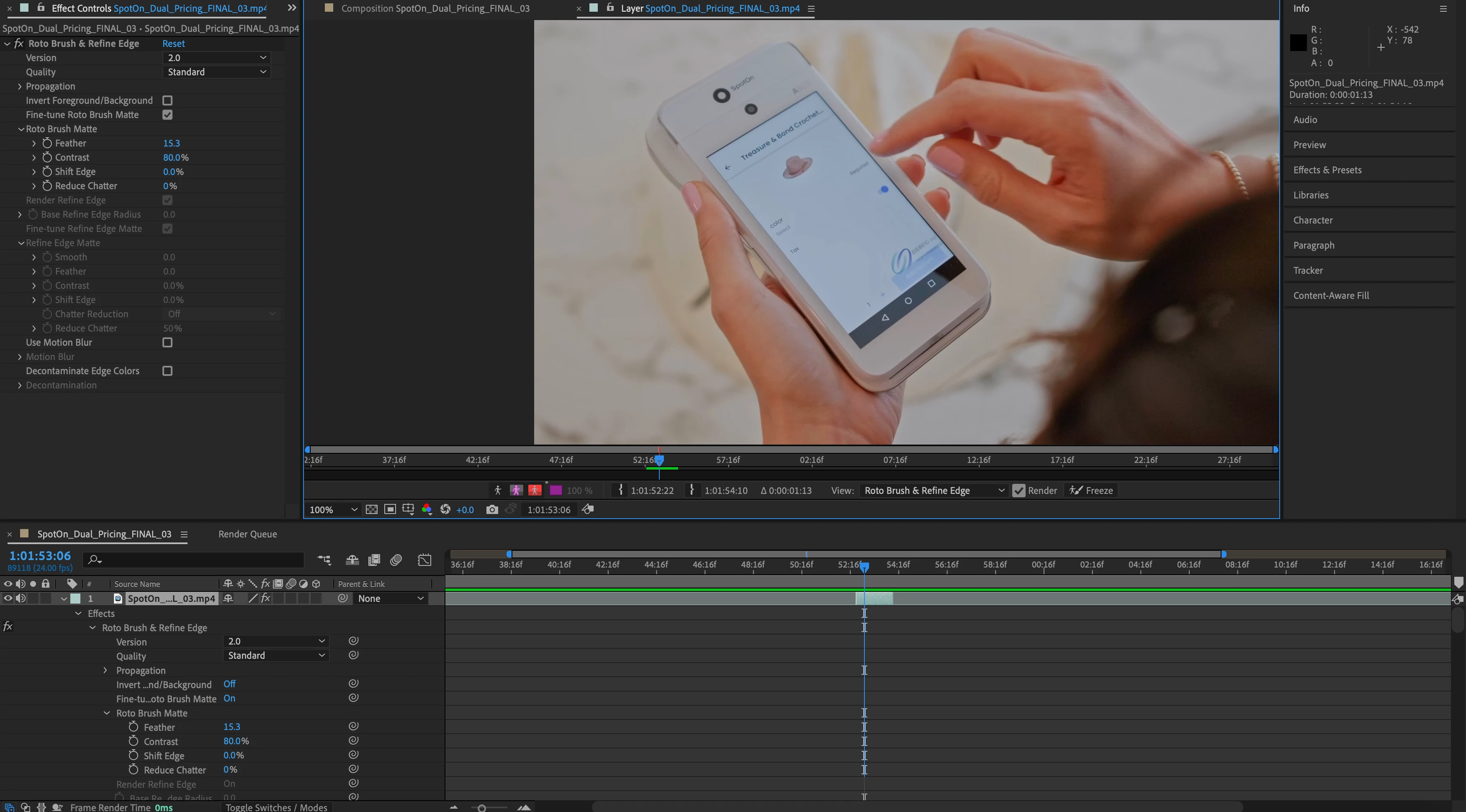
I created a rotoscope of a hand so I could replace the image below it. Once I finished, I tracked a new layer underneeth it to put the new screen on. It all went well, except now that the new screen was there, I realized I could clean up the rotoscope mask in a few frames. I clicked on the composition and then the layer, but the rotoscope's mask was no longer outlined. The mask is still there doing its job, but the outline isn't. I've tried switching the view to "Roto brush & Refined Edge" and making sure the "Toggle Mask and Shape Path Visibility" is on. I still can't see it. Apologizes if this is a simple solution, but I'd appreciate any help!
 AdChoices