Participant
August 16, 2020
Question

Rough edge from Time Displacement effect

  • August 16, 2020
  • 2 replies
  • 507 views

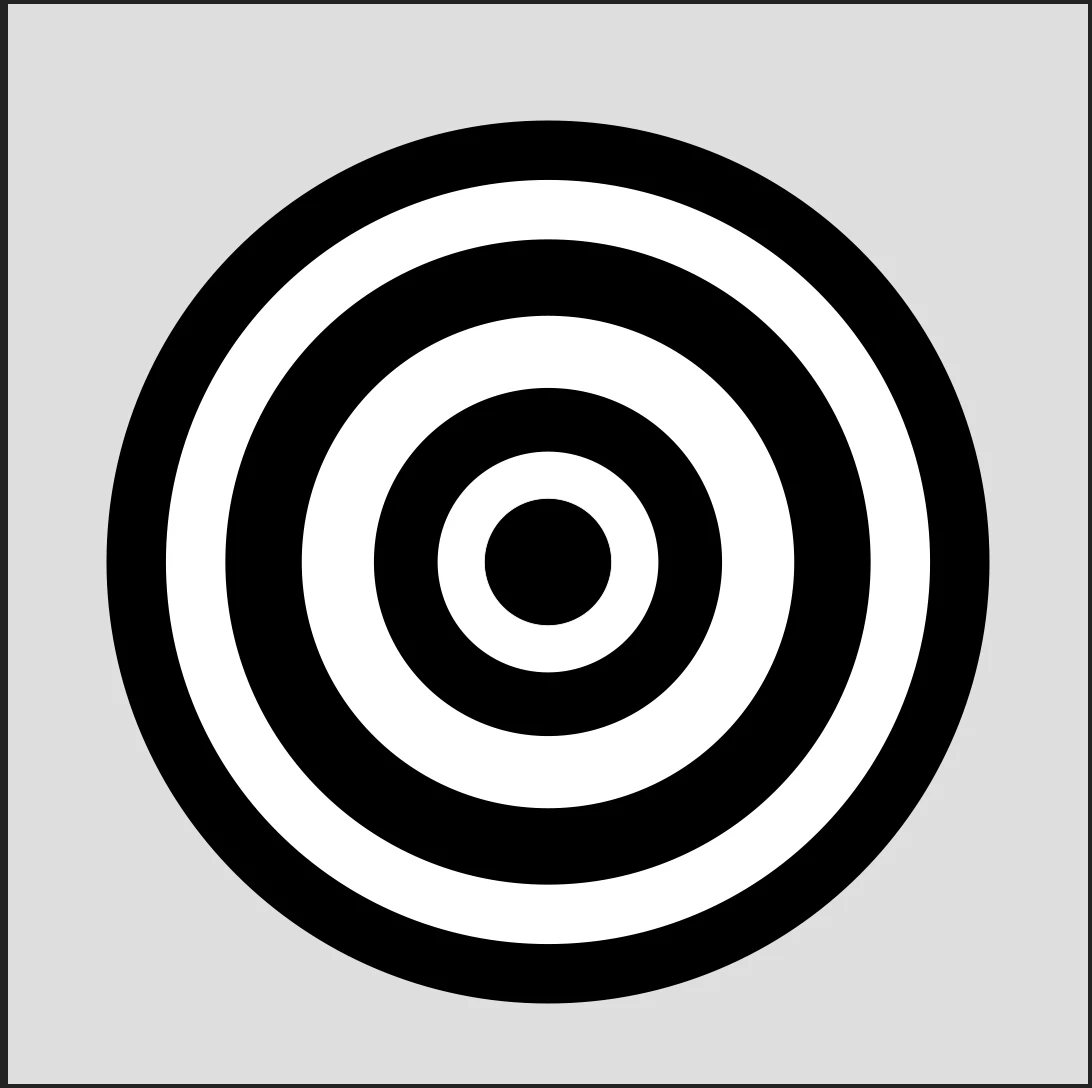
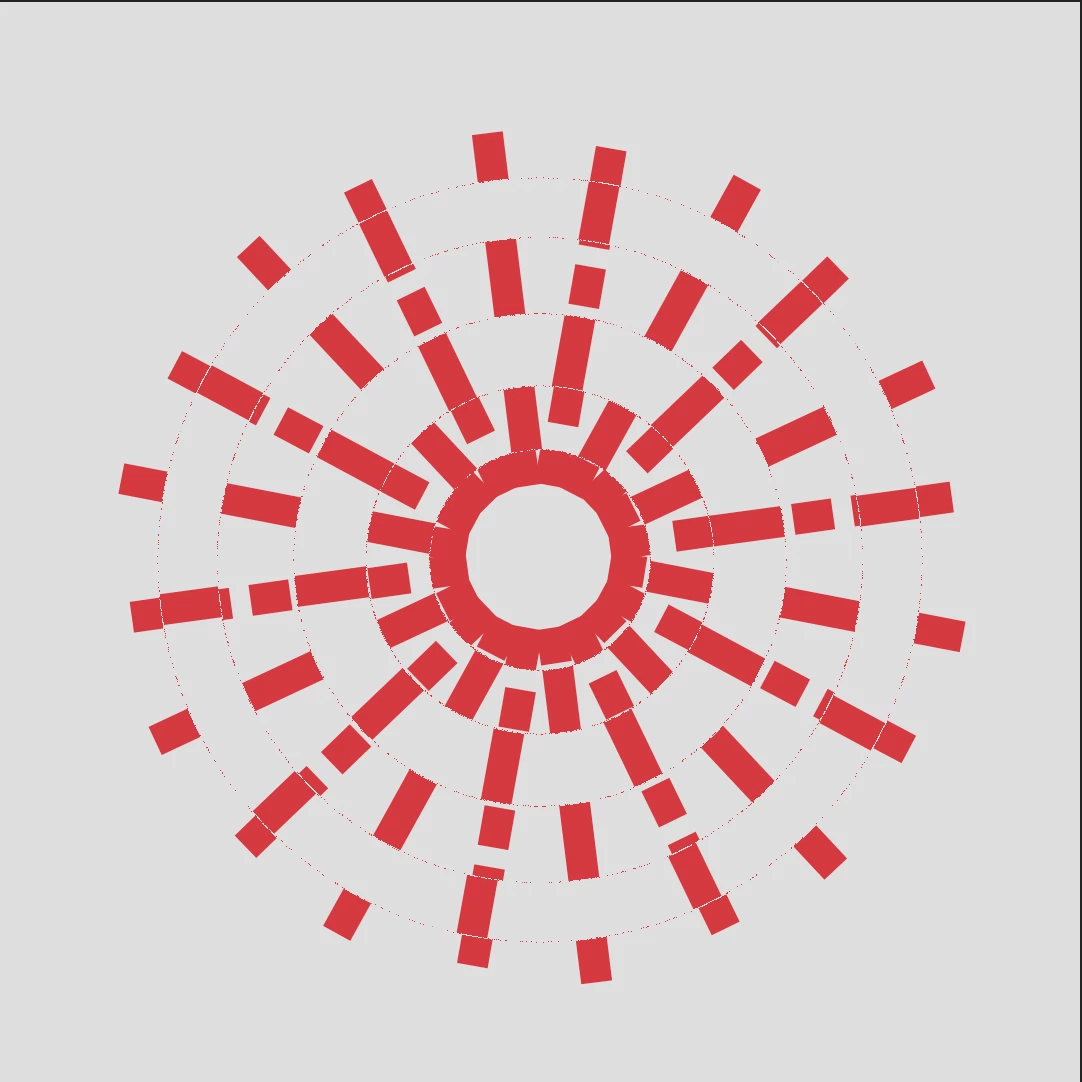
I have created a simple circle line animation using the repeater and trim paths functions and want to use a time displacement effect to make some of it animation at different times. I created a shape to act as source to displace the animation, using the shape tool to have different concentric circles, alternating in black and white (each concentric circle is its own shape layer, all contained within the same pre-comp). However when I apply the Time displacement effect to the animation I am left with these strange rough edges in the animation, showing the outline of the time displacement source. How do I create up my animation and get rid of these strange rough lines?

My animation comp is in Full Resolution, Adaptive Resolution and in 16bpc.
 

This topic has been closed for replies.

2 replies

Tom5FF1Author
Participant
August 17, 2020

Thanks Rick, this all makes more sense now. Can definitely see what cool effects can be made in this way. What would I have to do make my animation super clean and not warp it with the time displacement effect? Going for a clean look like this for my animation, using the time dispacement effect: 


Community Expert
August 16, 2020

You are getting sharp edges because time displacement works on luminance values. White moves one direction in time, black moves the other. The lines are caused by the time resolution and the antialiasing between the black and white rings. Add a little Gaussian blur to the displacement source and increase the time resolution. Here are a couple of examples.

Make note of the Gaussian Blur settings and the time displacement settings.