6 replies

Participant
Jul 10, 2024 1:14 AM UTC

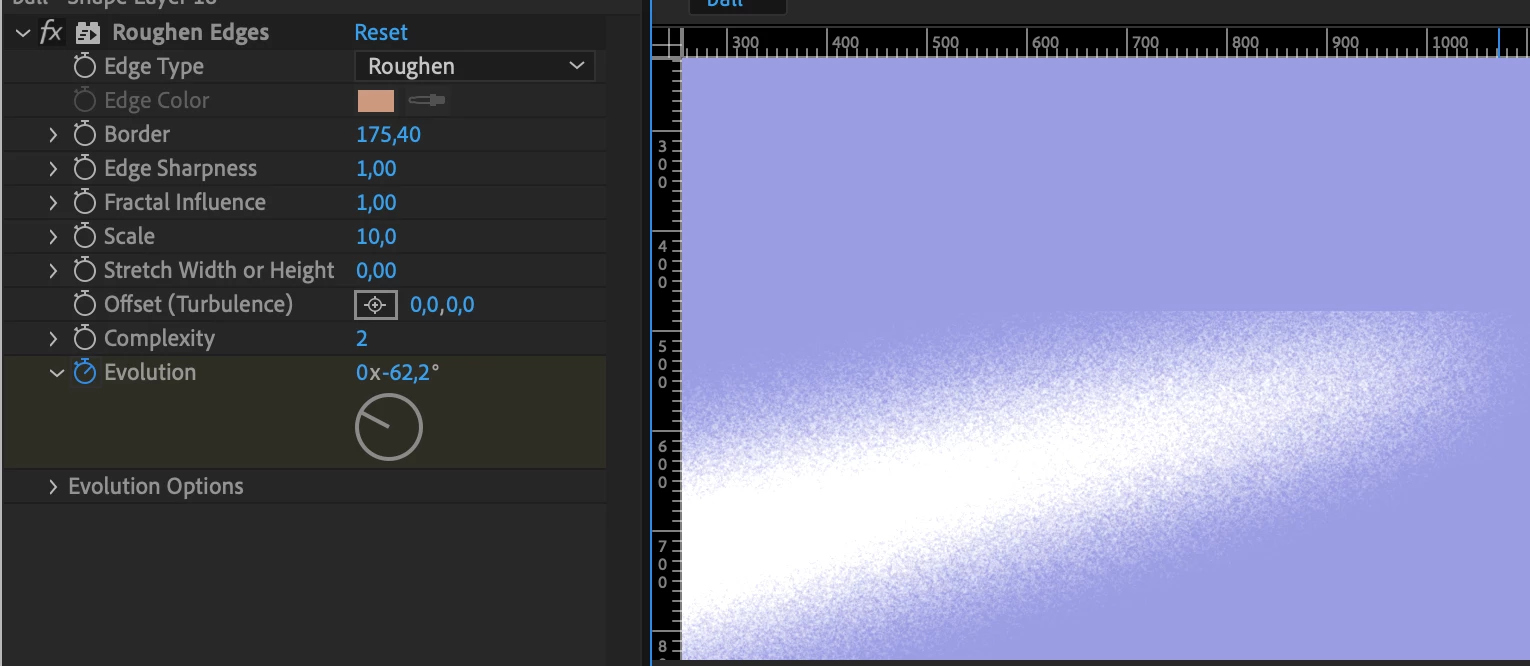
1. Apply a "Solid Composite" effect to your layer.

2. Turn the effect's opacity control to 0.

3. Place it above the "Roughen Edges" effect.

Translate
Participant
Sep 24, 2024 6:32 PM UTC

Thanks, it worked.

Translate
Mylenium
Legend
Mar 25, 2024 10:33 AM UTC

Pre-compose or apply a Grow Bounds effect.


Mylenium

Translate
Participant
Mar 27, 2024 8:27 PM UTC

Neither of these options work

Translate
Theresa Rostek
Community Manager
Community Manager
Mar 28, 2024 1:10 AM UTC

@Evelyn Schepens Pre-comp the layer, then apply the effect on the pre-comped layer in your main comp should fix it.

Translate
Motion Graphics, Premiere Pro