Scale/Position - Pushing Bug
Hi,
I am working on instagram stories videos with 9:16 nd 4:5 proportions.
All the time I try to scale a logo on a shape layer proportionally (shift+drag diagonally) or to move the position (shift+drag to the direction) after I release the mouse button the objects goes slightly off the way, like its pushing towards the mouse arrow after I release it
Here are some examples:
at 100%:
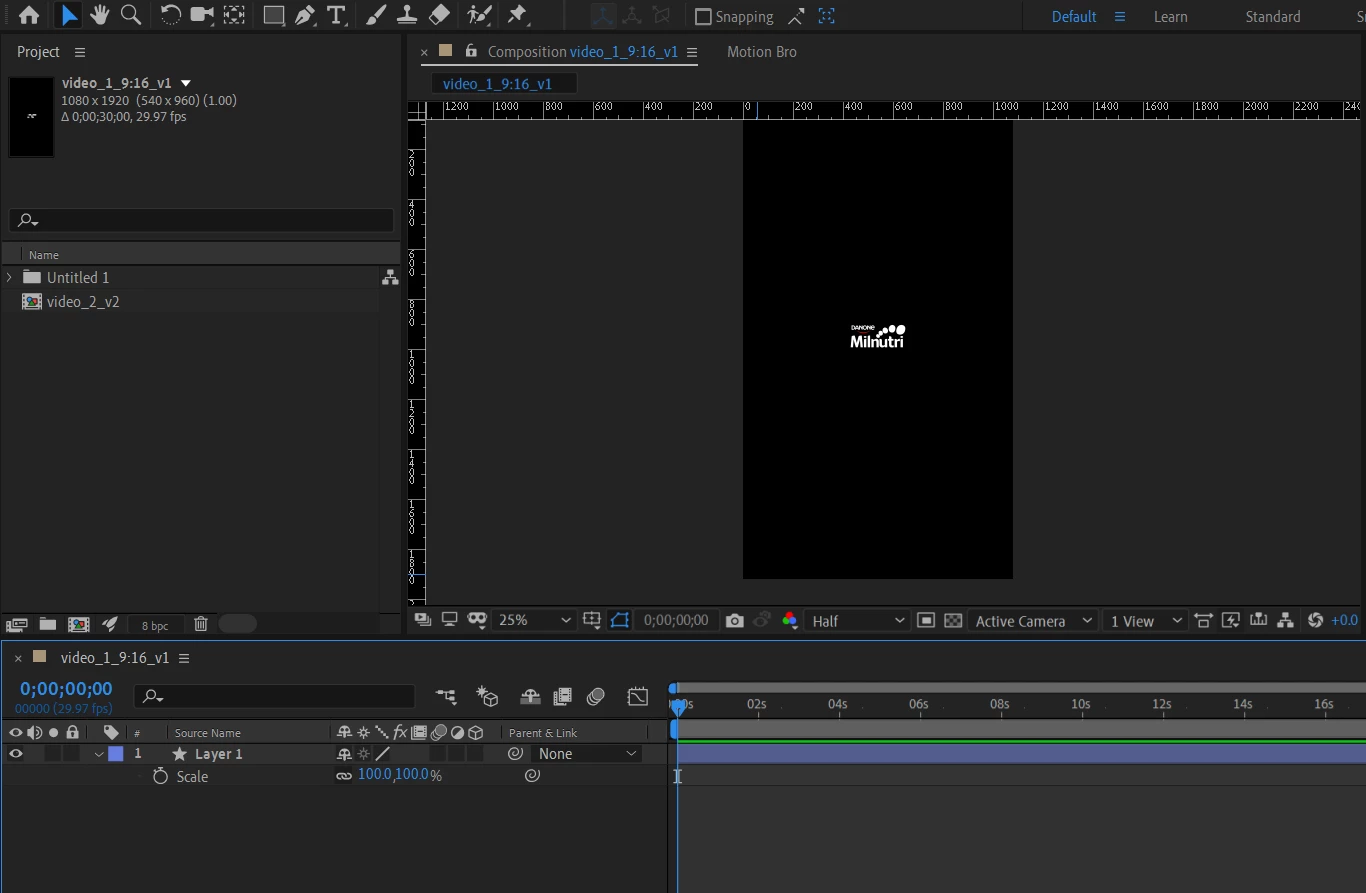
After shift+drag (to scale proportionally, either releasing the mouse button with shift pressed, or not. Its proportionally on screen, but after I release it, it gets different weird the results each time. It seems that it follows my mouse arrow.
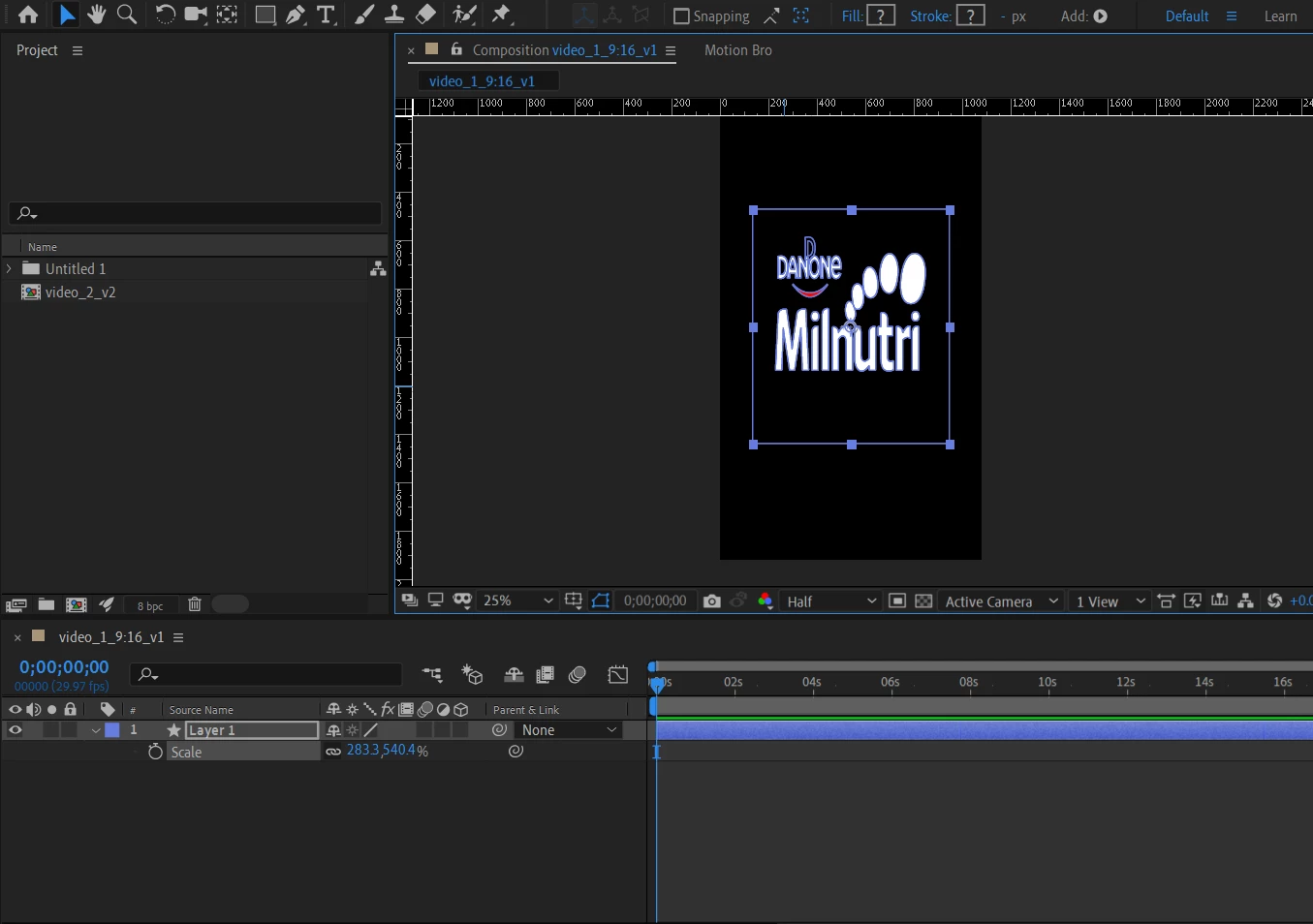
Trying to scale to 283,3%, the scale of "y" that should be the same, shifts to 540% for some reason.
The same weird effect happens to shift+drag down, to change the position:I started on "500,100" here:
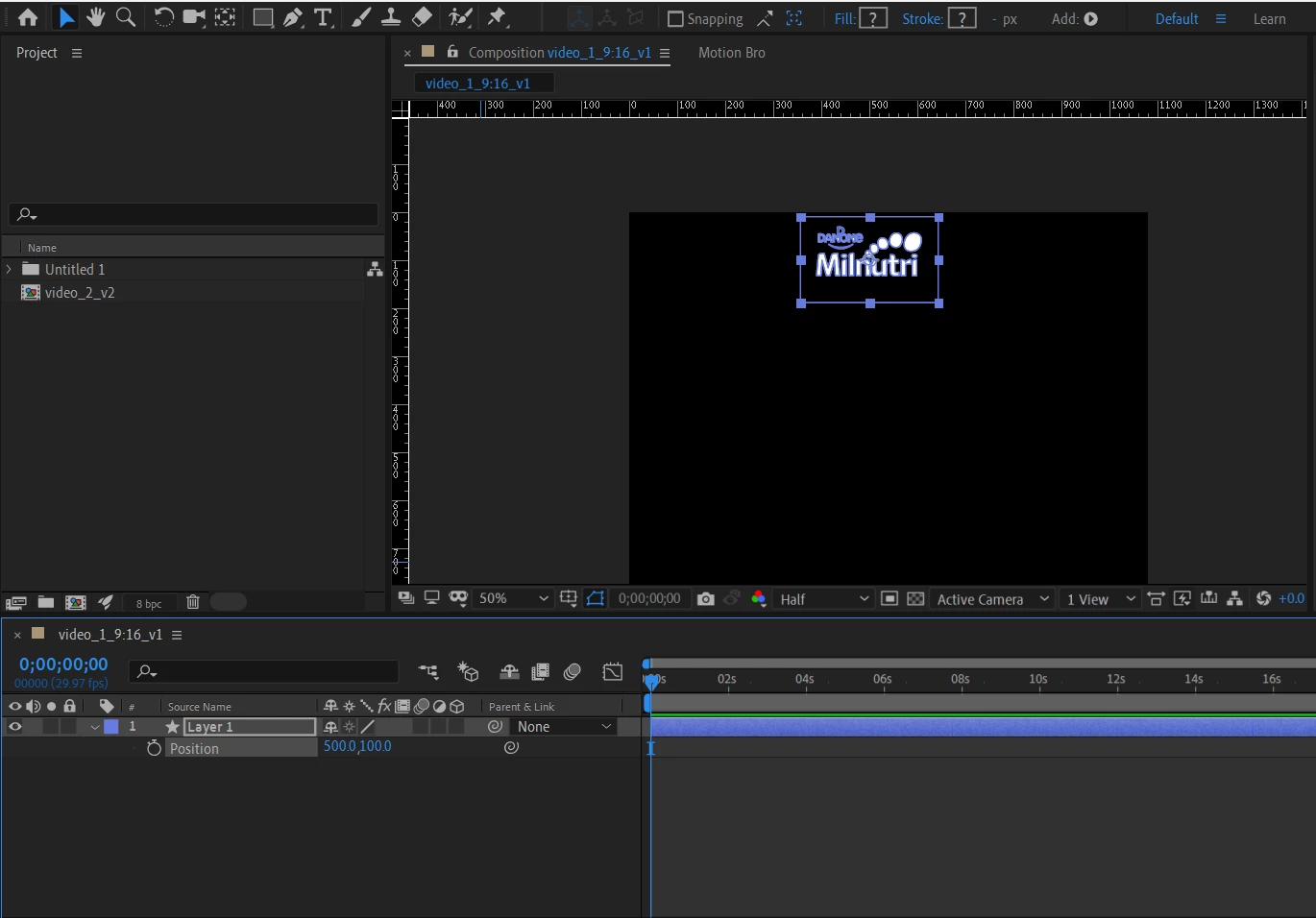
And after trying to move to "500,500", it moves slightly to the right. The results also changes each time.
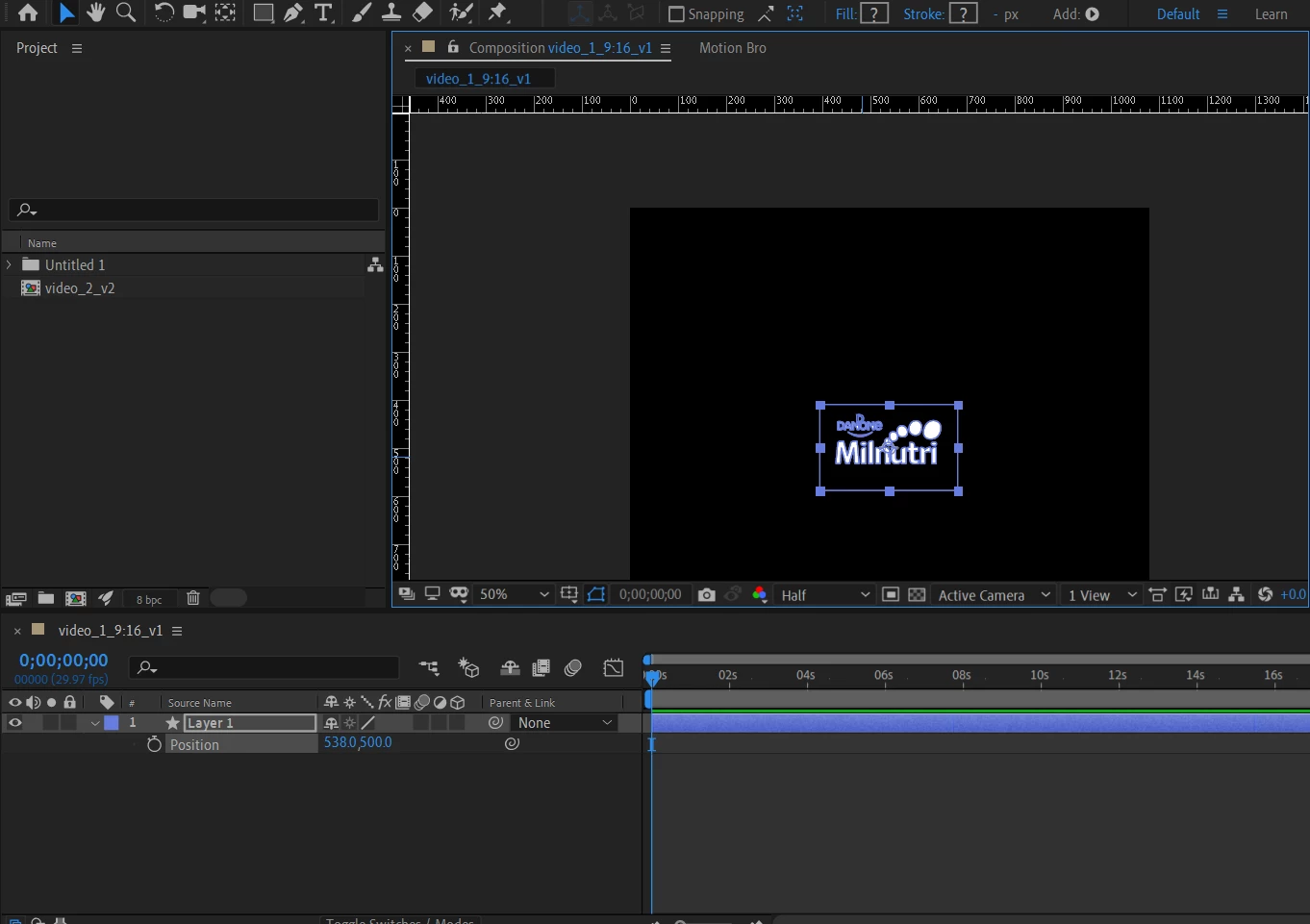
There is anything related to proportions, square pixels or something like that, that I can activate to go back to moving and scaling proportionally back again? I have never had such a problem before. Its not like I'm having trouble with the timing of releasing the mouse or shift button, I have tried different combinations of it.
The problem doesn't happen if I change positions or scales in the layer dropdown menu.
I amusing version 16.1.1.
Hope someone can please help me with this. It is turning a simple work into a nightmare.
Thank you very much!
 AdChoices