Participating Frequently
March 7, 2026
Answered

Scaling different objects at the same time

  • March 7, 2026
  • 1 reply
  • 83 views

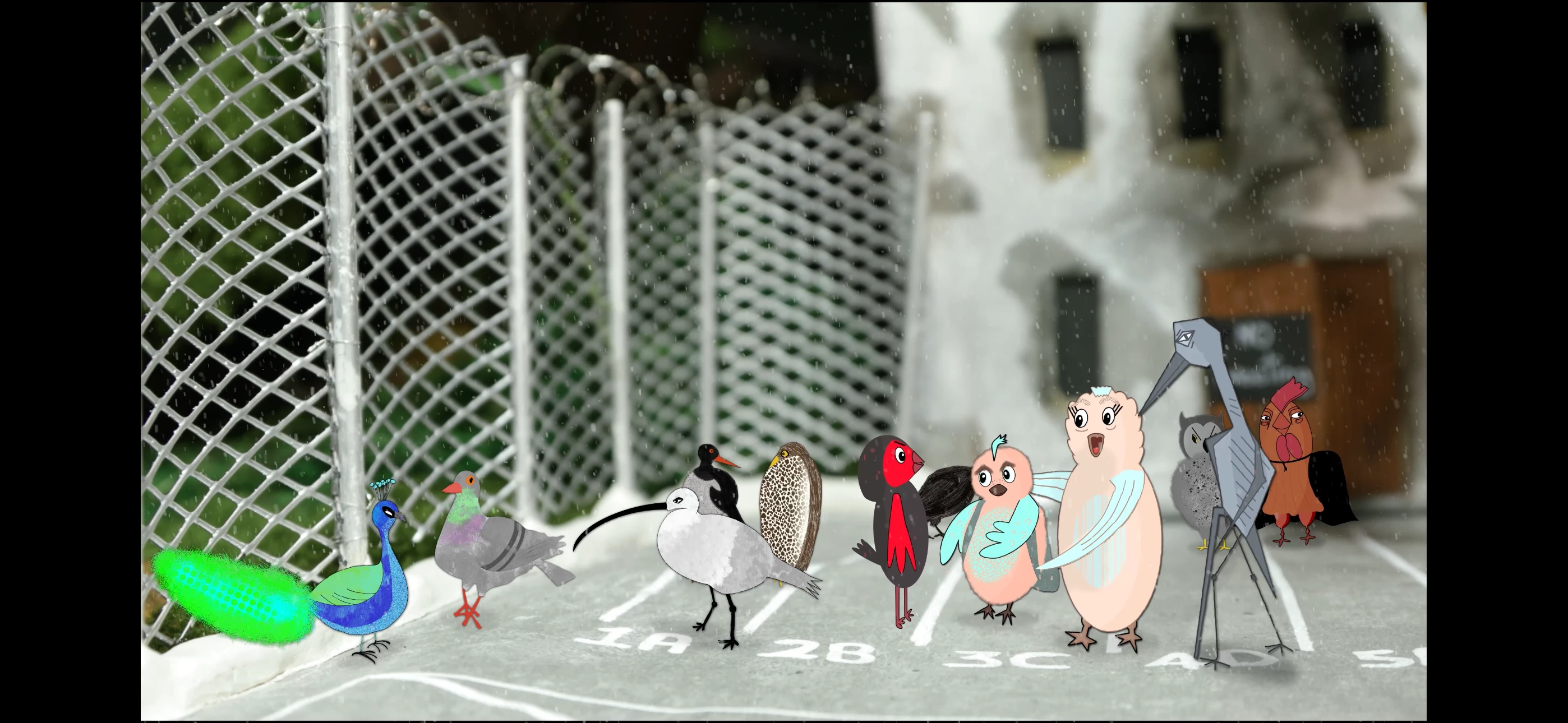
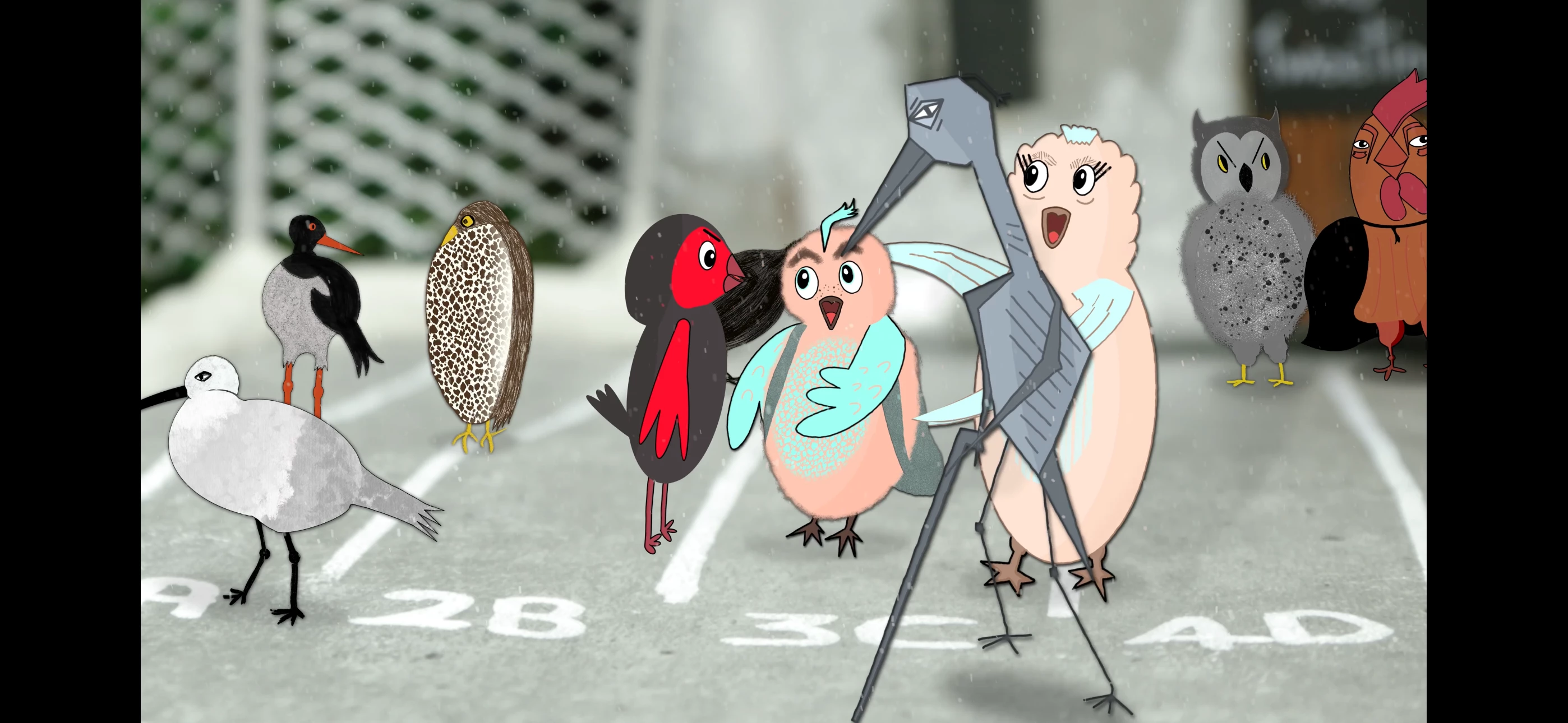
The 2 images i will add here

 are a wide to a medium shot of my film. The background is 4K and there’s no problem to scale into the different shots (wide, close-up etc). 

However the animated characters are .mov files and if I was to simply take the composition as a whole and scale in (which would be so easy and great!) -the characters lose a significant amount of quality.

If I parent the characters to the footage they will scale but at the scale they are already at in the wide shot -so for example -a character in image 1 above -the wide -might be at 30%. When I parent to the footage, the character will scale up but stay at 30% so not as good quality.  

What I’ve been doing is scaling everything separately with key frames -for each shot -which takes a long time with all the above characters! There must be a better way -can anyone help?!

    Correct answer b.otlowski

    It depends on what you’re doing and what’s easier to control. Precomposing is great for grouping things, but it can also be problematic if you want to sync elements across different precomps.

    If you want to scale in a master comp and you’re using precomps, then yes, you’ll need to enable the switch there as well. One thing to keep in mind: if you add a drop shadow and then scale the master comp with Collapse Transformations enabled, it will likely affect the size of the shadow

    1 reply

    b.otlowski
    Community Expert
    Community Expert
    March 7, 2026

    You can precomp everything and scale the composition as a whole, but you need to turn on the Collapse Transformations / Continuously Rasterize switch. If the source .mov files are scaled down in the precomp, you’ll have room to scale them up again in the master comp.

    Just keep in mind that if there’s a camera inside the precomp, enabling this switch will break it.

    https://helpx.adobe.com/after-effects/using/layers.html?x-product=Helpx%2F1.0.0&x-product-location=Search%3AForums%3Alink%2F3.8.0

    Participating Frequently
    March 7, 2026

    Thankyou!!

    b.otlowski
    Community Expert
    Community Expert
    March 7, 2026

    glad to help :)