
Participant
October 28, 2019
Question

"Scribble" path style in after effects

  • October 28, 2019
  • 1 reply
  • 791 views

I have a custom brush in illustrator to create scribble style illustrations:
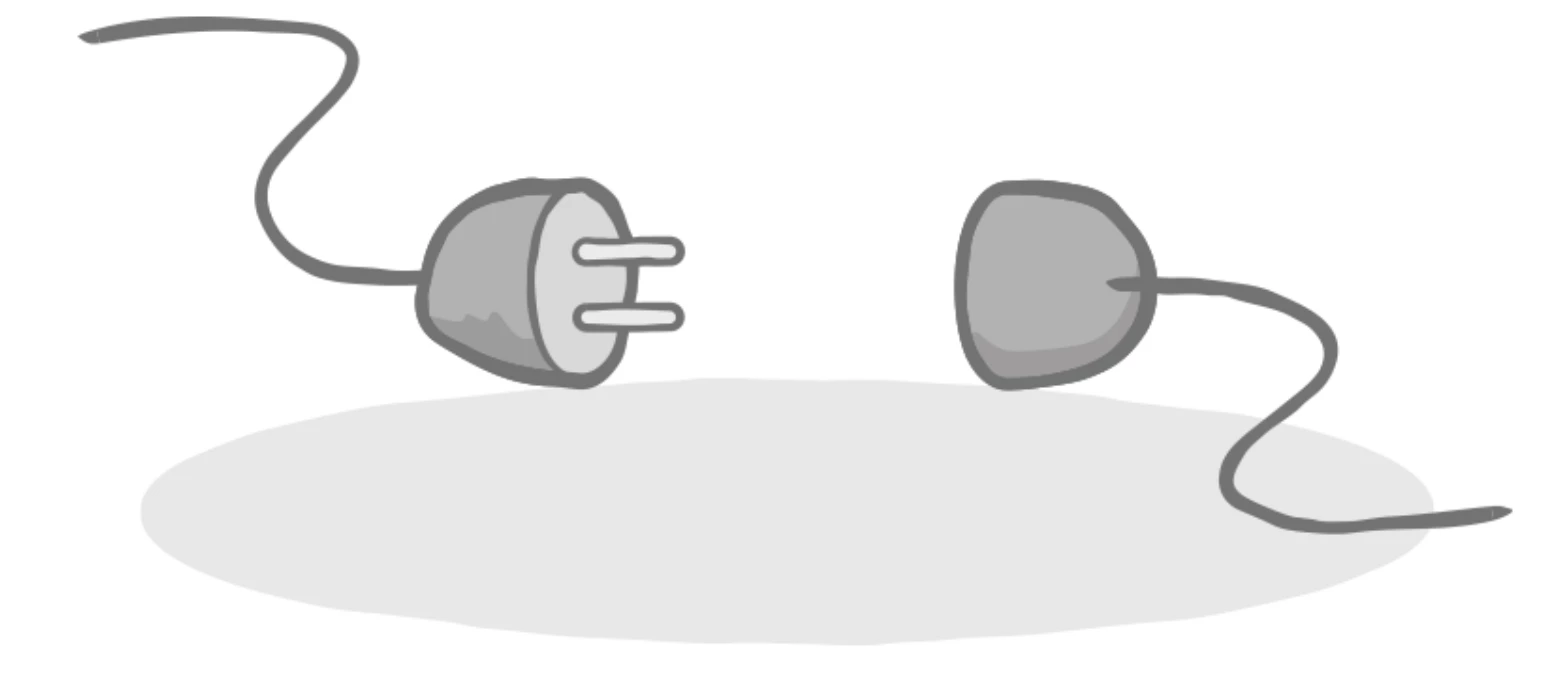
 

Note that the dark grey path varies in thickness, and has an organic, slightly unclean, look to it.

With photoshop, I can create animations in the same style:
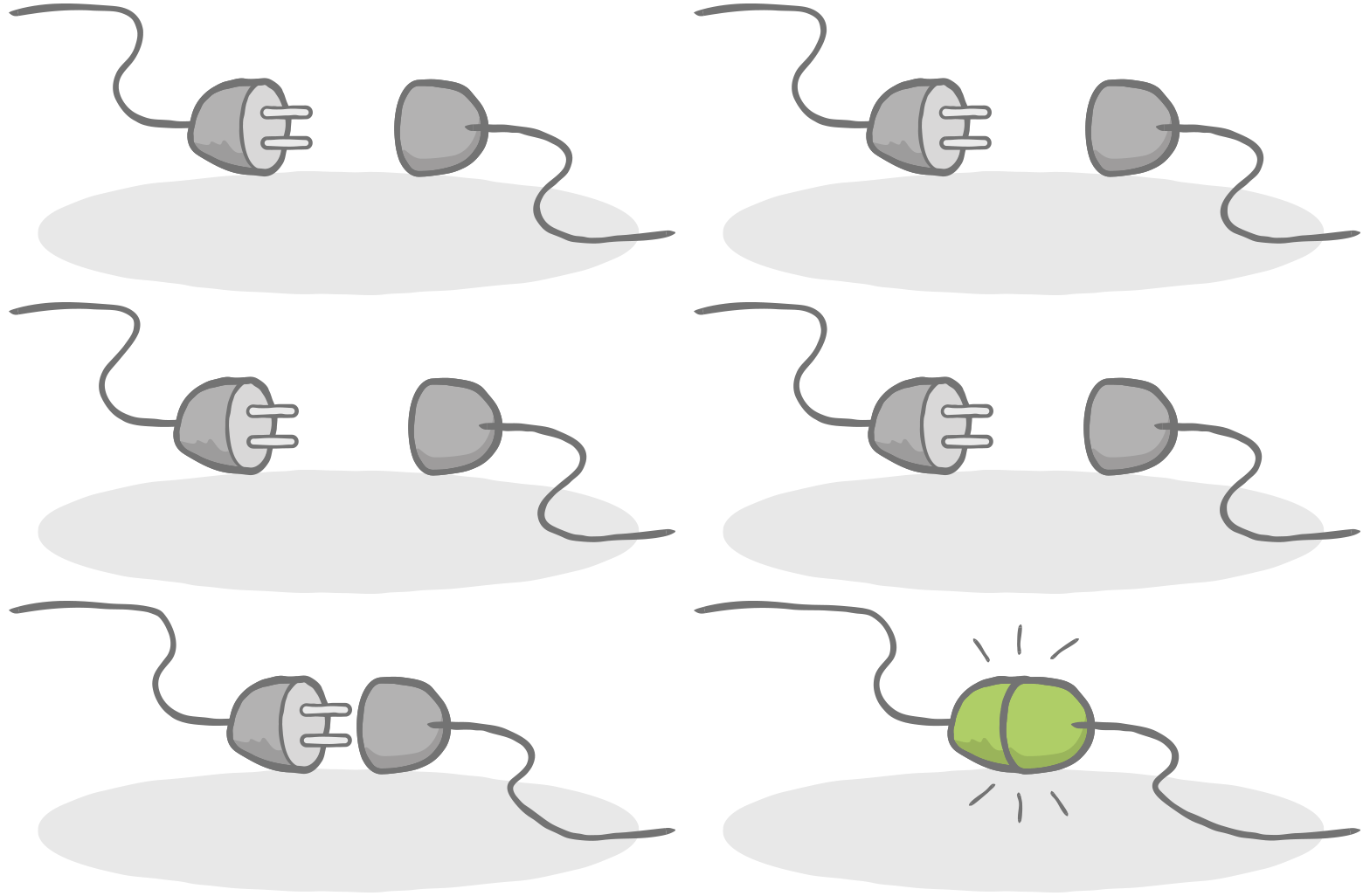
 

How can I do this in After Effects?


When I try to import my illustration as footage in AE, and then "Create shapes from vector layer", I get many paths. The custom brush splits the path in many different paths, and it's impossible to animate.


Can I import the paths from Illustrator so that the paths don't break?

Or, if I draw the paths inside AE, is there a way to give them a scribbled look?

This topic has been closed for replies.

1 reply

Mylenium
Legend
October 28, 2019

AE will handle native AI-based layers just fine. It's simply a misconceptiojn that you even have to convert them. And that's basically your answer: Just leave it as is and animate the deformations using distortion effects like Bezier Warp, the Puppet Tool or others. At best you might want to optimize the workflow by actually creating straight segments and only bending them in place in AE. Of course you can create a lot of stuff from scratch in AE, too, using masks, shape layers and effects like Roughen Edges. Whatever floats your boat and is most easy for any given situation.


Mylenium

Participant
October 28, 2019

Thanks, the Roughen Edges effect looks great!