


Answered
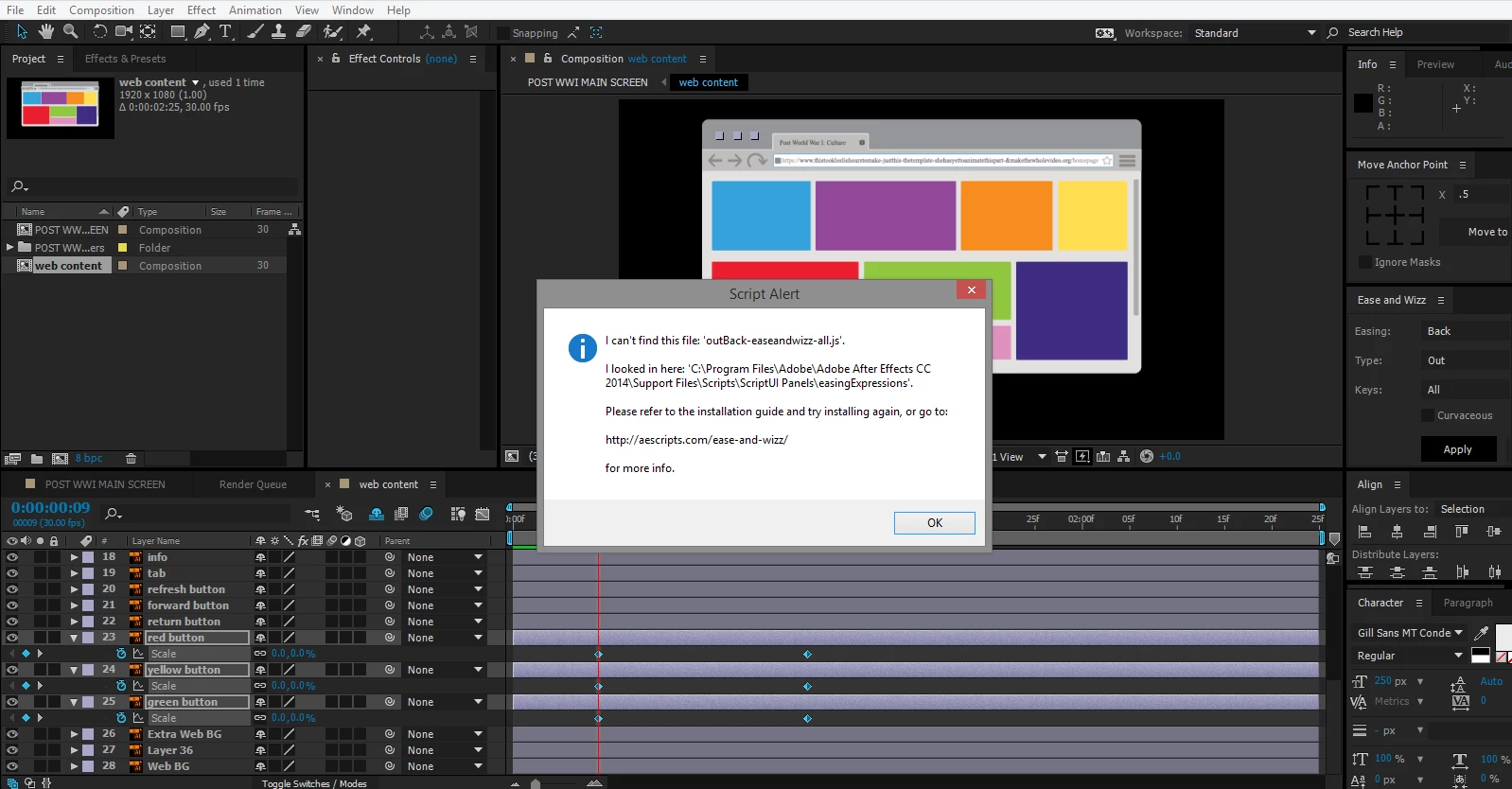
Script Alert: can't find .js files even though they're in the folder that the program looked in to?
I'm new to the whole After Effects community and I am currently using it for a project.
I followed a tutorial by Mt. Mograph on youtube and I downloaded the script "Ease and Wizz".
I have it as a panel and all, but every time I attempt to apply my desired expression, a popup box says that there is a script alert and it can't find the file for the expression.
Is there something that I'm doing wrong? I have tried to remove the script and download it again, but nothing has worked for me.


 AdChoices