


gregm9894574
Participant
March 28, 2022
Answered

Select tool locked as Rectangle Mask (After Effects)

  • March 28, 2022
  • 3 replies
  • 642 views

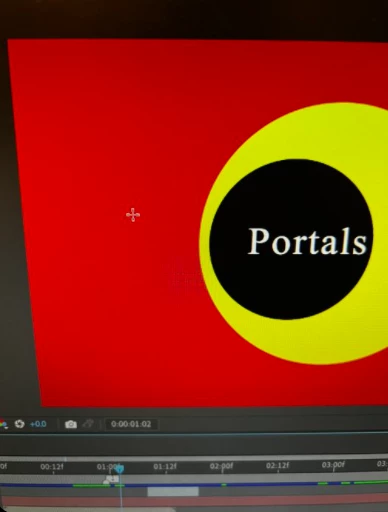
Working in a project and the select tool (v) is stuck as a rectangle shape tool. No matter which layer I click on, it just starts making a rectangle. CTRL Z doesn't even undo it. It's also doing it in every comp in the project, even one's without any shapes or masks. I can't click anything and am only able to move by using the arrow keys or dragging position. Please help ^->
Correct answer gregm9894574

I fixed the problem, sorry everyone. Region of Interest was selected . 

3 replies

gregm9894574
gregm9894574AuthorCorrect answer
Participant
March 28, 2022

I fixed the problem, sorry everyone. Region of Interest was selected . 

Participant
May 1, 2025

THANK YOU - I did the same thing and was totally lost!

Mohammad.Harb
Community Expert
Community Expert
March 28, 2022

have you tried purging all memory and disk cache ? 

have you tired reseeting AE preference setting ? 

Mylenium
Legend
March 28, 2022

Without any system info and other technical details we can't tell you much, but typically this boils down to issues with hardware acceleration functions and your input device. Check the relevant graphics driver and settings in Ae and update everything.


Mylenium