Participating Frequently
November 21, 2021
Question

Self Resizing Shapes to Text (TikTok/Insta type text in After Effects)

  • November 21, 2021
  • 2 replies
  • 1818 views

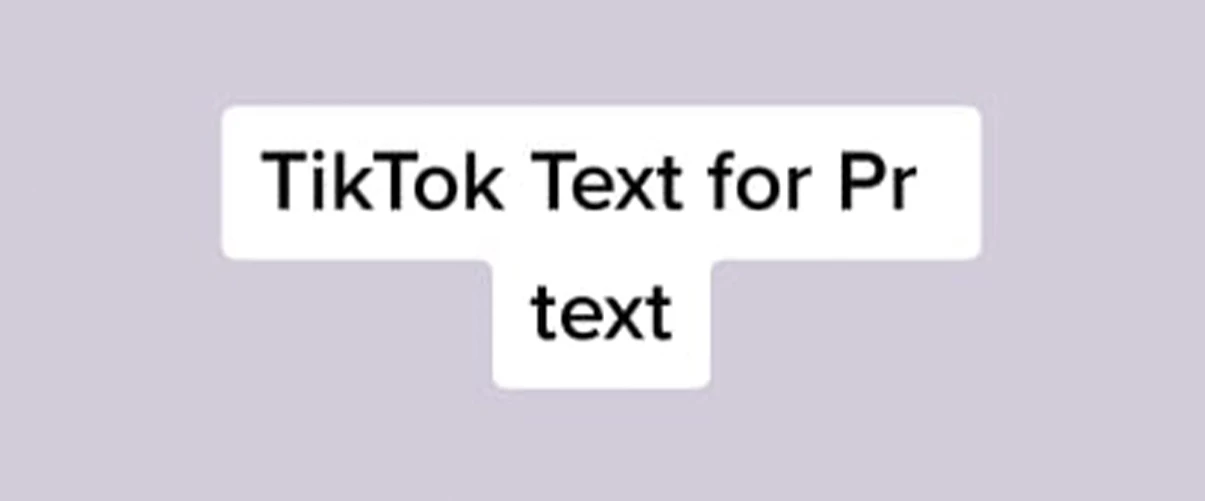
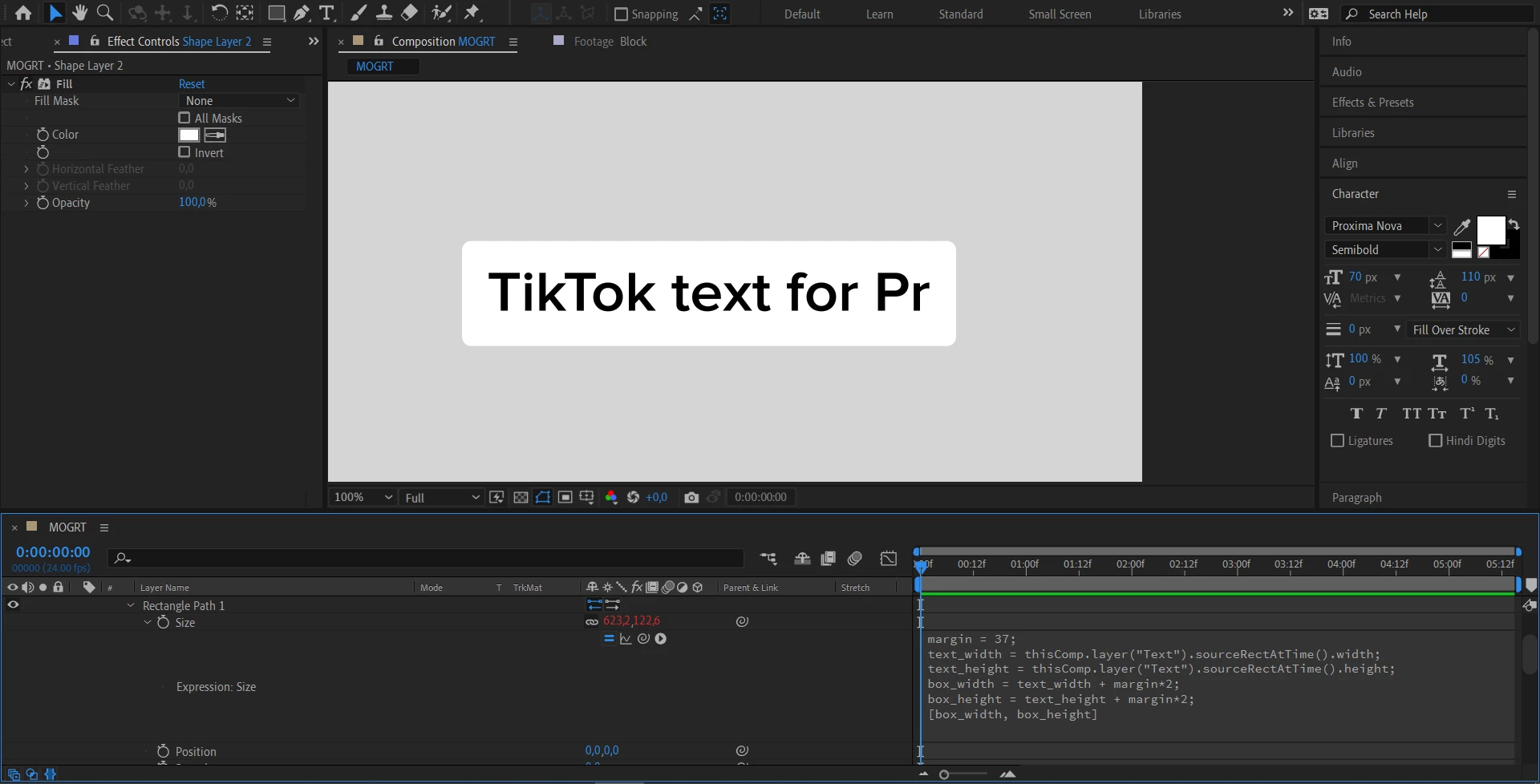
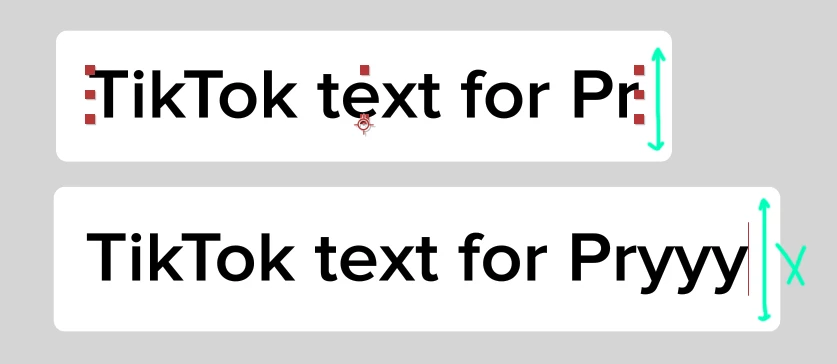
Hello! I have a shape layer, which auto-resizing to text, but in only one line and also with a change in height ( when typing long letters) which I don't need (screenshots 1,2). How can I make it look like in screenshot 3, maybe by changing or adding lines of code? Does anyone know how to solve this?
This topic has been closed for replies.

2 replies

Mathias Moehl
Community Expert
Community Expert
November 22, 2021

If you don't mind using a separate text layer for each line, this tutorial might be useful

https://mamoworld.com/tutorials/how-merge-boxes-pins-boxes-ae-tip-5

(using Pins & Boxes)

Mathias Möhl - Developer of tools like BeatEdit and Automation Blocks for Premiere Pro and After Effects
Meng Zhiqun
Inspiring
November 21, 2021

Hello,

You can't create the white rectangles with different length for each lin with expression. You need to create it manually.
Perhaps you can set you have to Essential graphics, with the source text added as an adjustable property, so that you can at multiple instance of this same comp to a master comp with the ability to control the source text from the outside? That way, different line of text will have different length of width.

Meng Zhiqun
Inspiring
November 21, 2021

Something like this. I've done an example file for you.


METOV5EA7Author
Participating Frequently
November 22, 2021

Hello, Meng! Thank you for your response. "Simple Choker" is a great way to make it look right. Yes, I'm going to make a template for this further. But first I wanted to ask you about your example project, maybe I don’t understand something, but why I can’t edit text of the line?