Answered
Shadow not displayed properly
Hello I'm having this problem where the shadow is showed only on a part of the 3d object
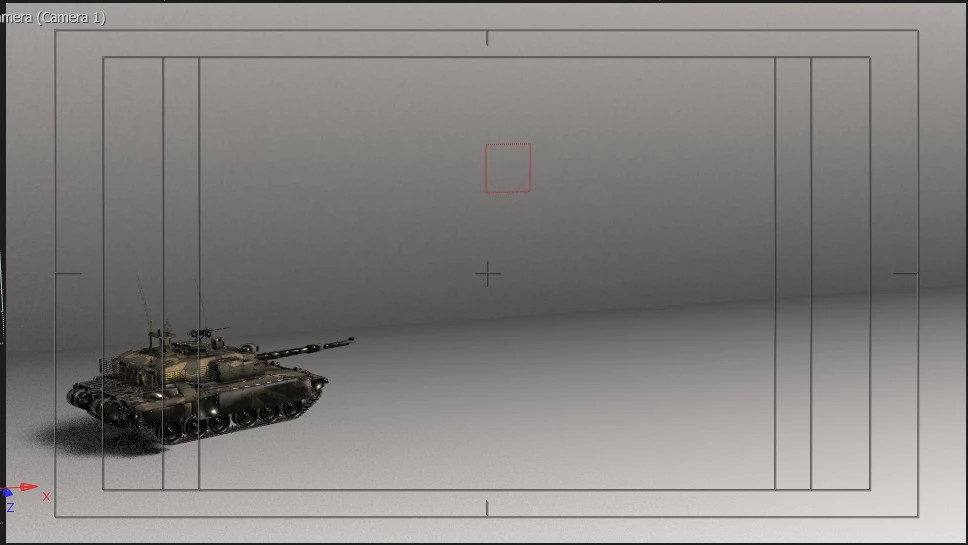
But when I move it to the right it dissappears
Im using environmental light and everything has cast shadow on
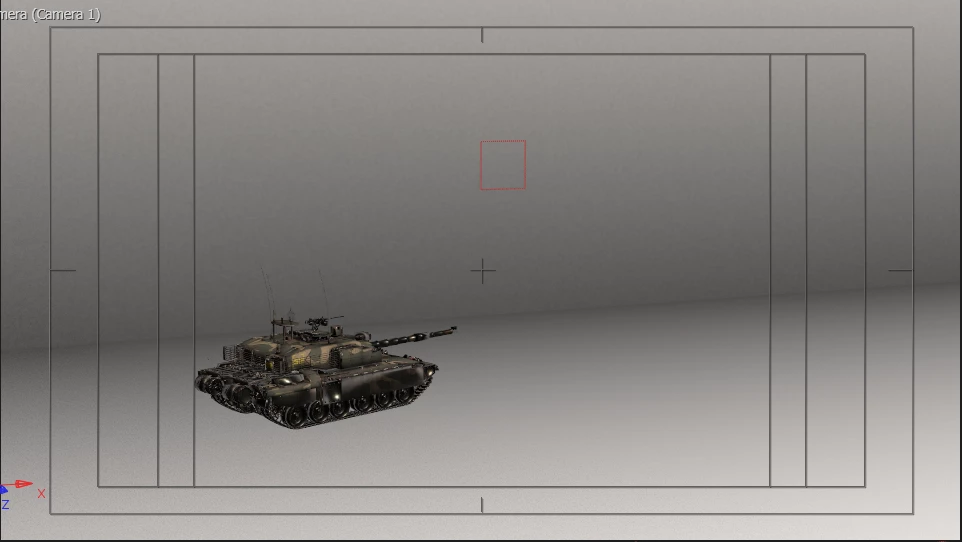

Hello I'm having this problem where the shadow is showed only on a part of the 3d object
But when I move it to the right it dissappears
Im using environmental light and everything has cast shadow on
Sounds like your model is moving outside of the shadow casting box, the area of the scene where shadows are cast. You can change this setting in the render options. There are also Advanced 3D spot light and parallel light shadows that are available in public beta and don't have a limited range like environment shadows do.
Already have an account? Login
Enter your E-mail address. We'll send you an e-mail with instructions to reset your password.


 AdChoices