Participant
June 30, 2021
Question

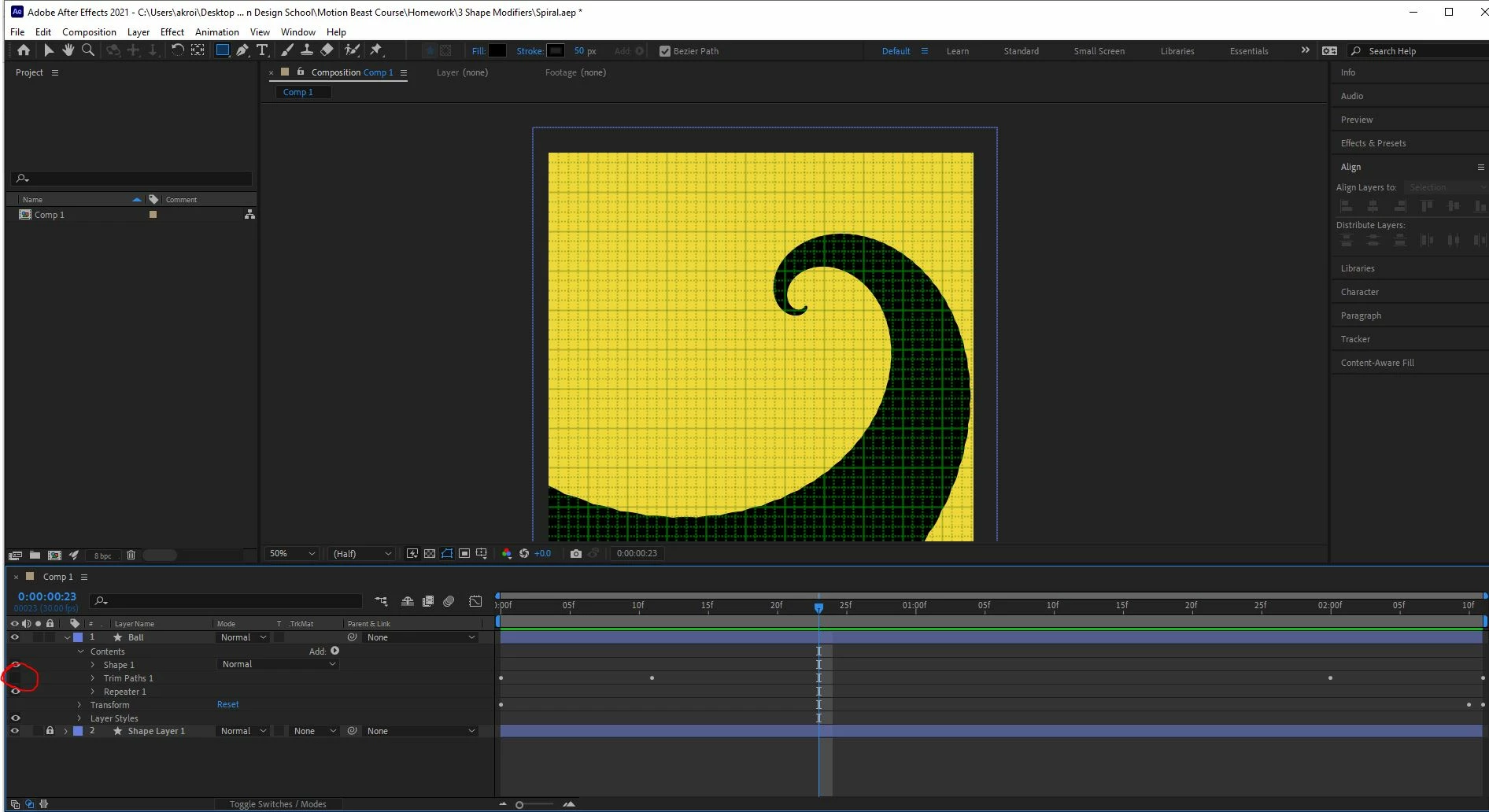
Shape layer disappears when I add Trim Paths and Repeater

  • June 30, 2021
  • 2 replies
  • 1261 views

Below is without Trim Paths:


And here is with Trim Paths:
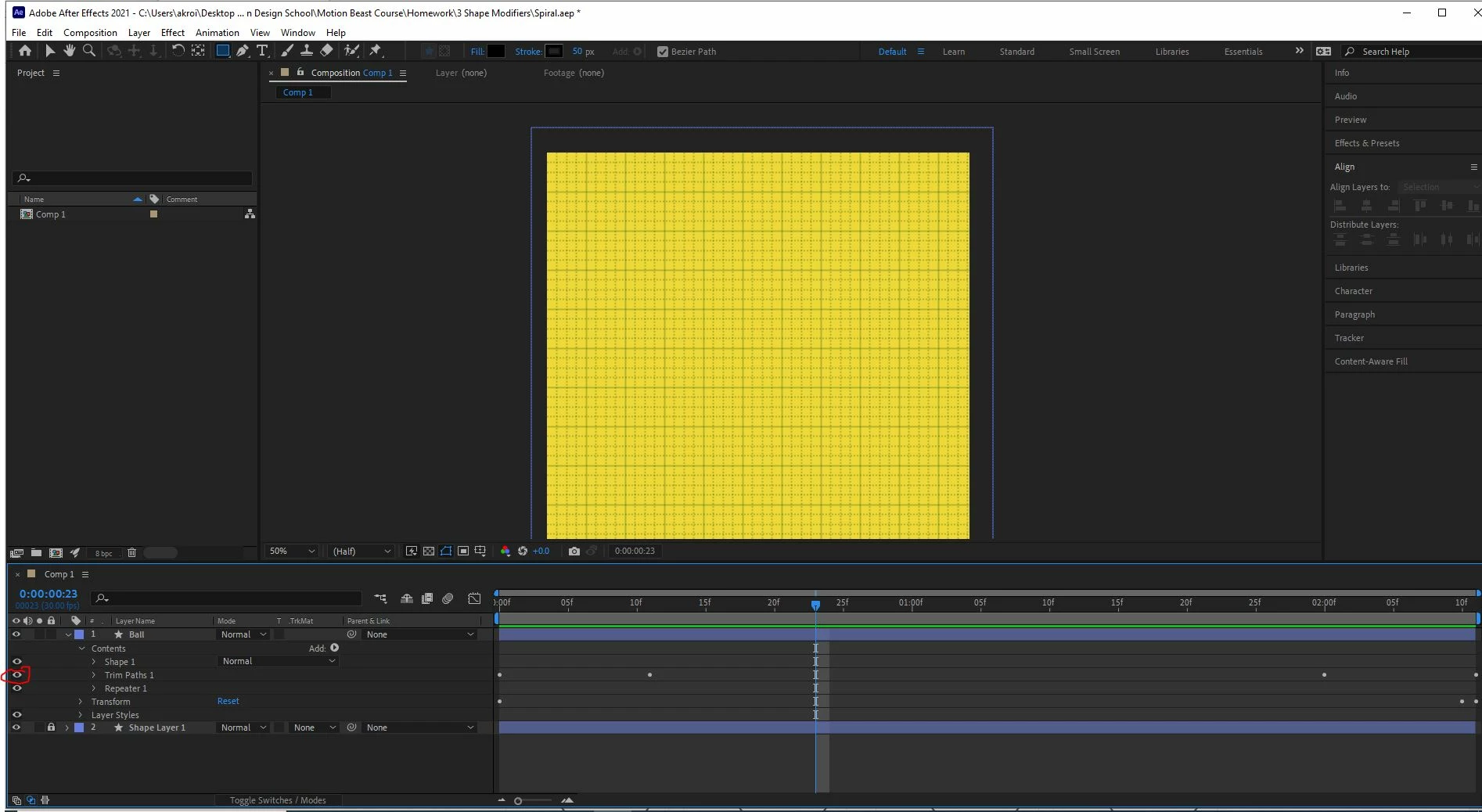
 

I feel like I've tried everything - including exporting. Anyone have any other ideas?


Thanks.

This topic has been closed for replies.

2 replies

Mylenium
Legend
July 1, 2021

Given that the shape is created using a repeater I can't see what Trim Path would even do here. It's More likely that he's simply animating the number of instances in teh repeater to reveal the shape. It would be helpful if you could actually point to the source of the tutorial for verification, but I'm pretty sure you are misunderstanding what he/ she does there.


Mylenium

Community Expert
June 30, 2021

Your order is incorrect, and it looks like you have a fill applied to the shape layer. Trim Paths do not work well on a fill. You also did not show all modified properties for your layer so I'm not sure what you are animating and what the values are. This is what trim paths + a repeater should look like, but you can see the problem with the fill.

You just need to get things in the right order. If you want to animate the stroke on a repeated shape then you set it up like this:

If you want to have the fill match up with the stroke then you need other tricks like Merge Paths. I don't have time to show y you that solution now.


AkroideAuthor
Participant
June 30, 2021

Thank you for your time, Rick.


I tried moving the order, but still no dice. I'm following a tutorial (below) where he creates a short path, makes it look like a circle by with a round cap, and modifies a repeater so it looks like an object spiraling down.


Then he trims the path so we see the object dissapear into the center of the screen.


I'm just curious why my shape dissapears and his doesn't. Below is a pic of what I modified.


Community Expert
July 2, 2021

What tutorial? There are way more poor tutorials and inefficient workflows on the web than there are good ones. It could be the explanation, it could be the workflow. My guess is that this is a tutorial prepared by a well-meaning enthusiast instead of a professional and the recipe they are following only works with a very narrow set of options.