


Question
SHAPE LAYER GETS REALLY DARK AFTER ENABLING 3D MODE.
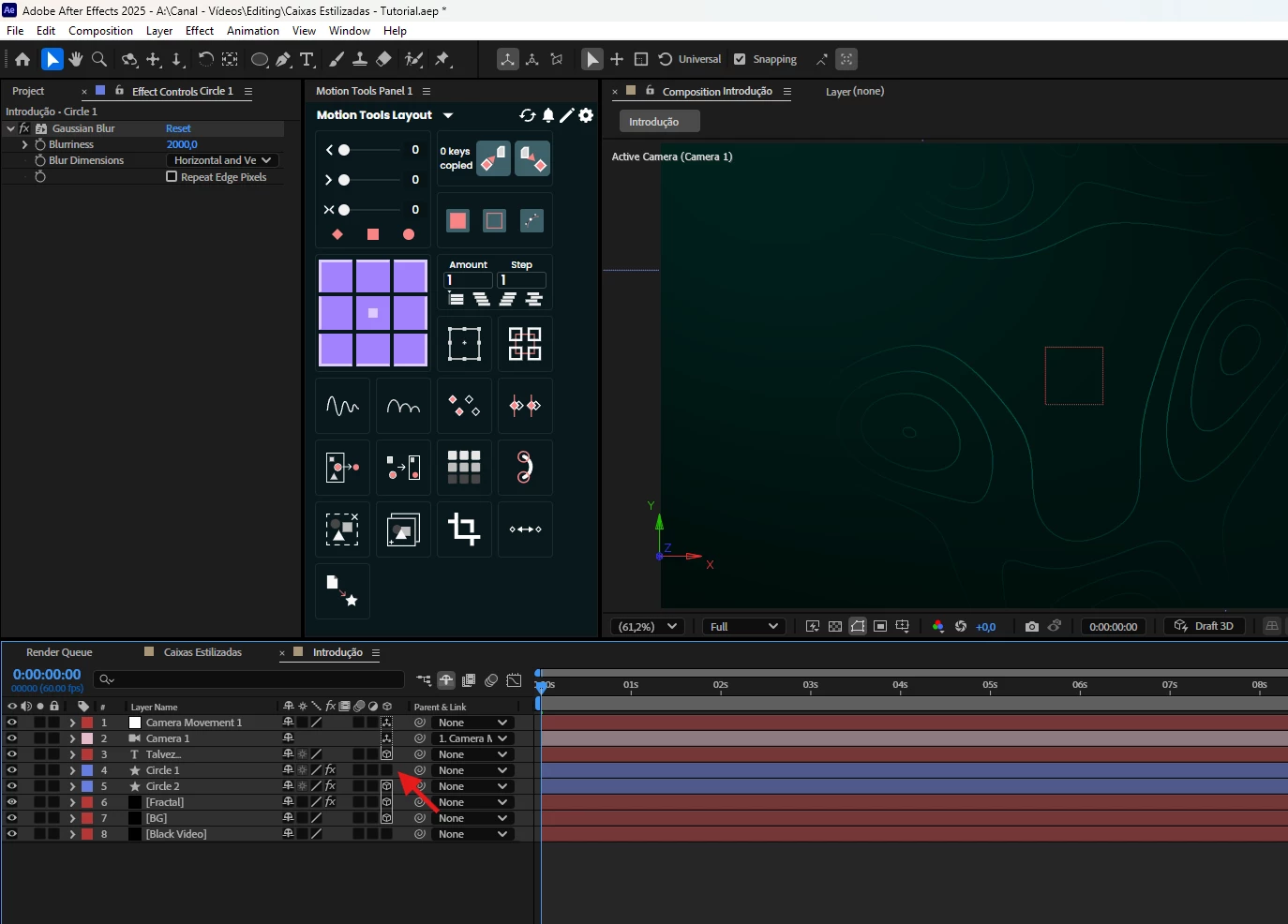
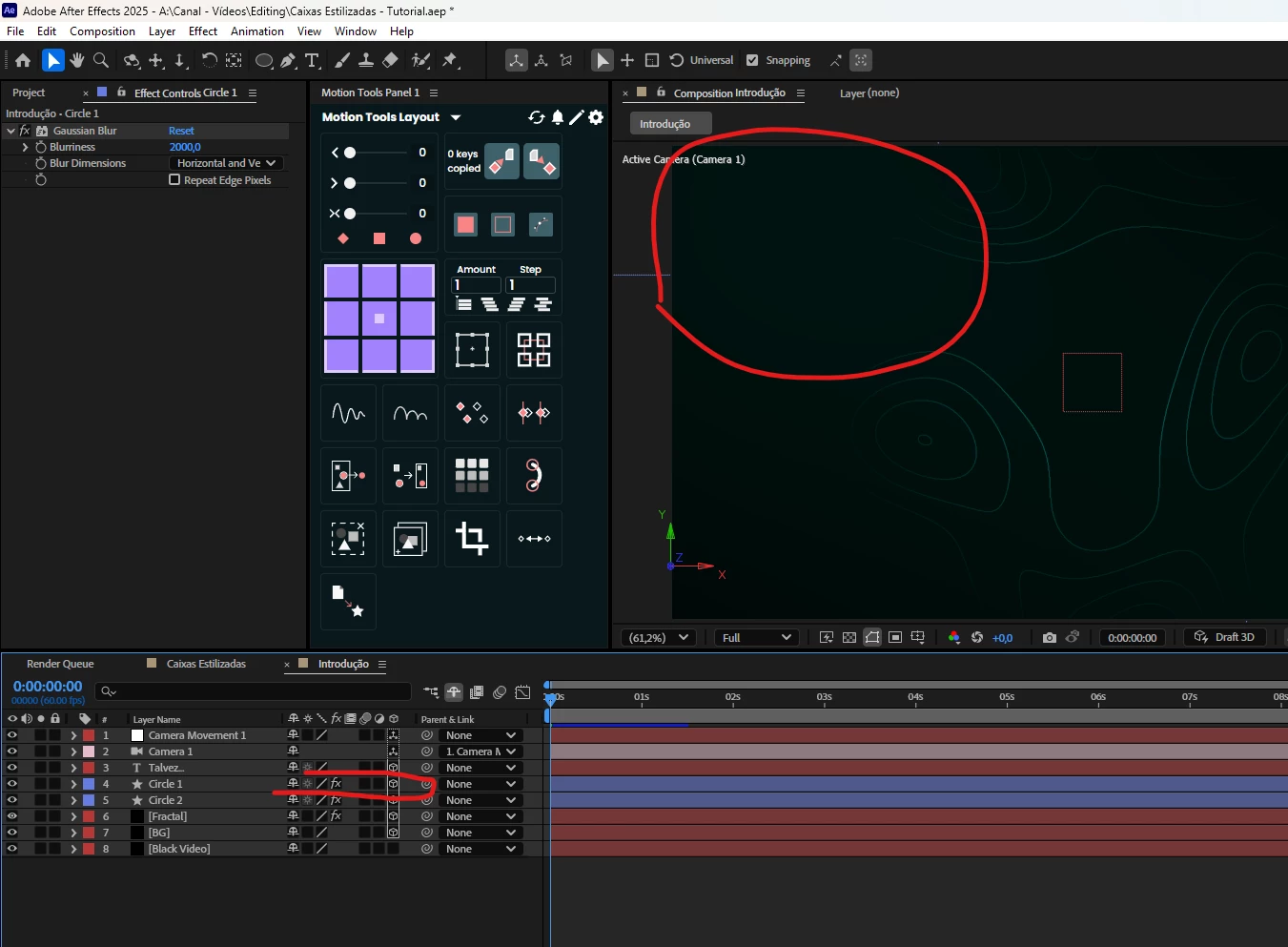
Hey! I was working on a project and used two shape layers with gaussian blur to serve as lights on my composition. When they're 2D, it works normally, but once I enable 3D mode they turn really Dark.
I'm using Classic 3D renderer and none of the layers have any blending mode enabled. I also tried to deactivate the "Accept Lights/Accept Shadows" option, but it didn't work either.
Can you help me? I'm attaching pictures of how the layers look like before enabling the 3D mode and after.
 AdChoices