
Shape layer not visible
Hey y'all!
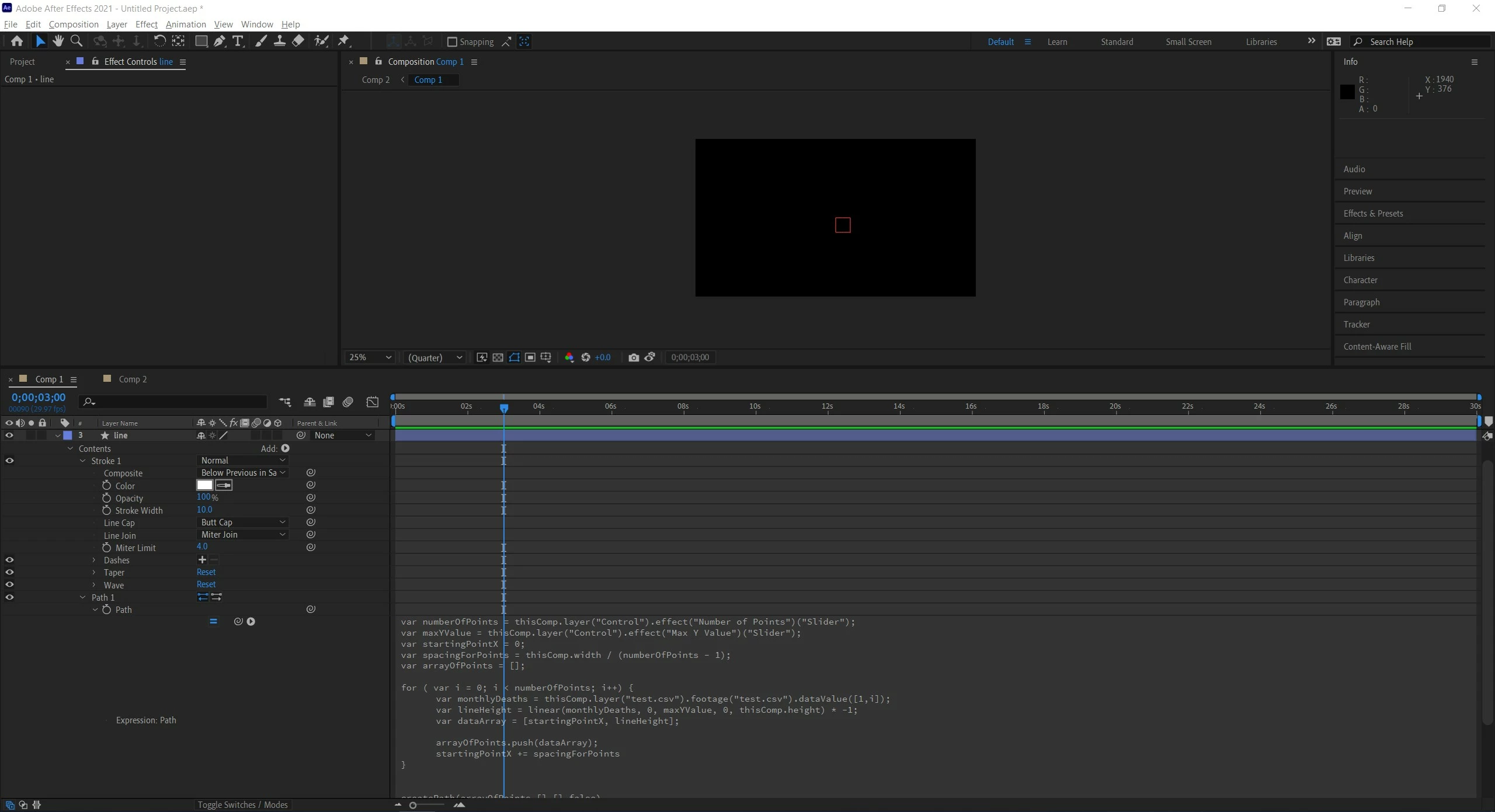
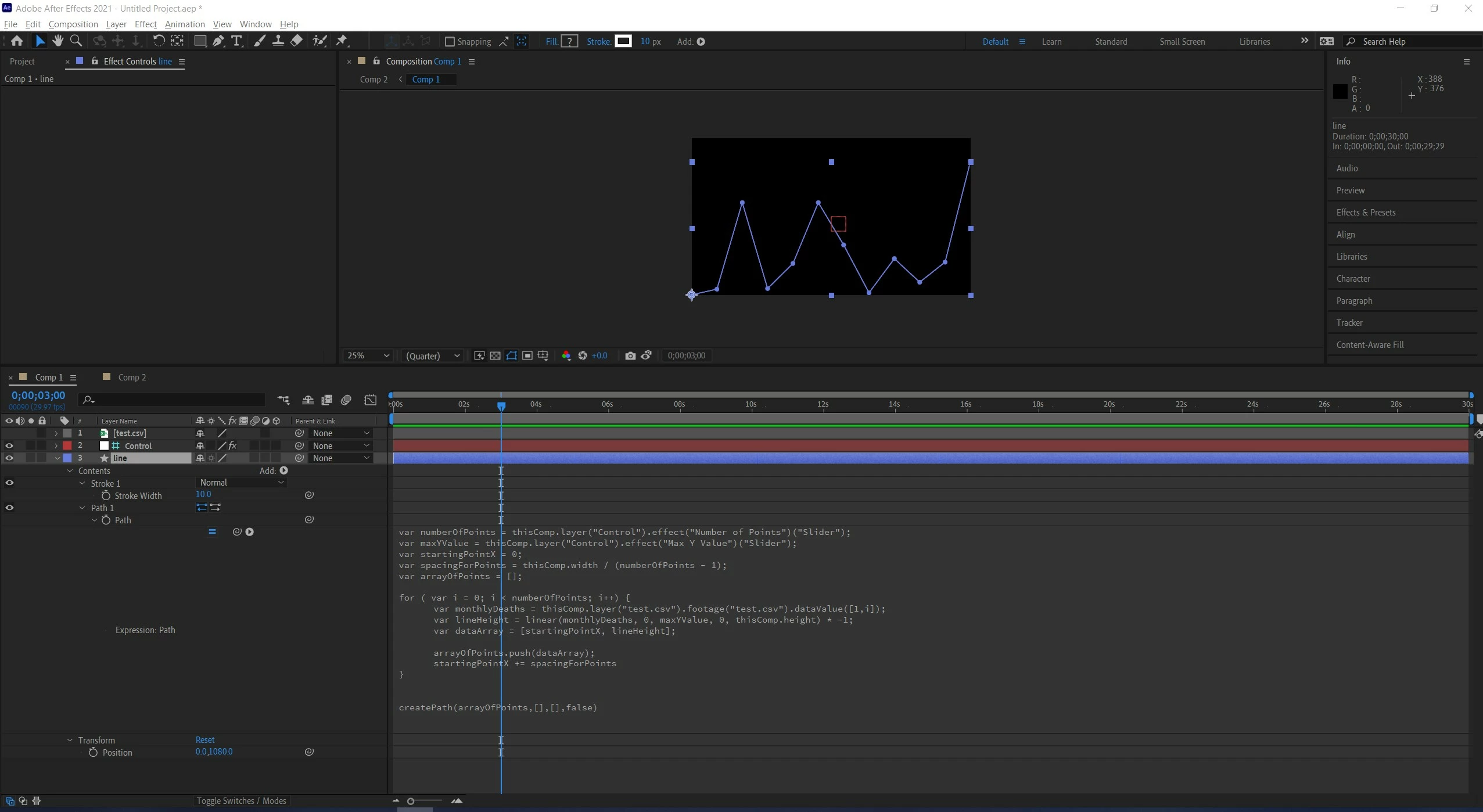
Really confused why this isn't showing up. I was following a YouTube tutorial to make line charts from a CSV file. everything looks fine in the expression and shape layer but for some reason it's not showing up in preview or when rendered.
transparencies look fine and it's definitely on the comp, not 3d, etc. Please let me know! I'm at my wits end.
The expression is here:
var numberOfPoints = thisComp.layer("Control").effect("Number of Points")("Slider");
var maxYValue = thisComp.layer("Control").effect("Max Y Value")("Slider");
var startingPointX = 0;
var spacingForPoints = thisComp.width / (numberOfPoints - 1);
var arrayOfPoints = [];
for ( var i = 0; i < numberOfPoints; i++) {
var monthlyDeaths = thisComp.layer("test.csv").footage("test.csv").dataValue([1,i]);
var lineHeight = linear(monthlyDeaths, 0, maxYValue, 0, thisComp.height) * -1;
var dataArray = [startingPointX, lineHeight];
arrayOfPoints.push(dataArray);
startingPointX += spacingForPoints
}
createPath(arrayOfPoints,[],[],false)
 AdChoices