

Inspiring
Sep 20, 2023 6:46 AM UTC
Question

Shape layer size is entire artboard

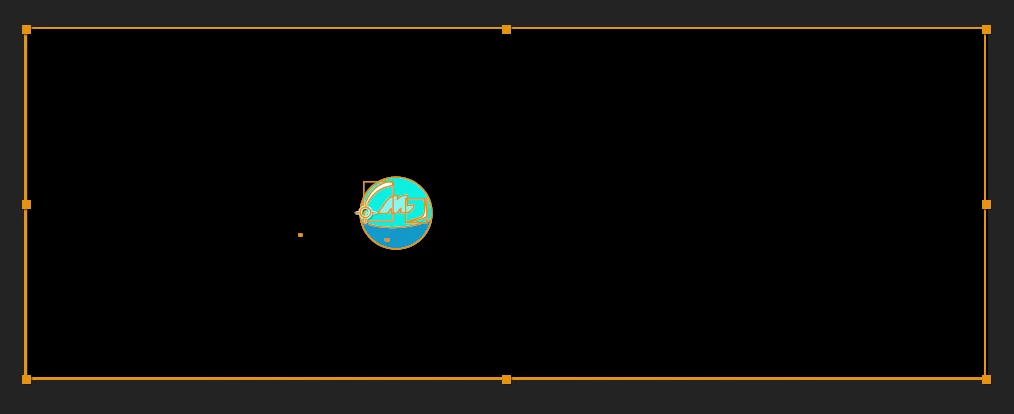
I imported AI file to AE and used create shapes from vector layer, but when created, the selected area of the layer is the whole artboard not just the layer itself. How do I fix this?

 

4 replies

Mylenium
Legend
Sep 20, 2023 9:23 AM UTC

Seems like you created an artboard-sized object in Illustrator for the backgtround. Simply delete it if not needed.


Mylenium

Translate
Community Expert
Sep 20, 2023 7:48 AM UTC

Make sure you import the AI file as a Composition/Retain Layer Size. Then open the comp that is created.


Also, there are only a few reasons to create a Shape layer from a Vector Layer. Only do that if you need to Animate the Vector Paths, create a motion path from a vector path, use Shape Layer Animators, or Extrude a layer using the C4D Rendering engine. 


Here's what you lose when you convert:

  • Brush strokes are converted to closed and filled paths with no stroke
  • Gradients are not converted
  • Blends are not converted
  • Layer effects are not converted
  • Render time goes up


Translate
jjljyAuthor
Inspiring
Sep 20, 2023 8:55 AM UTC

 I did select Composition/Retain Layer Size. 

Translate
Participant
Mar 5, 2025 1:57 PM UTC

this was caused by an extra path in the layer, in my case.


Select the layer;
go to Contents > Group 1 and check if there is an extra path taking the whole screen, then delete it.

Translate