


Participant
December 30, 2022
Question

Slow rendering

  • December 30, 2022
  • 2 replies
  • 217 views

Hi everyone,
I need your help.
I created a project with adobe after effects which takes about 20 min.

After putting it to render, it starts fast saying that it will finish in 2 hours. But after about 30 min the rendering stops and goes very slow even reaching more than 24 hours of rendering.


What can I do to fix this problem?
 

.

This topic has been closed for replies.

2 replies

Mylenium
Legend
December 30, 2022

Well, rendering to the desktoip is perhaps not the smartest idea. You could run into all sorts of performance issues for that alone. And I wasn't suggesting to render through AME, but really AE directly.


Mylenium

Mylenium
Legend
December 30, 2022

This is a bug with rendering directly to H.264 on some systems. Start by checking your hardware acceleration settings, update the graphics driver, turn off multiframe rendering, switch to software-only rendering. Also consider rendering a format like ProRes directly from AE and encoding it in a separate pass.


Mylenium

Eni DorinAuthor
Participant
December 30, 2022

Hello Mylenium,

Thank you for your reply.

I tried to check and bring the changes you recommended.
I put the same project to redirect and something improved.
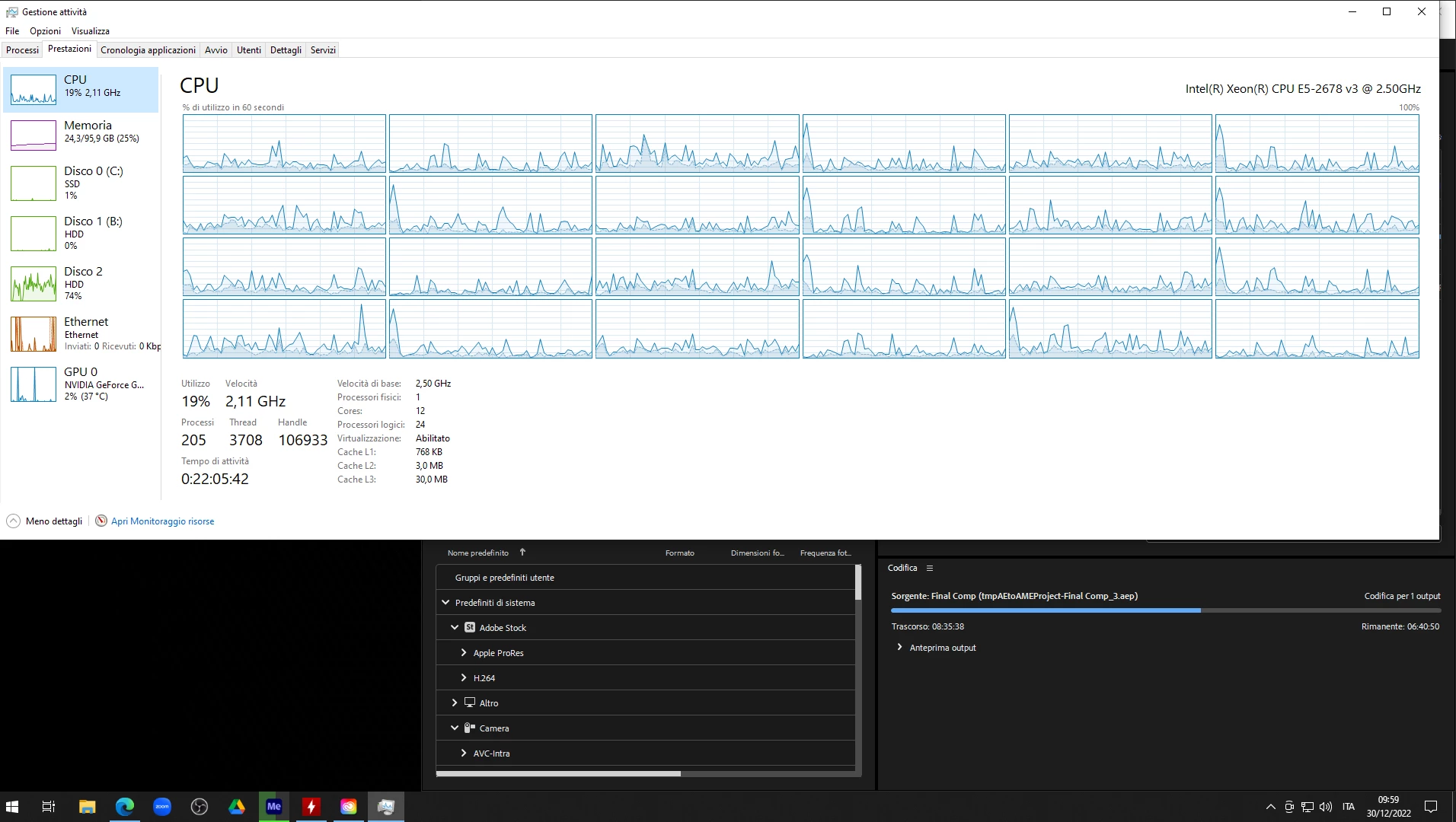
But it makes the same joke to me, after about half of the project the adobe media encoder program runs very slow.
Looking at the CPU usage from 70-80% load it goes to 20-30% usage.

Same thing for ram memory.
From the 60GB used, it goes to 20....


Reading other forums they say that with version 22.1 this problem doesn't exist.
Do you happen to know if it's true?