
Participant
May 28, 2021
Question

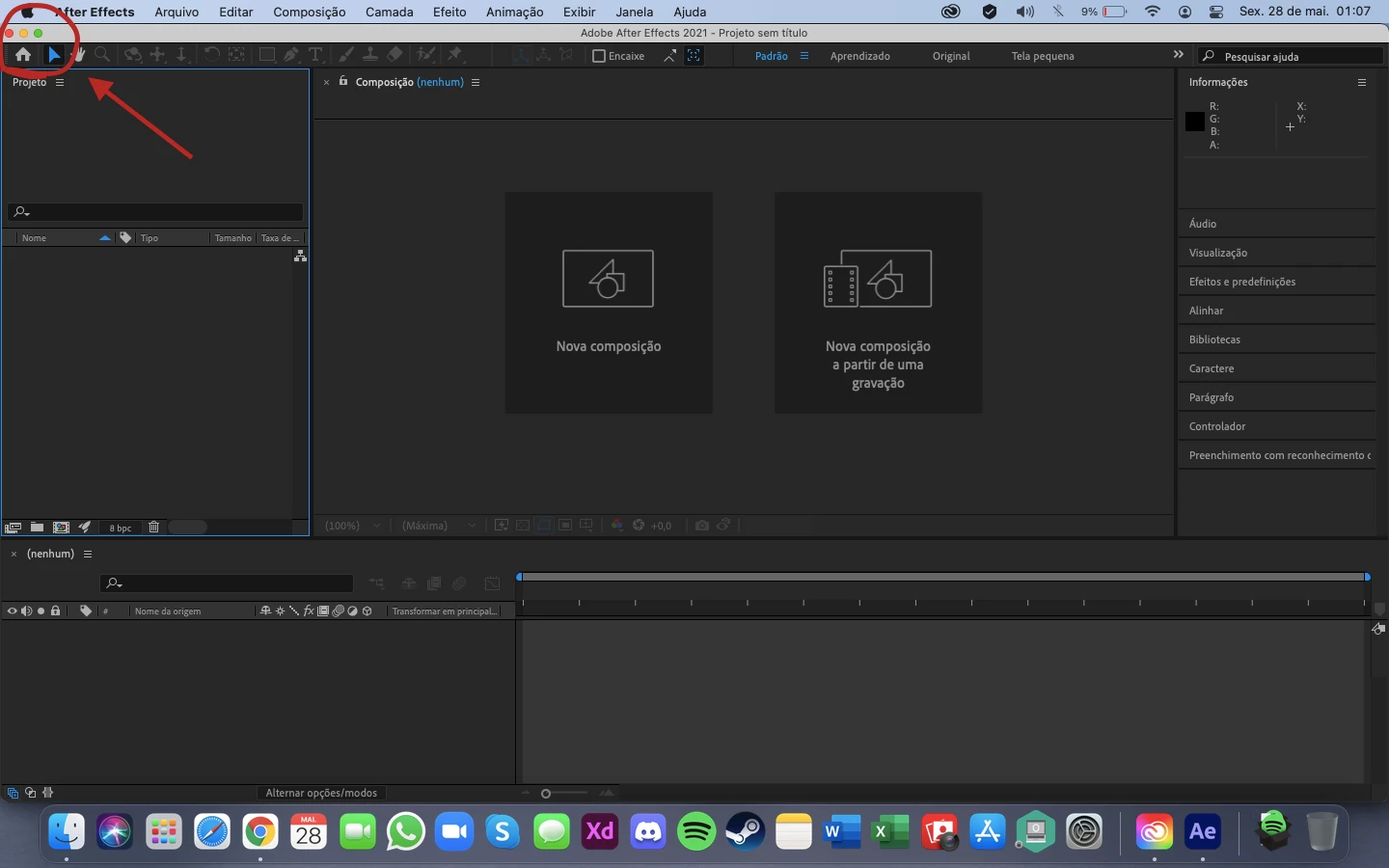
Small minimize, maximize, close buttons on After Effects on MacBook

  • May 28, 2021
  • 2 replies
  • 762 views

Hi, 

The buttons of minimize, maximize and close buttons are too small in After Effects at MacBook.

I have Adobe XD and the sizes of minimize, maximize and close buttons are normal, like in all windows of my computer.

I'm annoyed because it is happens only in After Effects.

Here is a picture of how it is
 

Here is a picture of how it is NORMAL.
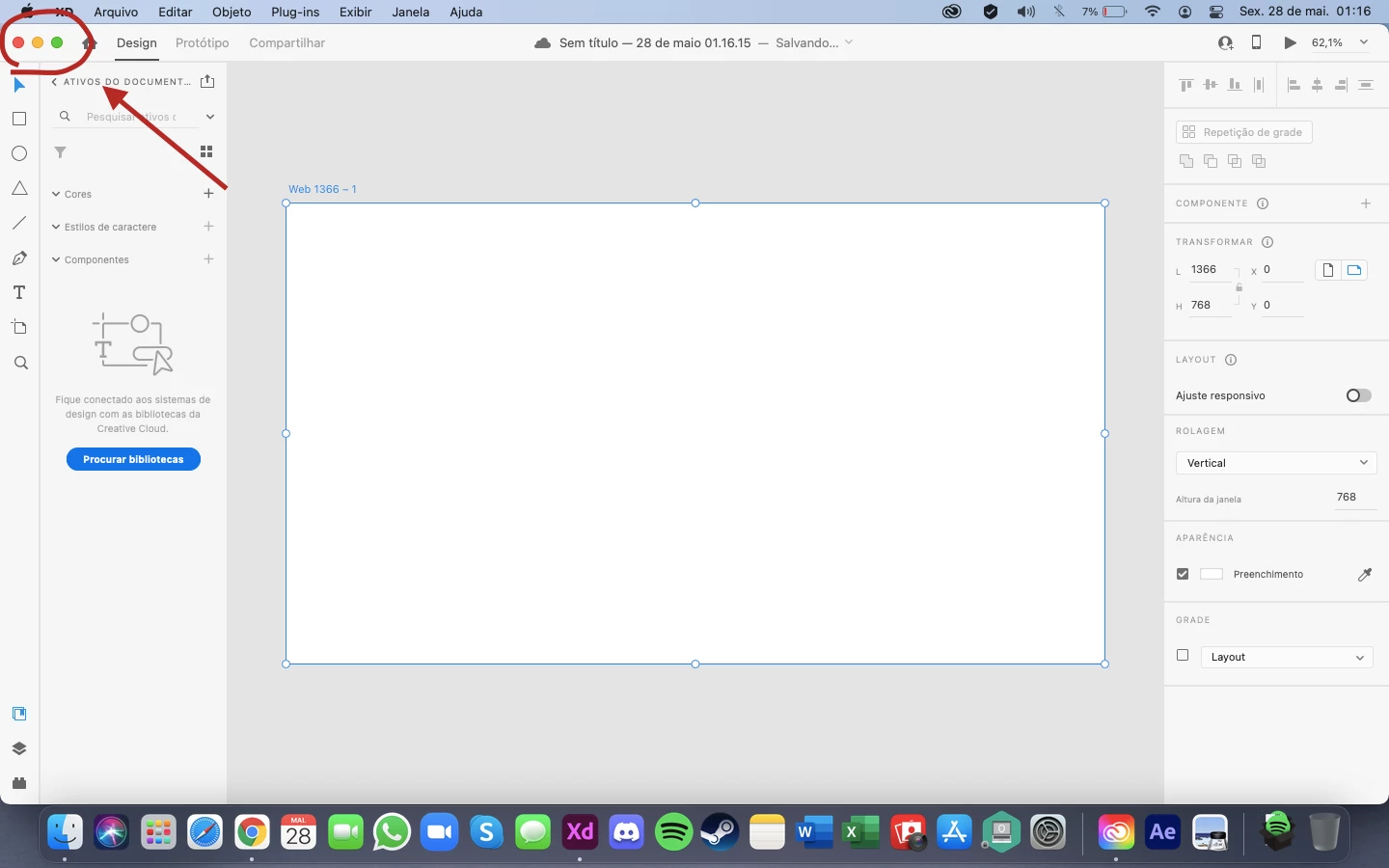


See the difference?


It's not a problem of resolution of my computer, I already tried this.

I also uninstalled and installed again, and didn't worked.

I restarted my computer and didn't worked either.


Can somebody help me please?


Thank you!


2 replies

Participant
February 25, 2025

Same here, this happens only in After Effects and Premiere Pro.

All my other apps, Adobe or not, have the same size window buttons. I do not know why this hasn't been fixed all those years.

Resolutions I use are 3840 × 2160, 2560 × 1600 and 1920 × 1080.

nishu_kush
Community Manager
Community Manager
February 25, 2025

I can see too. Let me reach out to the product team and see why it's happening.

I'll get back as soon as possible.


Thanks,
Nishu

Rameez_Khan
Legend
May 28, 2021

Hi Samuel B.B.,


Interesting observation!

If you have Premiere Pro installed, can you verify if it is smaller for Premiere Pro as well?

Which model of the MacBook do you have?
Can you let us know the screen resolution of the display — is it 2880 x 1800?


Thanks,

Rameez