
Question
Smoother curves in path keyframing
Hi,
I've basically been given two different illustrations where the strokes are curved differently, and trying to find a way to animate between the two.
I can accomplish that by keyframing the path of the first stroke, then copying the path of the second stroke, and pasting it further down the timeline.
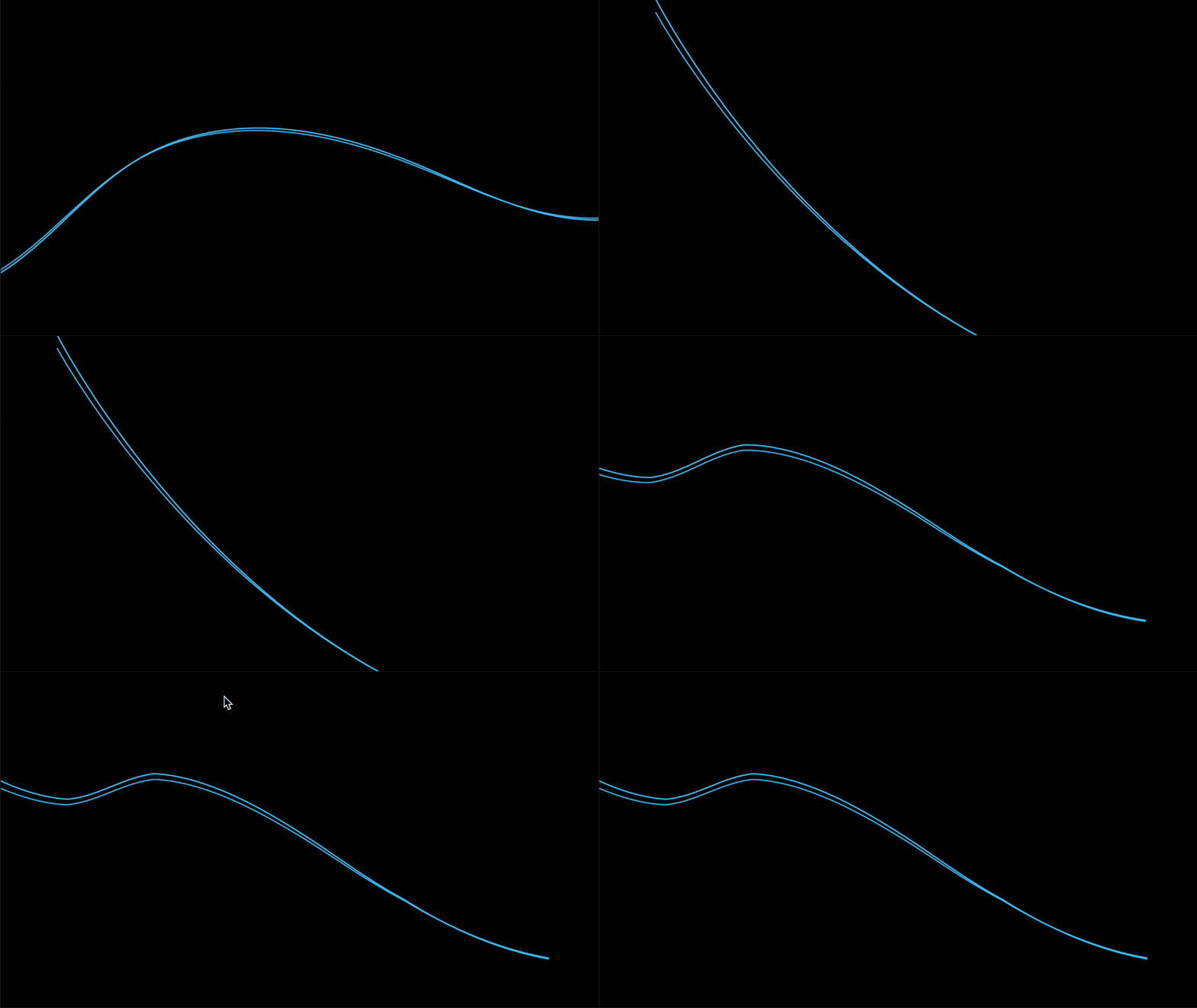
However, when it's transitioning, there are some sharp corners that form, that don't really fit the fluidity of what I'm going for. I'm guessing this is in part because the first path has more points than the ending path. Is there any way to remedy this besides going in manually and adjusting the anchor points? Some sort of smoothing method?
Thank you.


 AdChoices