

snapping shape layers in AE
Hello,
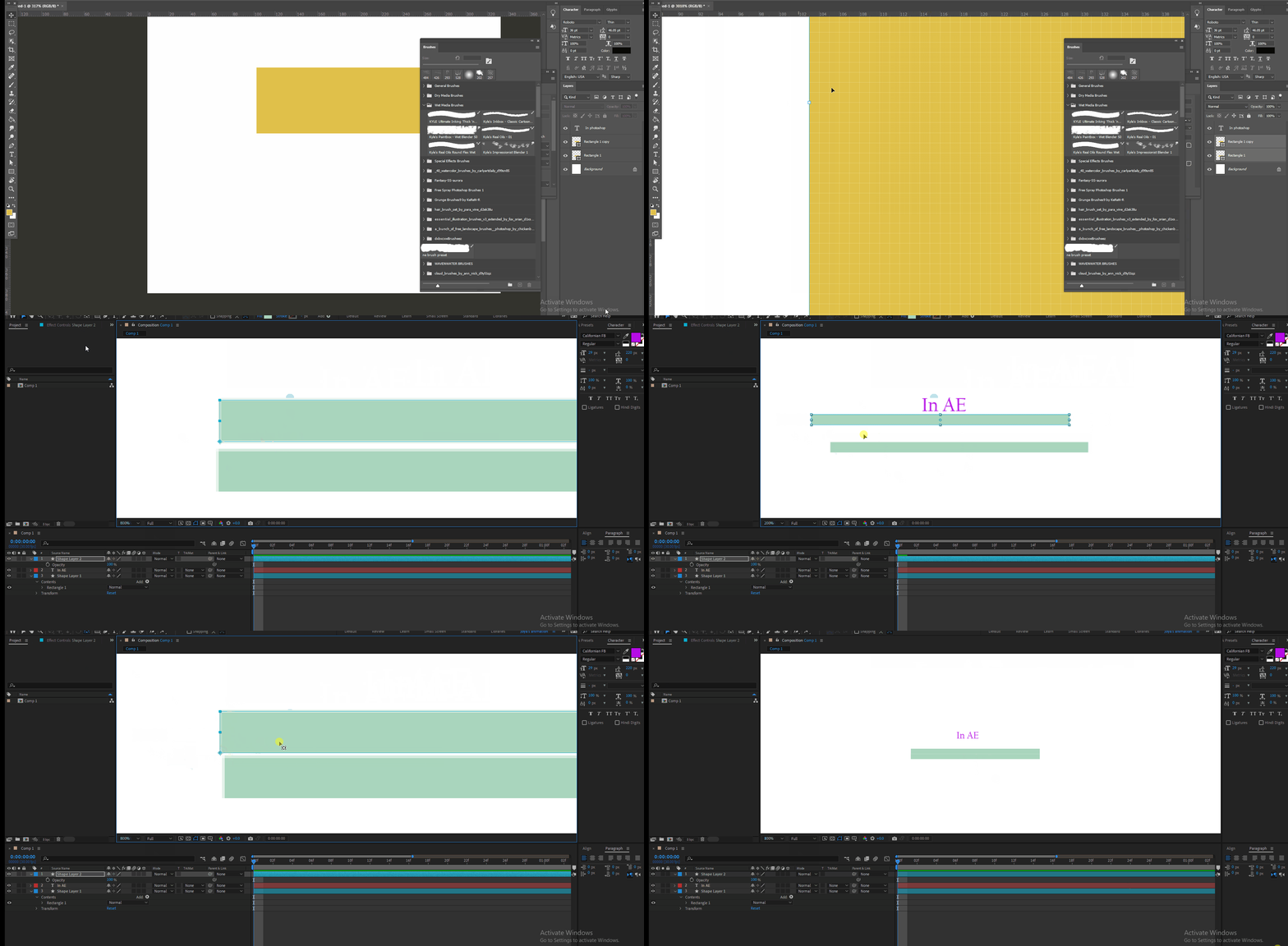
After Effects is a raster-based software, and so is Photoshop. The snapping works in photoshop like a magnet, very powerful, you can feel the snapping while dragging one shape on/beside another. But in AE, snapping is not even near photoshop.
I learned I have to press shift and also ctrl to engage snapping in AE, but it's not as strong as photoshop. In Photoshop you will see guidelines while snapping. I want the same in AE. Is there any setting or anything I should know to initiate that? Maybe I don't know. I googled. Except for pressing shift and ctrl nothing is there.
I want guideline and srong snapping like photoshop in AE, How can I get that?
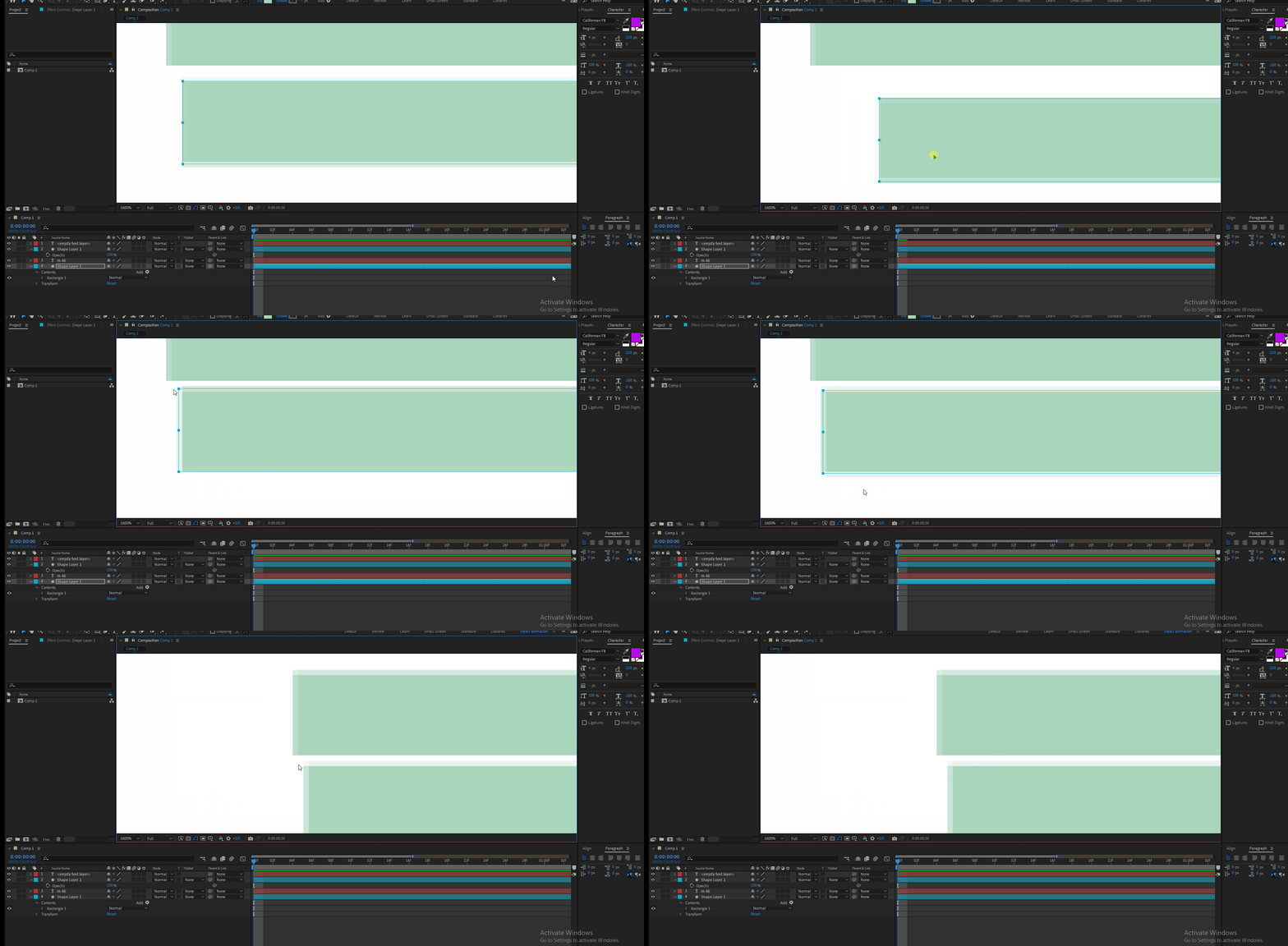
and another thing, why do I see transparent pixel outside shape boundary in AE while dragging and after snapping? It should not be like that. It should merge with the layer below. A thin white line in between boundary of two shape layers I can see after snapping. Is it for my wrongful snapping Or I need to change something in settings?
Thank you.
 AdChoices