
user82573258
Inspiring
November 15, 2020
Answered

Snapping with 'region of interest'

  • November 15, 2020
  • 2 replies
  • 1458 views

I'm trying to pre-compose a shape, and to have the dimensions of the comp match those of the shape layer:
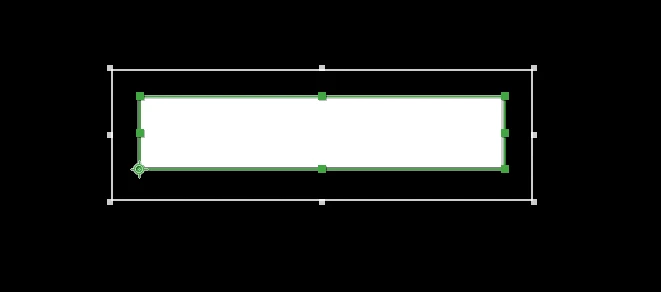


This seems surprisingly difficult... first I was looking for a way to simply 'trim' the comp size like I can in Photoshop, but this doesn't appear to be possible.


Then I found out about the 'region of interest' tool, but there doesn't seem to be a way to snap it to my shape layer. I can't even snap it to any guides that I put in place.


Is there a way to use this tool more accurately or do I just have to zoom in to 1600% and do everything manually?

This topic has been closed for replies.
Correct answer Mylenium

Nope. It works as it always has. It's just a crux. If you need more control, you might want to find one of them "crop to layer" utility scripts on AEnhancers.com.


Mylenium

2 replies

user82573258
Inspiring
November 15, 2020

Thanks will check it out!

Mylenium
MyleniumCorrect answer
Legend
November 15, 2020

Nope. It works as it always has. It's just a crux. If you need more control, you might want to find one of them "crop to layer" utility scripts on AEnhancers.com.


Mylenium