SOLVED: After Effect CC 2022 showing black screen, graphics not showing
Hello all! Here's a short summary for people who don't want to read.
Problem: After Effects composition shows black screen, even though layers are still present.
Cause: editing an Illustrator file that I had imported into After Effects, and After Effects changing my Illustrator file without my knowledge.
Solution: rearange the layers in Illustrator so that they match how the layers were when originally imported into After Effects
Here's a little more detail.
I ran into this frustrating problem after working on an animation in After Effects (AE). The the composition went black as shown, even though the layers were still present:
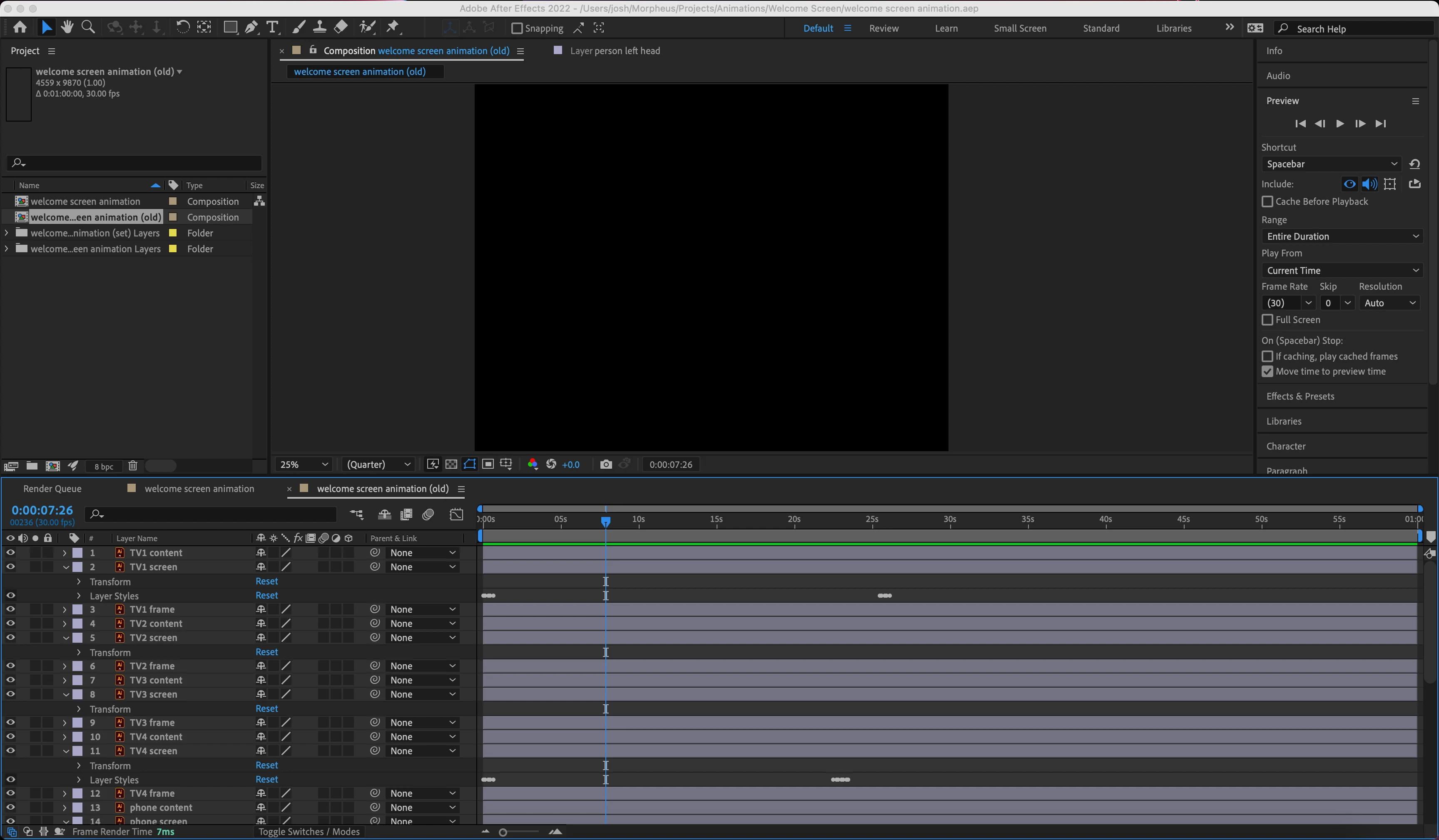
After some research, I solved the issue, but it still caused semi-perminent problems that required some things to be redone. Though I didn't know it at the time, the problem arose from editing the Illustrator (AI) file that I had imported into AE. It seems that AE doesn't make any kind of copy of the AI file; rather, it links the actual file. This is a double edged sword (less so now that I know) because editing the AI file, then saving, will update the file in AE. I also notice that after some troubleshooting, and perhaps clicking random buttons out of frustration, AE actually managed to merge all layers into a single within my AI file. In other words: AE changed my AI file without my knowledge.
You can still partially recover the AE file. You just need to open the AI file and rearange the layers so that they match how the file was when it was originally opened in AE. It's tedious, yes, but may be a lot easier than starting from scratch again. I ended up separating the layers in AI, re-importing the AI file into a new AE project, and just copying the key frames from the old AE composition to the new one.
This can probably happen with imported Photoshop files, too. Let me know if this helps anyone.
 AdChoices