
Question
SOLVED HELP - Layer seems to be hidden??
This is has been SOLVED - it was a shy layers problem
My layer #325 seems to be missing. I have layer #324 & layer #326, but where layer #325 SHOULD be is missing, but obviously not deleted. And there's a thicker line in between 324 & 326 which tells me I must have hit a button somewhere and it's hiding somewhere in my composition. Checking/unchecking "shy layers" doesn't do anything to this layer. Has anyone experienced this or seen this/have any ideas how to get this layer back?
Thank you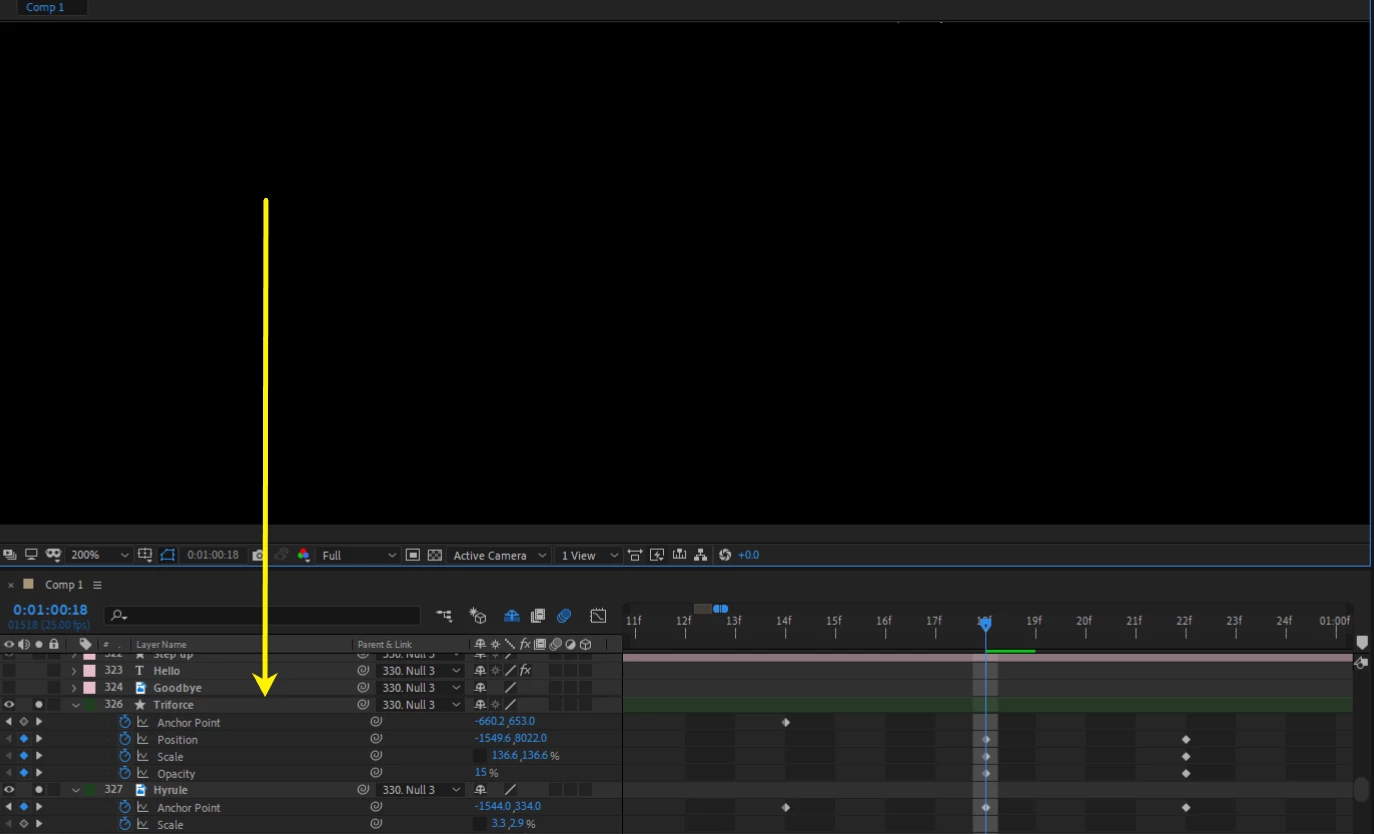
 AdChoices