
Question
Spill won't go away after using Advanced Spill Suppressor
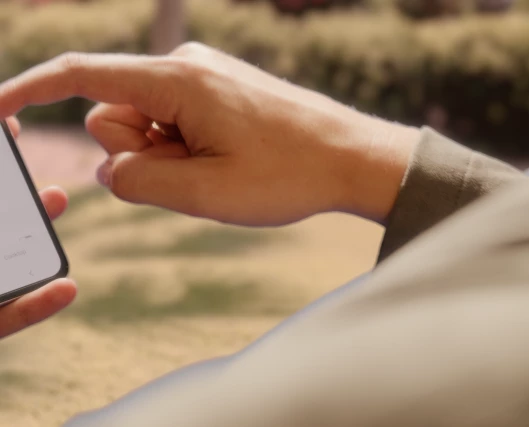
I've been running into this problem a bit latey and I don't know what's causing it. I'm keying this piece and when it came to removing the blue spill, I can't seem to get this to look right. When I use the eyedropper tool on that blue highlighted area at the top of the shoulder, it's almost entirely a neutral grey. But it still looks blue. I assume its just that the rest of the video is warm that the grey looks blue, but what can I do to make that highlight blend in more and not look so blue?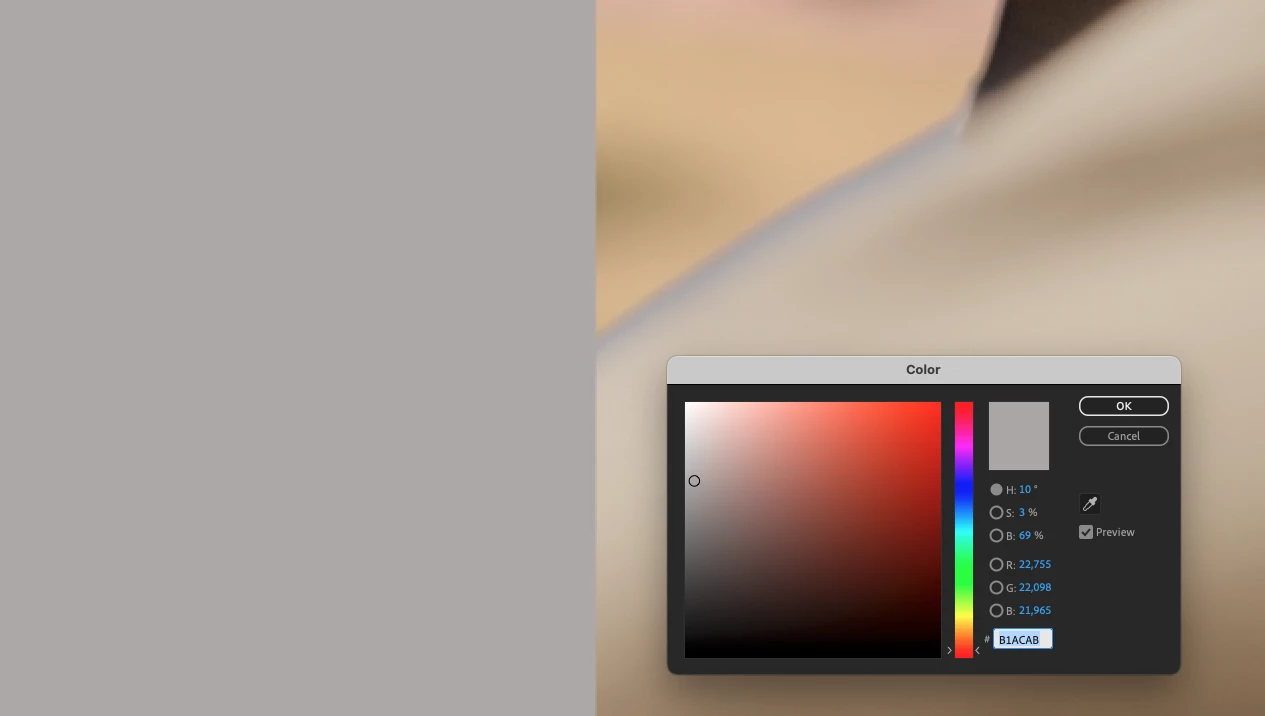


 AdChoices