Participant
July 12, 2020
Question

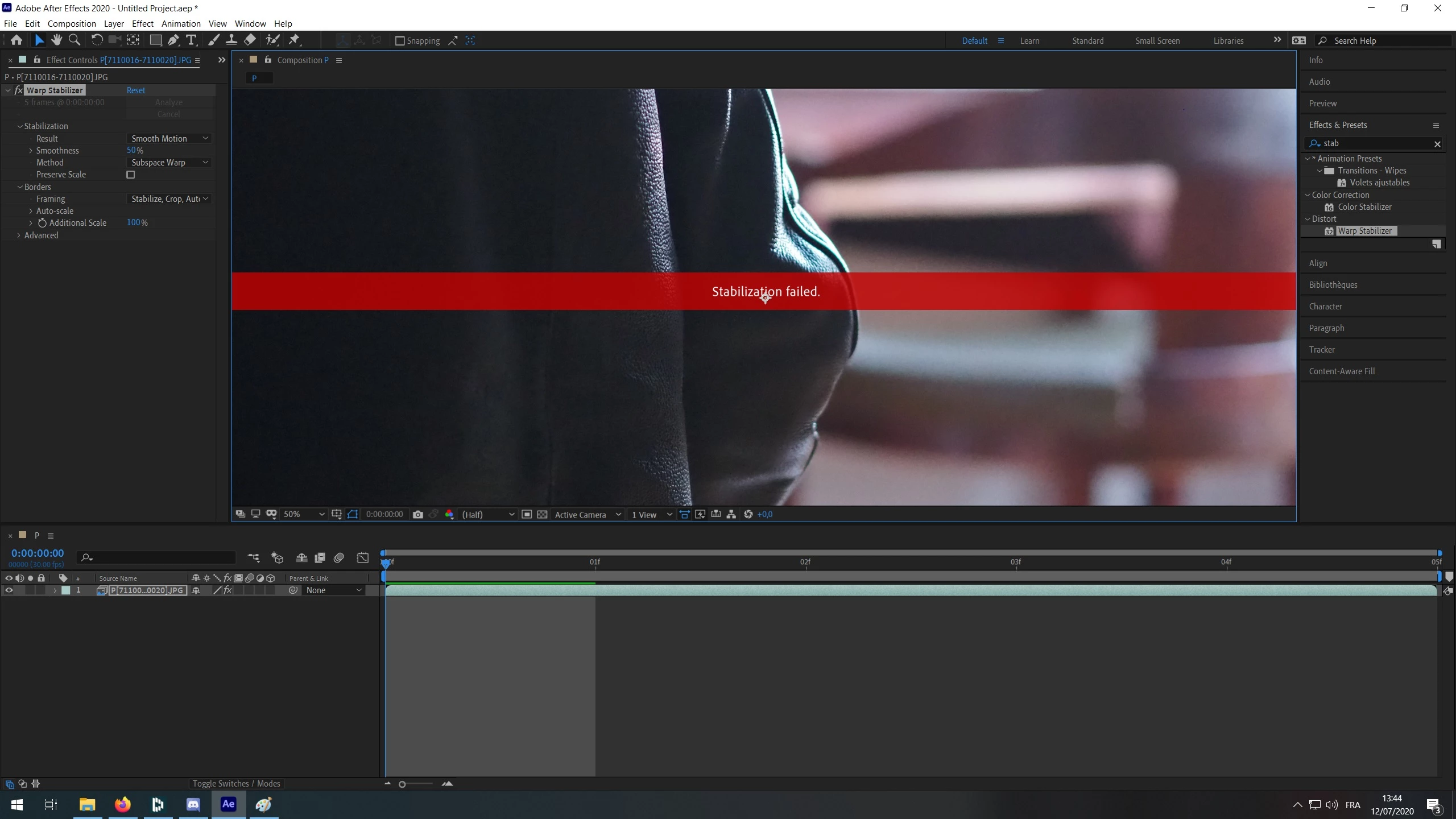
Stabilization failed

  • July 12, 2020
  • 1 reply
  • 13327 views

Hello everyone,

I'm very new to the Adobe Community (and French so excuse my English).

After seeing a Youtube tutorial on how to create a hyperlaspe using After Effect from a RAW/JPEG images sequence, I decided to try the software.

The issue is that after I followed step by step the tutorial I keep getting the same error message "Stabilization failed".
What I do :
- create new comp
- import file (I select the first picture in my folder and check importer sequence)
- I drag and drop my footage to below of the screen
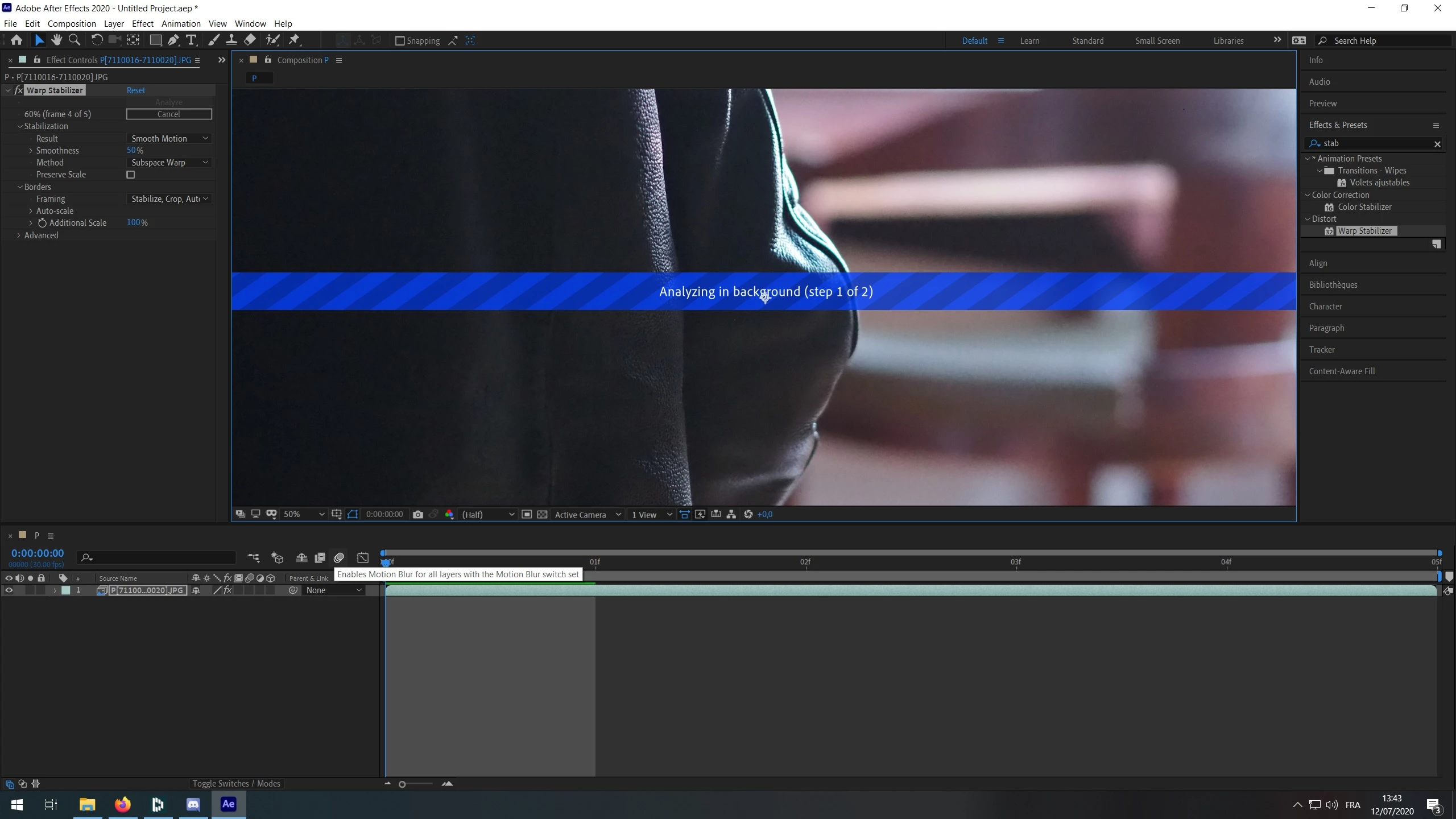
- I go to Effects and Presents panel and search for Warp Stabilizer
- I drag and drop the effect on my footage
- after processing I get the error message "Stabilization failed"

I tried to do that using RAW and JPEG files and still get the error message. For this test I just used 5 pictures.
And for information I have 16Gb RAM DDR4, a Ryzen 3600 and a 1070.
Could you please help me ?

Thanks 🙂
  

This topic has been closed for replies.

1 reply

Mylenium
Legend
July 12, 2020

That doesn't look like any footage that could be stabilized using automated methods. You have to realize that this stuff isn't magical and it's important to shoot the footage suitably to begin with. An extremely blurry background and a large dark area in the foreground simply won't have enough contrast for the algorithms to work their magic. At best I could imagine this requiring some traditional stabilization using teh old 2D tracker and carefully placed markers, but even that may not work. In any case, impossible to make a final judgement without seeing the whole sequence, but you should be prepared that this may not work at all or at least require a lot of extra effort.


Mylenium

VaelynAuthor
Participant
July 12, 2020

Hello Mylenium and thanks for your answer.

So do you think I should take all the pictures I need for my hyperlapse and then try to stabilize them instead of trying with 5 almost random pictures ?

Mylenium
Legend
July 12, 2020

Yes, definitely. Keep the sequence as smooth as possible and use all frames you have. You can always remove unwanted frames later by cutting things up after having pre-composed the stabilization or using Timewarp/ Time-Remapping to further smooth out the sequence and skip over frames you don't want to be visible while potentially even getting some interesting motion blur.


Mylenium