Strange Color/Brightness Shift in After Effects/Premiere with ProRes Import...
Hi.
I've been struggling with finding a solution for this problem for the past two days now. I have a ProRes file ready for VFX work on AE. When I play it in VLC it looks just fine. But when I create a new comp on AE with it it looks less colorful- the black level not appearing fully black, and as if the brightness was pumped up and contrast down. I have gone through all of AE's settings and many forum posts and found no solution. Tried changing AE's color space, display's color space and so on.
A few interesting tidbits:
-The same problem appears inside Premiere.
-When using Mocha inside of After the video looks just fine with no color shifts.
-When exporting ProRes out of AE it also looks just fine.
-When I import one of the original, source files it looks fine.
So I've come to the solution that the problem is with Adobe programs playing/previewing my ProRes file back.
Does anyone have any idea on how to solve this darn problem? I'm lost.
Roy
(Attached are the two examples- the first is from VLC and second is from Pr)
VLC
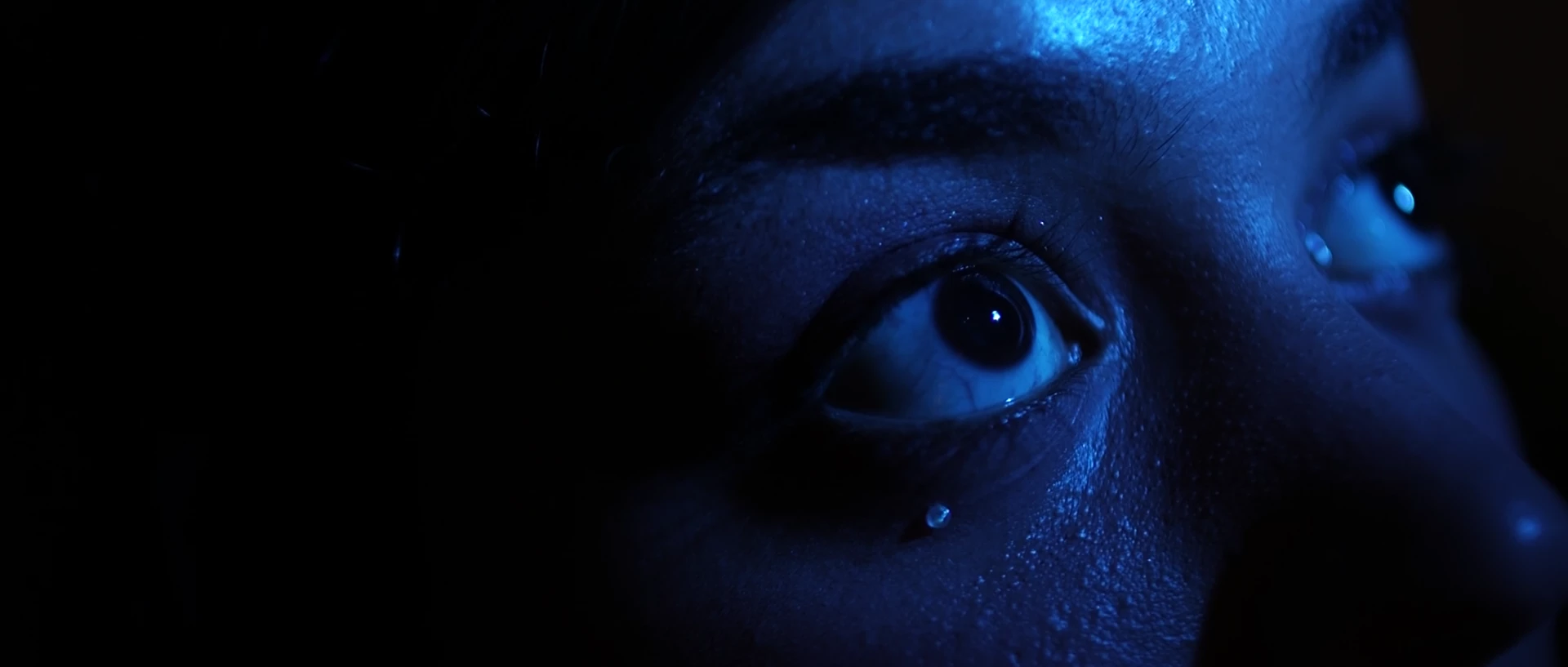
Premiere/AE

 AdChoices