
Participant
October 24, 2021
Question

Streaming AE won't show whole screen?

  • October 24, 2021
  • 4 replies
  • 3068 views

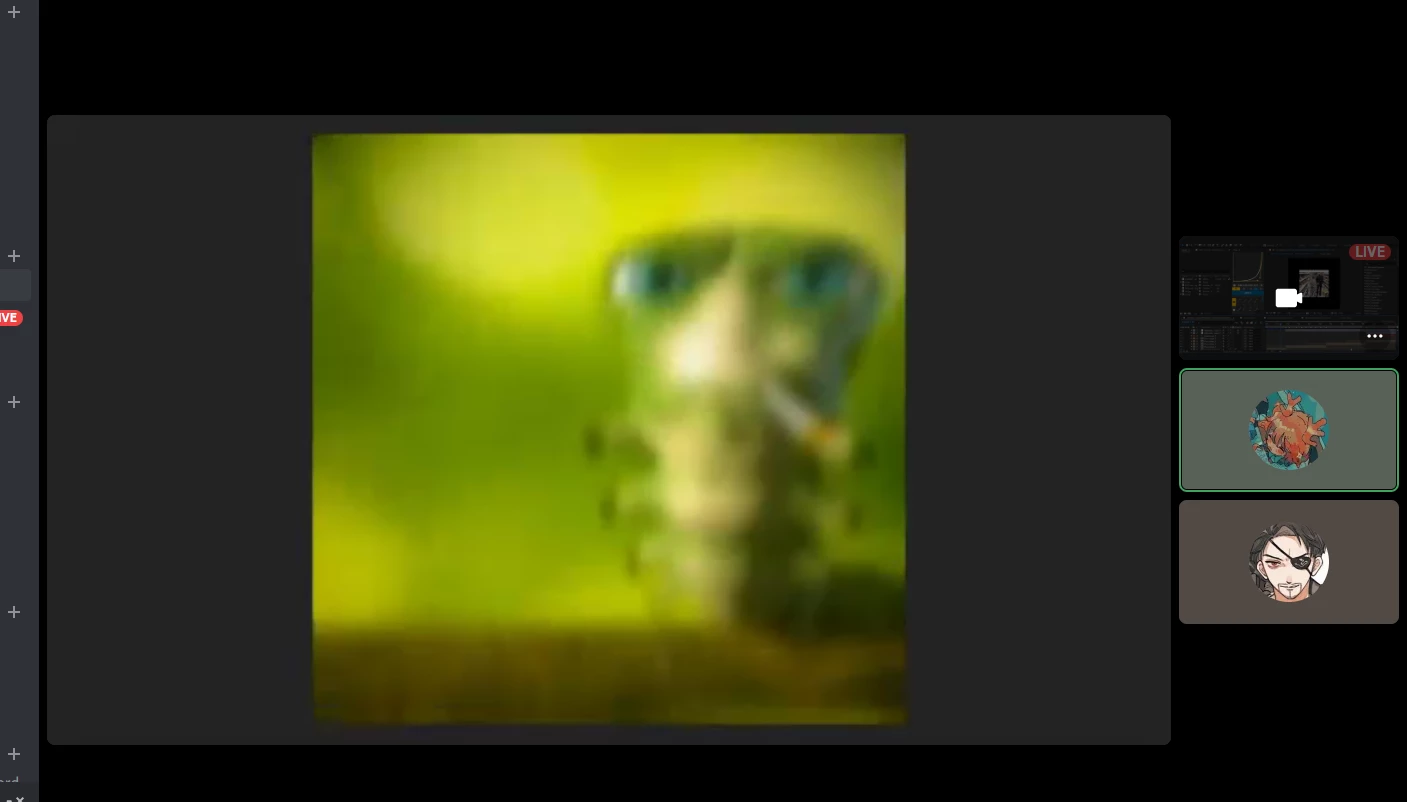
Hello, I'm trying to stream my screen to my friends on Discord, but whenever I start to play the video (press spacebar), it zooms into the playback screen and won't show my timeline or effects. Below is what it looks like from my friend's point of view (please don't mind the image):
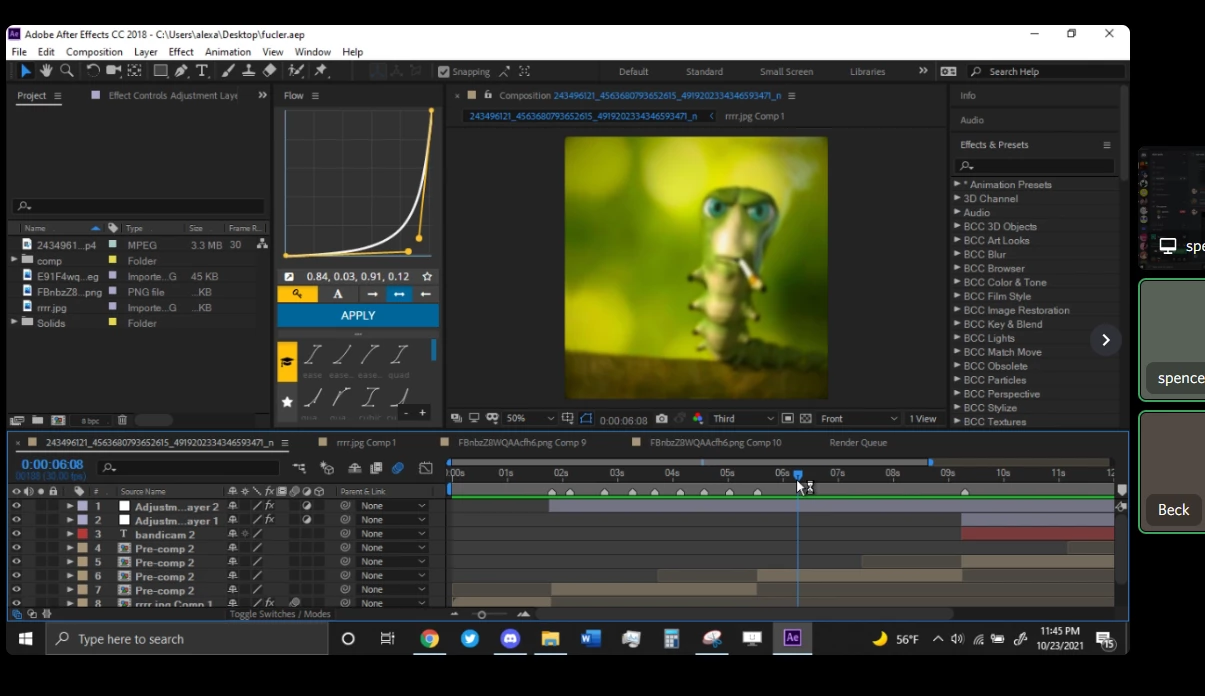
 And here's how it looks from my screen. (paused) Which is how it should also look from hers
 

This topic has been closed for replies.

4 replies

Participant
July 12, 2024

Hello, it sounds like you're encountering an issue with screen sharing on Discord where the video playback zooms in, hiding the timeline and effects. This problem might be due to how Discord captures and displays your screen. To resolve this, you can try adjusting the settings in Discord by going to User Settings > Voice & Video, then scroll down to the "Video Settings" section and ensure that "Use our latest technology to capture your screen" is enabled. Additionally, you can try sharing a specific application window instead of your entire screen, which might provide better control over what your friends see.

VodBox
Participating Frequently
October 27, 2021

Discord is primarily interested in capturing games, and given particularly how some older games were implemented, it will look at child/sub windows within the larger window that are actually being updated/re-rendered, especially if on the GPU, to determine what to perform the capture on.

After Effects previews are child windows within the larger window that are hardware accelerated, and so trigger that behavior in Discord to focus on just that part. There's nothing Adobe can do (or really should do) that would be able to fix this. Discord should instead be offering an option to specify you want to capture the whole window of something.

Mylenium
Legend
October 25, 2021

Check your screen capture software then. Many of them have options to automatically focus on the active window, which may in fact be triggered by AE snagging the hardware overlay buffer when previewing. You may need to reign this in by enforcing to always stream the full desktop or in reverse switching AE to software-only mode.


Mylenium

Mylenium
Legend
October 24, 2021

Check your preview panle and turn off "Always use Fullscreen". You may want to re-read the online help on some of these basics/ essentials.


Mylenium

corktreeAuthor
Participant
October 24, 2021

Hi, this didn't work. The full screen button was already unchecked. To clarify, it never goes fullscreen from my point of view, only from hers.