

Stretch/Change layer settings when changing composition settings in After Effect.
Hello guys. I'm new to the forum, so I hope I chose the right place to post my problem.
Here it is:
I've done video for a client 2 years ago - it includes many different animated layers and some text layers that the client wants to change in accordance to his needs.
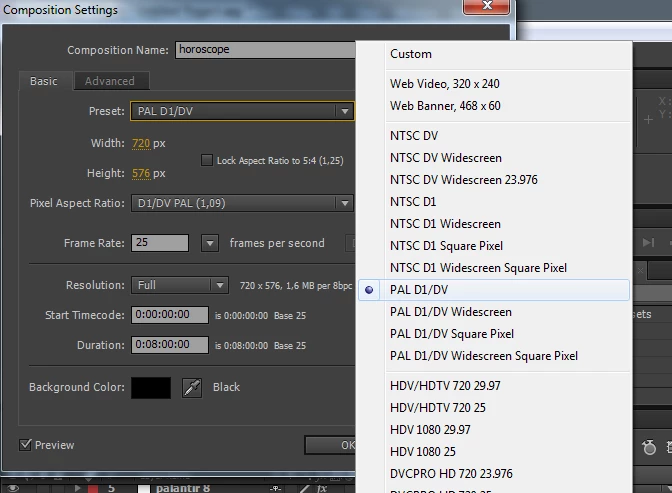
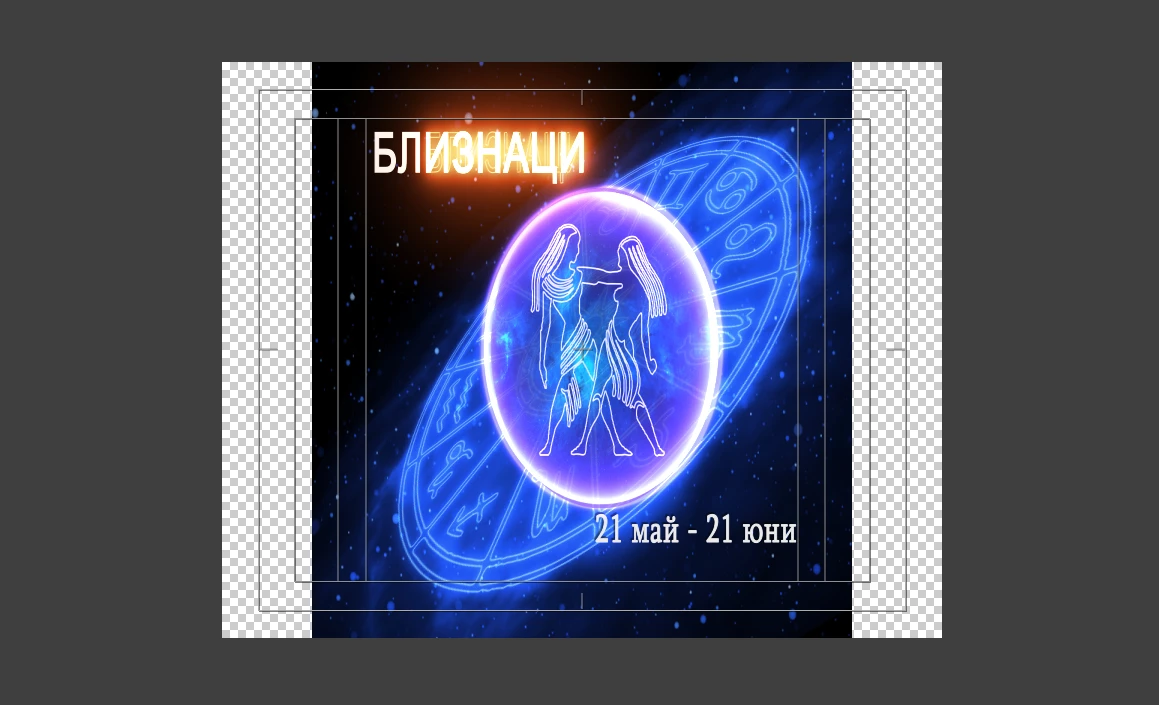
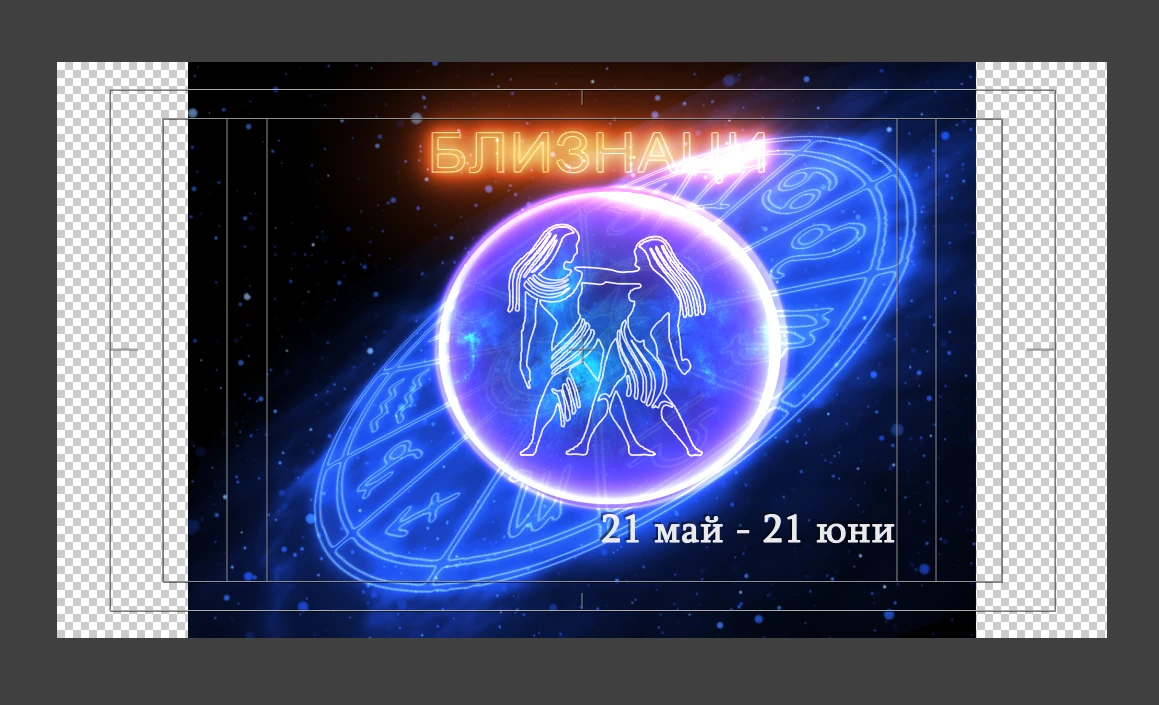
The video was done for 4:3 broadcast. Now the client is moving to 16:9 broadcast and needs the same project "converted to 16:9.
I keep the original project. Problems is - there are too many layers that need changing (and too many keyframes, some of them affecting size and/or position of certain elements). I think It will be better to do everything from scratch, but it will take time and the client is in a hurry.
So, any easy and fast way to "convert" the project into 16:9? Most of the layers are solids or text layers, but I also have few masks, with keyframes affecting their size and position...it looks a bit tough.
Thank you for any help or advices!

 AdChoices