Are you trying to create a cone of light you can overlay onto another video? You can fake it with a shape layer:
- Create a linear gradient filled shape layer rectangle
- Change to the pen tool and change the tool mode to mask and create a cone-shaped mask on the shape layer
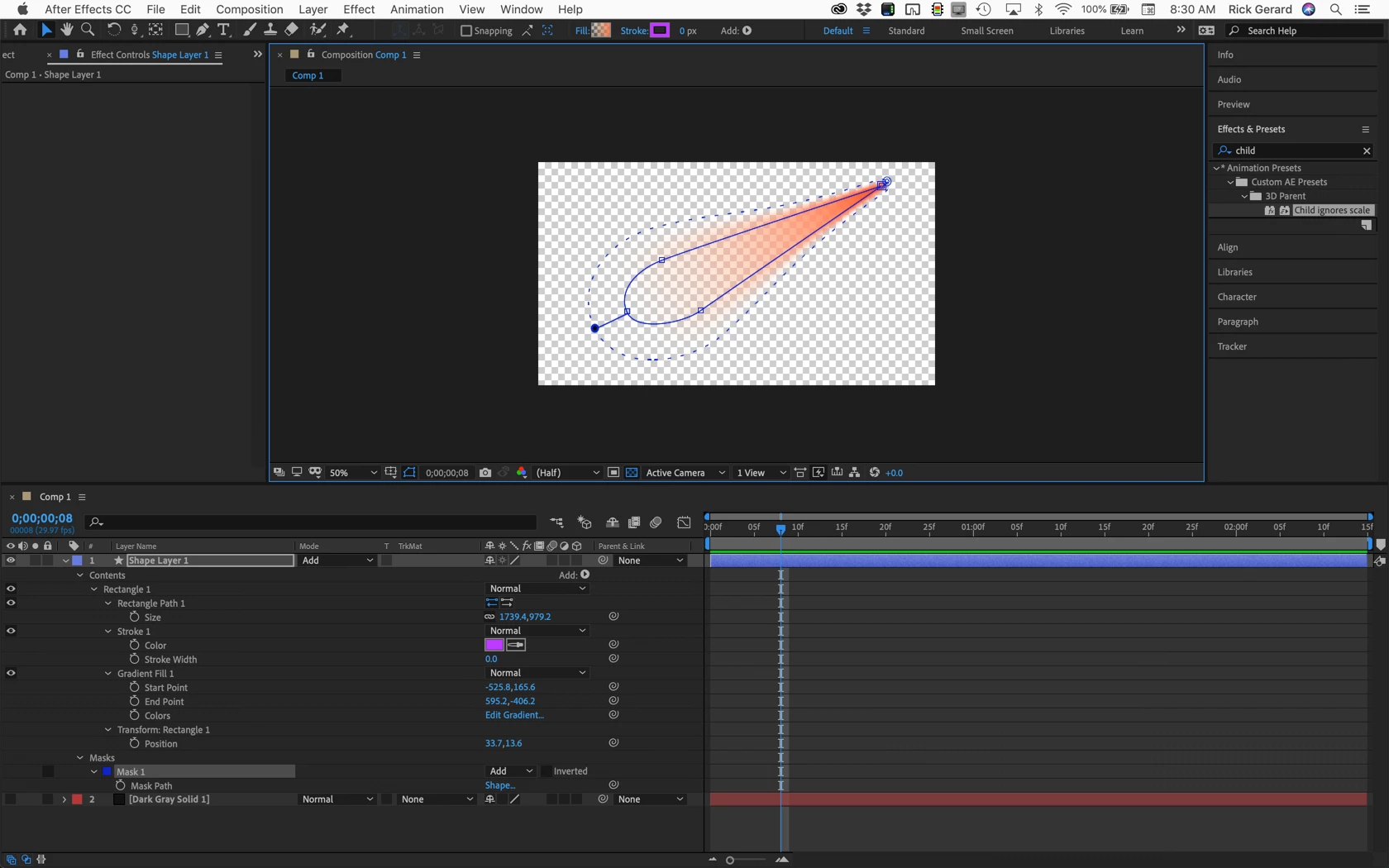
- Change to the feather tool and add some feather to the big end of the cone and drag down the feather on the tip
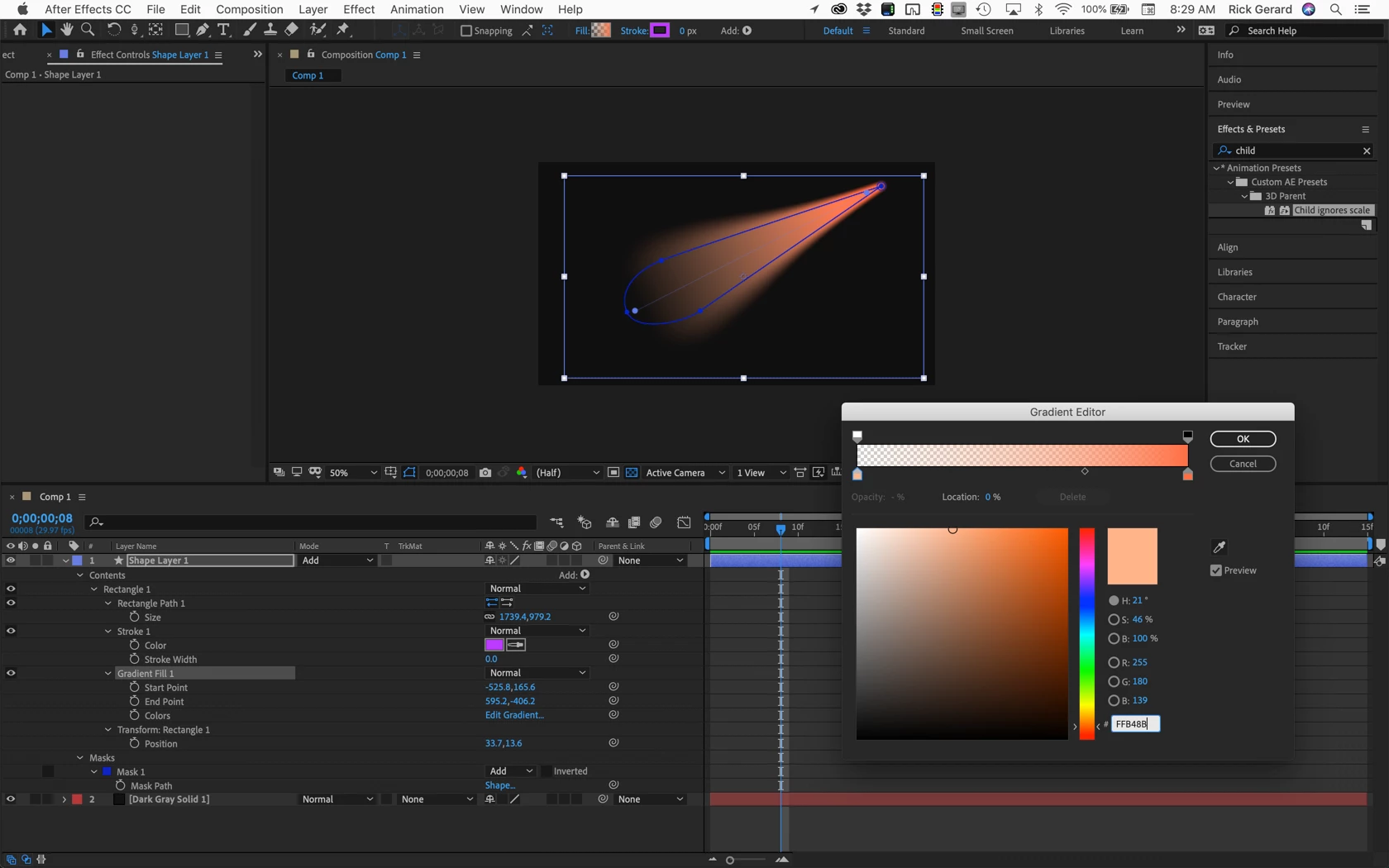
- Edit the start and end points of the gradient so that it starts and ends through the center of the cone
- Edit the gradient and make sure you use the opacity settings at the top of the color bar
- Add a black solid below the fake spotlight and change the blend mode of the shape layer to ADD to fine tune the look
It should take about 5 minutes. Heres the final showing the gradient editor and the start and end points of the gradient:
Here is the project with the background turned off showing the mask feathering:
Or, spend the money on Trapcode Lux | Visible Volumetric Lights Plugin:
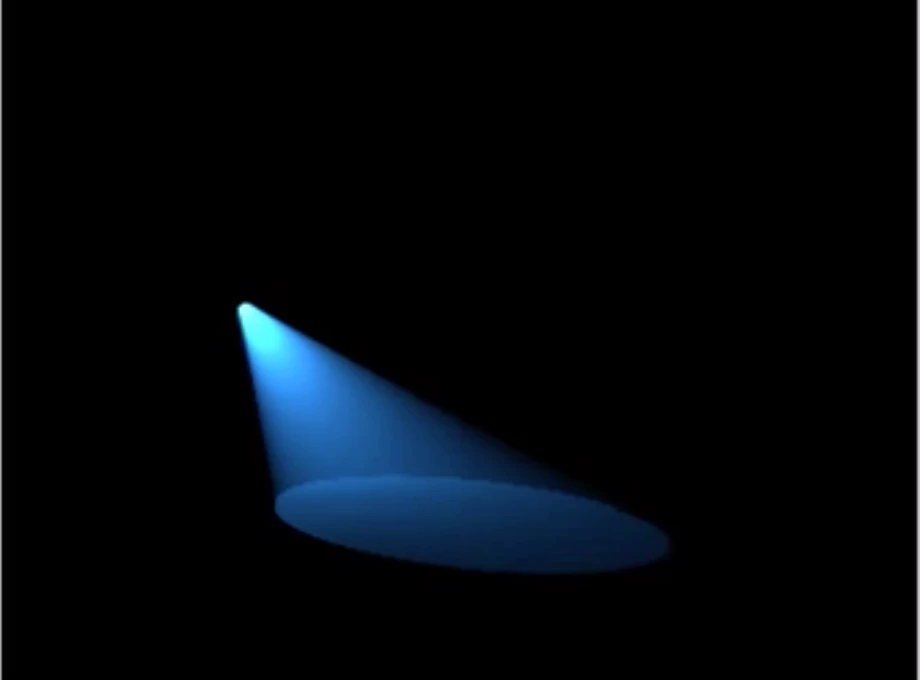
Here's a link to a tutorial: TC_lux_intro. Lux has been around for a very long time. A project would look like this:
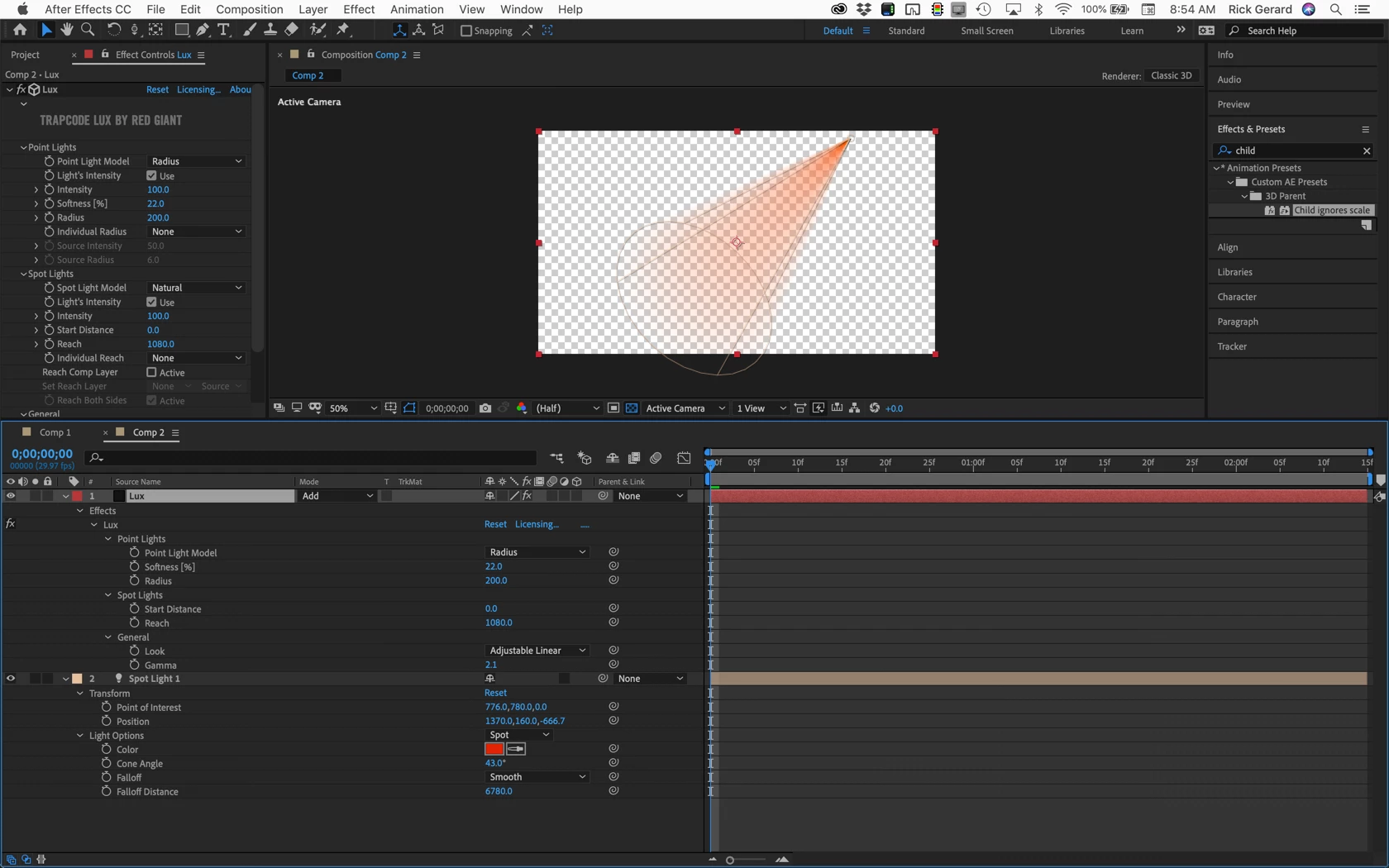
If you are using this comp in AE there is probably no point in trying to create a light on a transparent background. The only thing I can think of that would require this is adding a light effect to a comp that uses the C4D or Ray-traced rendering engines. There are better ways to add lights to scenes with extruded or bent layers.
If you want to use the fake spotlight in an NLE like Premiere Pro make sure you use the Lossless with Alpha preset to render the video. Both of these techniques will create a layer that simulates lighting effects. There are at least a dozen other ways I can think of to create the illusion of light in a scene. They all involve blend modes and blurs.
If that's not what you are trying to do we need a lot better explanation of your design goals and a screenshot of the attempt you have made with the modified properties of all the layers revealed. Select the layers, press uu, PrintScreen and paste to the forum.


 AdChoices