
Participant
February 25, 2023
Question

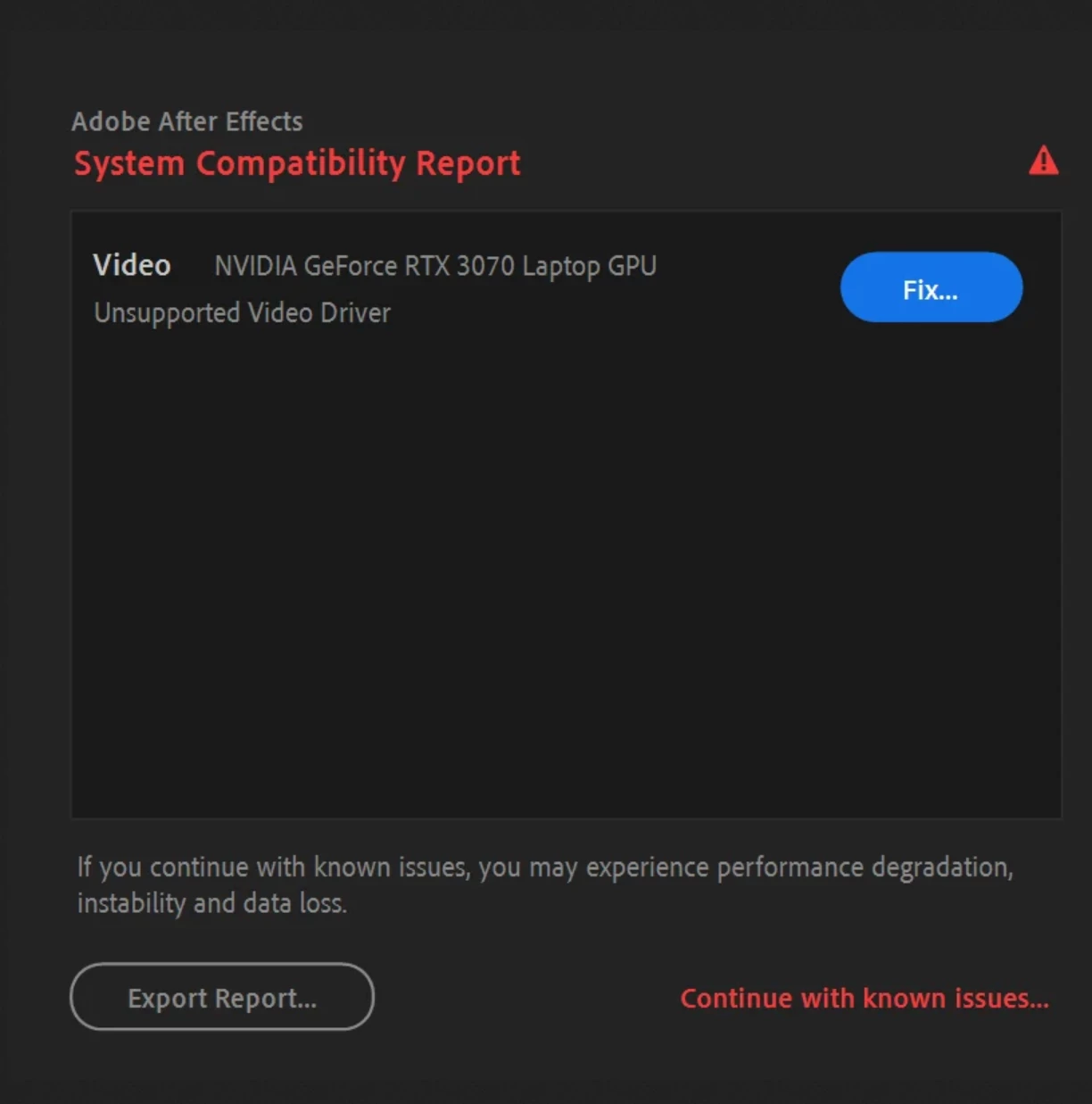
System compatibility error even though I've already updated as much as I can

  • February 25, 2023
  • 1 reply
  • 351 views

I'm not sure what to do at this point. If I reinstall the drivers, I'd need to do a backup first and I don't have a hard drive to use at the moment and I most likely won't for a while.

The last time I used AE was last week and it was fine then.

I looked up the requirements for AE 2022 and for NVIDIA GPUs, it's minimum version 472.12 and mine is 512. I've already done all the updates I can find in Settings and through device manager.

What else can I do? And how bad is the "performance degradation, instability and data loss" if I continue as is?
 

This topic has been closed for replies.

1 reply

Mylenium
Legend
February 25, 2023

The recommended driver is 517.xx Studio.


Mylenium

Participant
March 13, 2023

Sorry for the late reply! I'm not sure why my current driver isn't compatible anymore though, especially because it seems to be in line with the recommended driver on the After Effects system requirements page. https://helpx.adobe.com/after-effects/system-requirements.html


nishu_kush
Community Manager
Community Manager
March 13, 2023

Hi lampsaucecat,


What's the exact version of the GPU driver you're using? Is it a Studio or Game Ready driver? We'd like to investigate.


Thanks,

Nishu