Participant
August 4, 2019
Question

Tacking from AE doesn’t match in PP :(

  • August 4, 2019
  • 1 reply
  • 422 views

Hi,

I have a big problem that is making me upset - I was doing callouts tracked on my video:

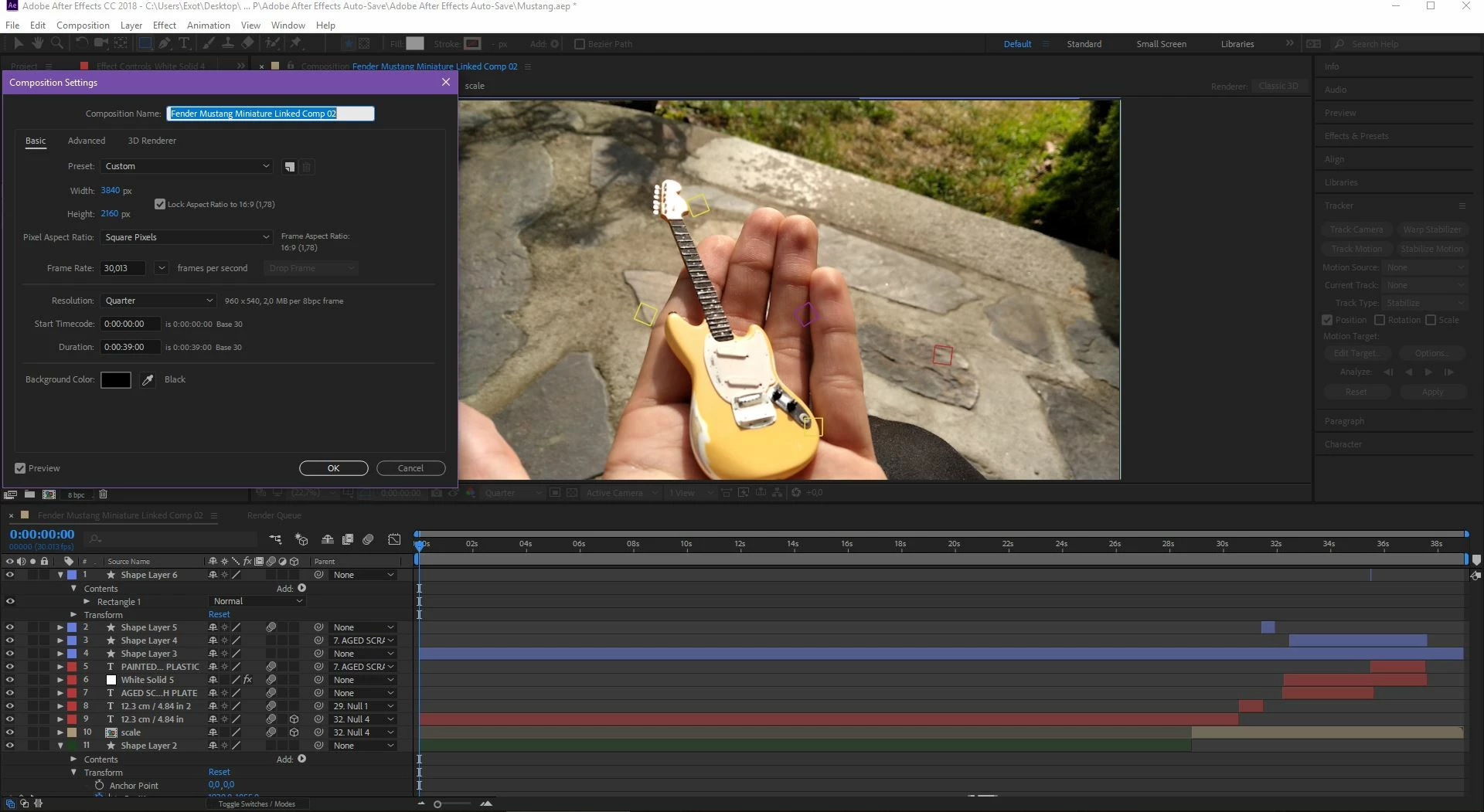
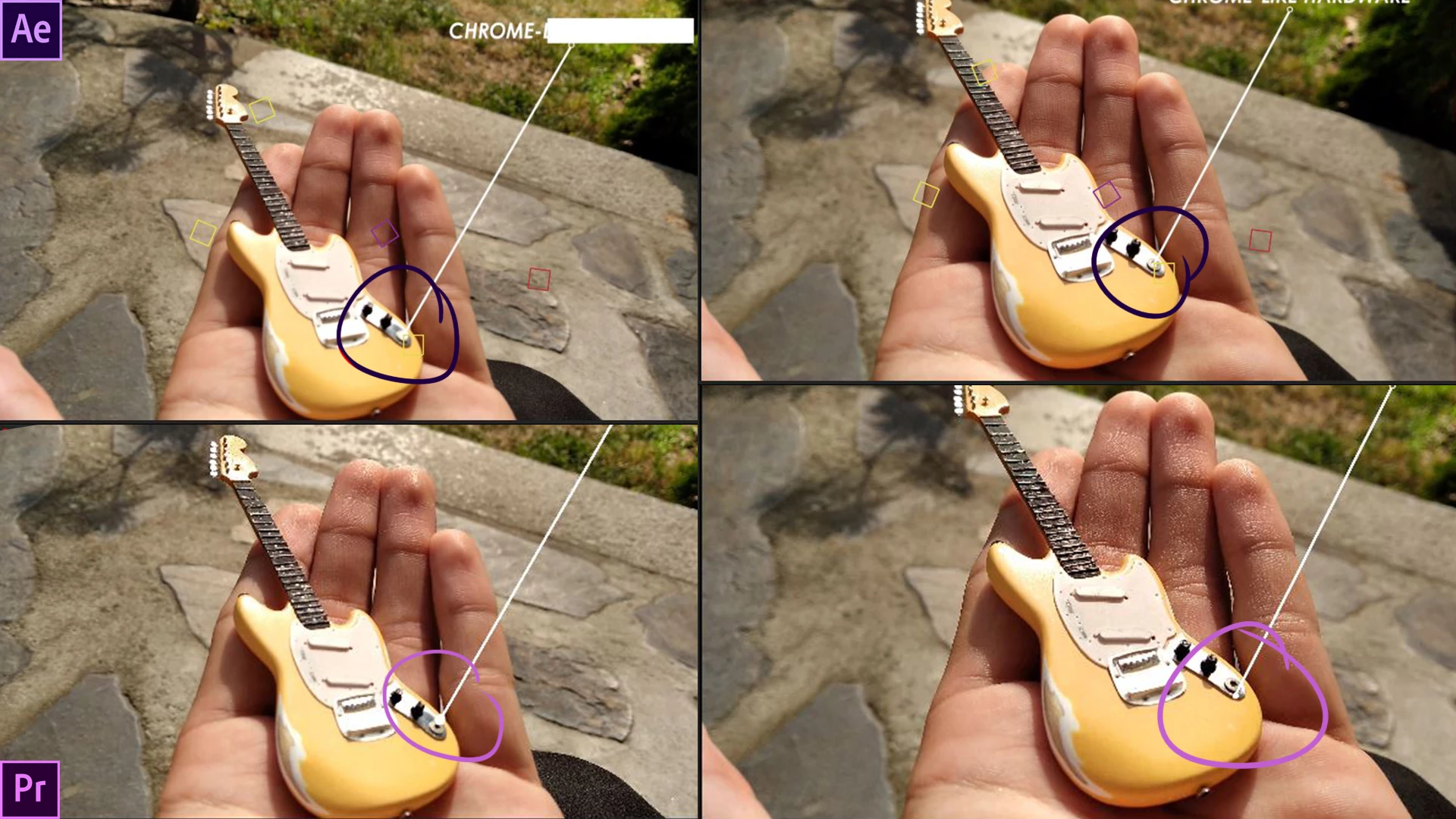
I started Premiere, made  sequene with video matching settings (4k, 30.01 fps) and replaced that with AE composition. After about 6 hours in AE i was happy with it, so I went back to Premiere, but there, callouts were flying over and jumping like a fleas. In AE there is still everything matchet perfectly on spot (I was tracking it frame by frame, so I m sure everything is in place there)

I think there is some FPS matching issue on playback windows or I do not know.

There are properties in both apps:
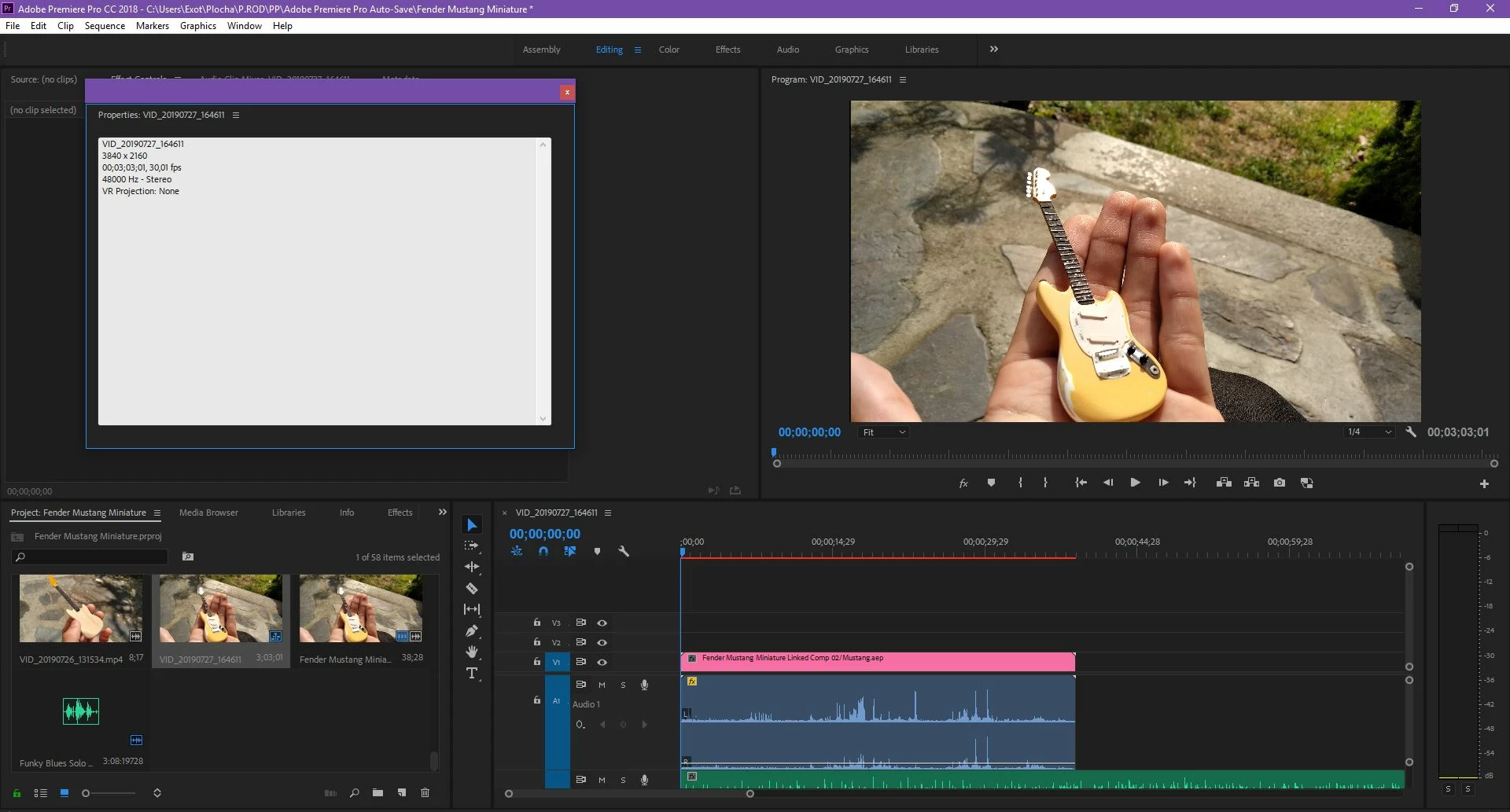
   And here you can see the dissmatch
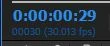
Also I’m curious about this double time indication, why 2 not synchronized times?
(I apologize for my english skills)

If somebody help me, I’ll be very happy.

This topic has been closed for replies.

1 reply

Community Expert
August 4, 2019

First, you should make sure that you are using standard frame rates. If you import the footage and it is showing up as 30.1 fps you should change the frame rate interpretation to either 30 or 29.97. These are standard frame rates. Then you make sure that your Premiere Pro Sequence settings match. When you move to After Effects you also have to make sure that the frame rate interpretation of the footage matches and the frame rate of the composition matches. An odd frame rate like 30.1 usually comes from a mobile device or a consumer camera. Forcing the frame rate to one of the standard frame rates that is close to the original will not significantly change the timing of the video or the pitch of the audio. You should never use custom frame rates unless you are an expert in video formats and compression. Things will just get screwed up.

In both applications, there is a panel for footage interpretation and the composition and sequence settings have a place to set frame rates. If you do not know where to find and change frame rates let us know.

Community Expert
August 4, 2019

One more suggestion. I would do the composite in After Effects and render it to get it back into Premiere Pro. Complex AE projects using Dynamic Link can be problematic and they can significantly slow down Premiere Pro and the rendering process.