Participant
February 20, 2018
Question

Targeting X, Y in Expressions

  • February 20, 2018
  • 1 reply
  • 30768 views

Hi All, first post in a Adobe Forum and first time expression user. I have some Javascript so I'm pretty familiar with language and conventions just having AE Specific problem. I'm trying to target the X and Y values in a effect but they are summed up into ("Point 1") how would I go about targeting the X and Y separately inside the expression so I can then make more complex movements (slopes, etc)  I've looked in to Separating the values but am unable to do so
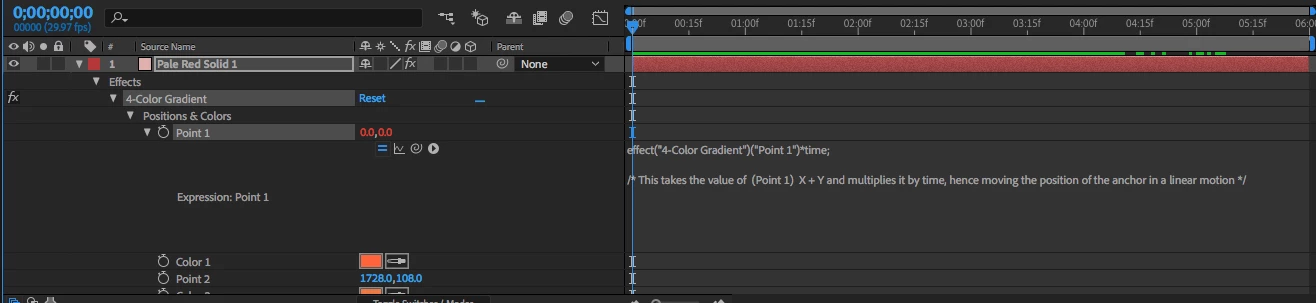
I'm pretty sure I need to target them something like X = ("Solution here") but I'm not sure what it is without getting some sort of error.

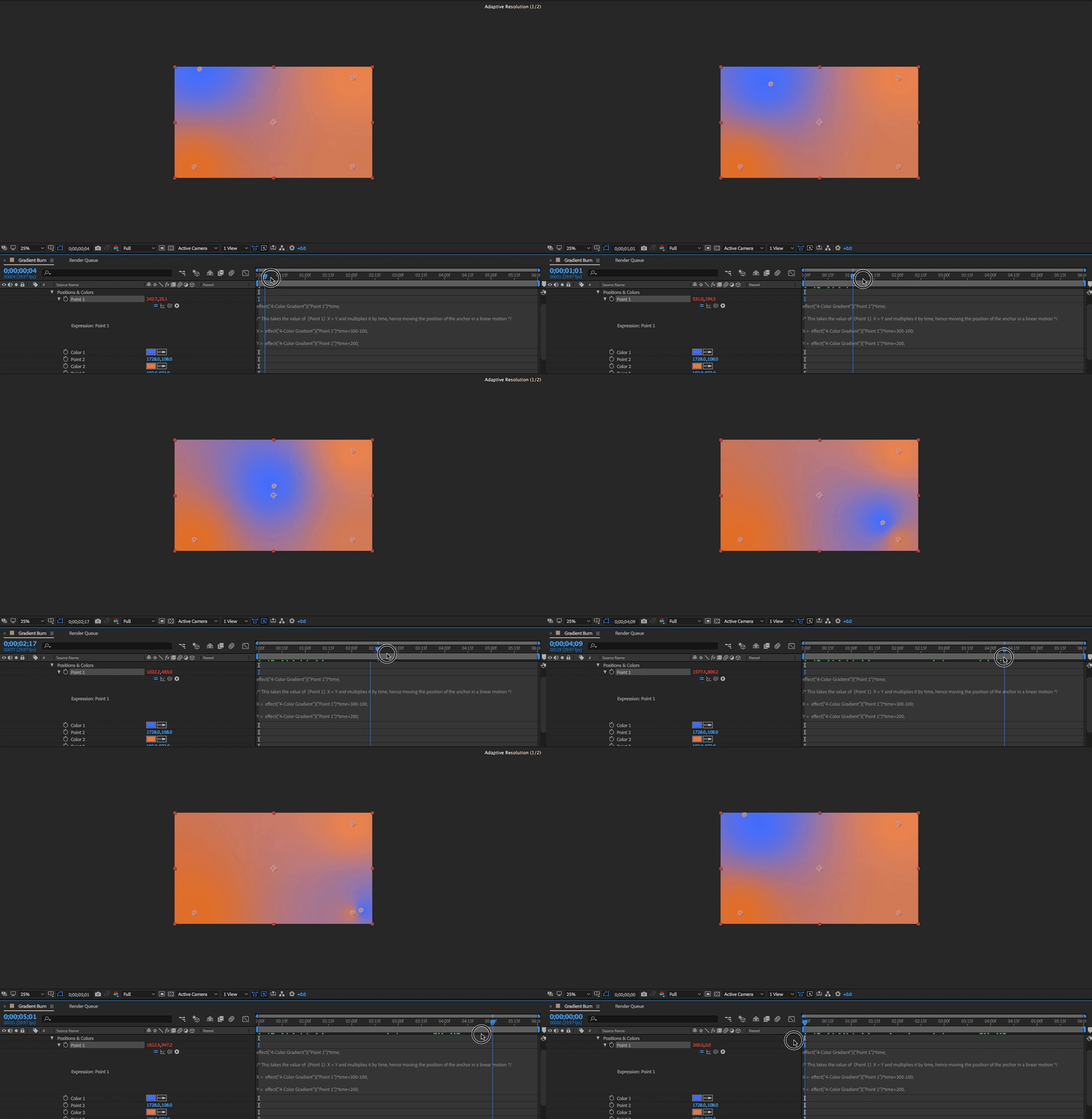
Update: I've targeted the values but It only moves I believe the starting point, and still only moves it diagonally on a linear path.

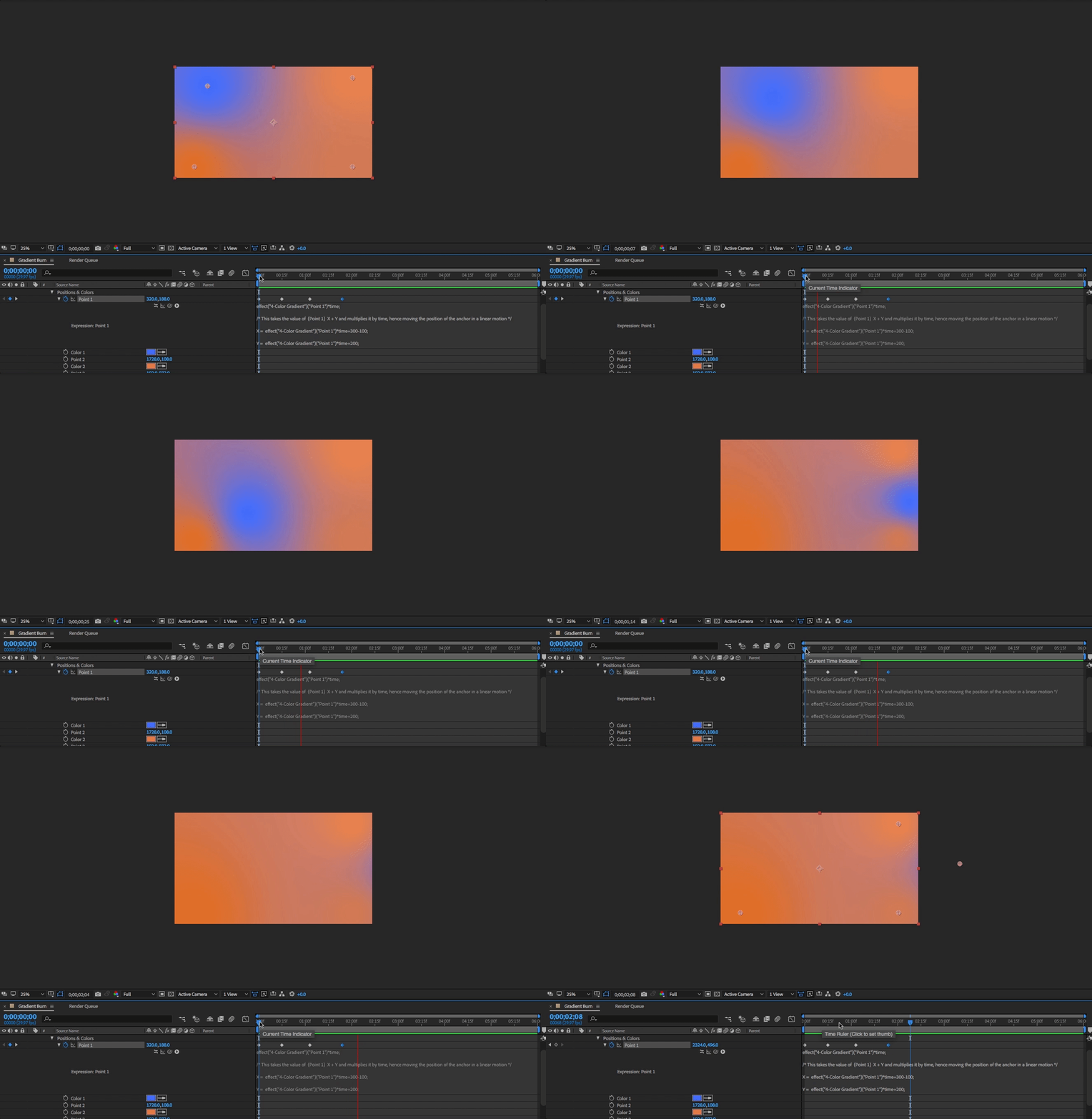
I want to make the first GIF act like the second Keyframeed GIF via in an expression. Note the path the anchor point follows in both

Expression
    Keyframed Version
1 reply

Community Expert
February 20, 2018

Position, color, and scale are all arrays. Position and scale can be three values, color is always 4.

If the position of a 3D layer was 200, 400, 0 then the array would be written [200, 400, 0]. If the layer was 2D then you would just eliminate the last comma and value.

The values for an array are retrieved as value[0] for x, value[1] for y and value[2] for z.

Let's say you wanted to hold the Y position but move the x position 100 pixels every minute. You would first define the x position as a variable like this:

x = value[0] * time * 100;

This takes the current value of x and multiplies it by time then by 100.

Now you complete the array like this:

[x, value[1]]

That is all there is to it. I hope this makes sense.

Note: you will often want to move an even number of pixels per frame. This is easy to do by dividing time by thisComp.frameDuration. This will turn time into frames. You could change the definition of x to this:

x = time / thisComp.frameDuration * 4 ;

[x, value[1]]

That would move the layer or the position 4 pixels in x for each frame. I hope this makes sense.