Participant
July 3, 2022
Question

Terrible video quality when exporting

  • July 3, 2022
  • 2 replies
  • 154 views

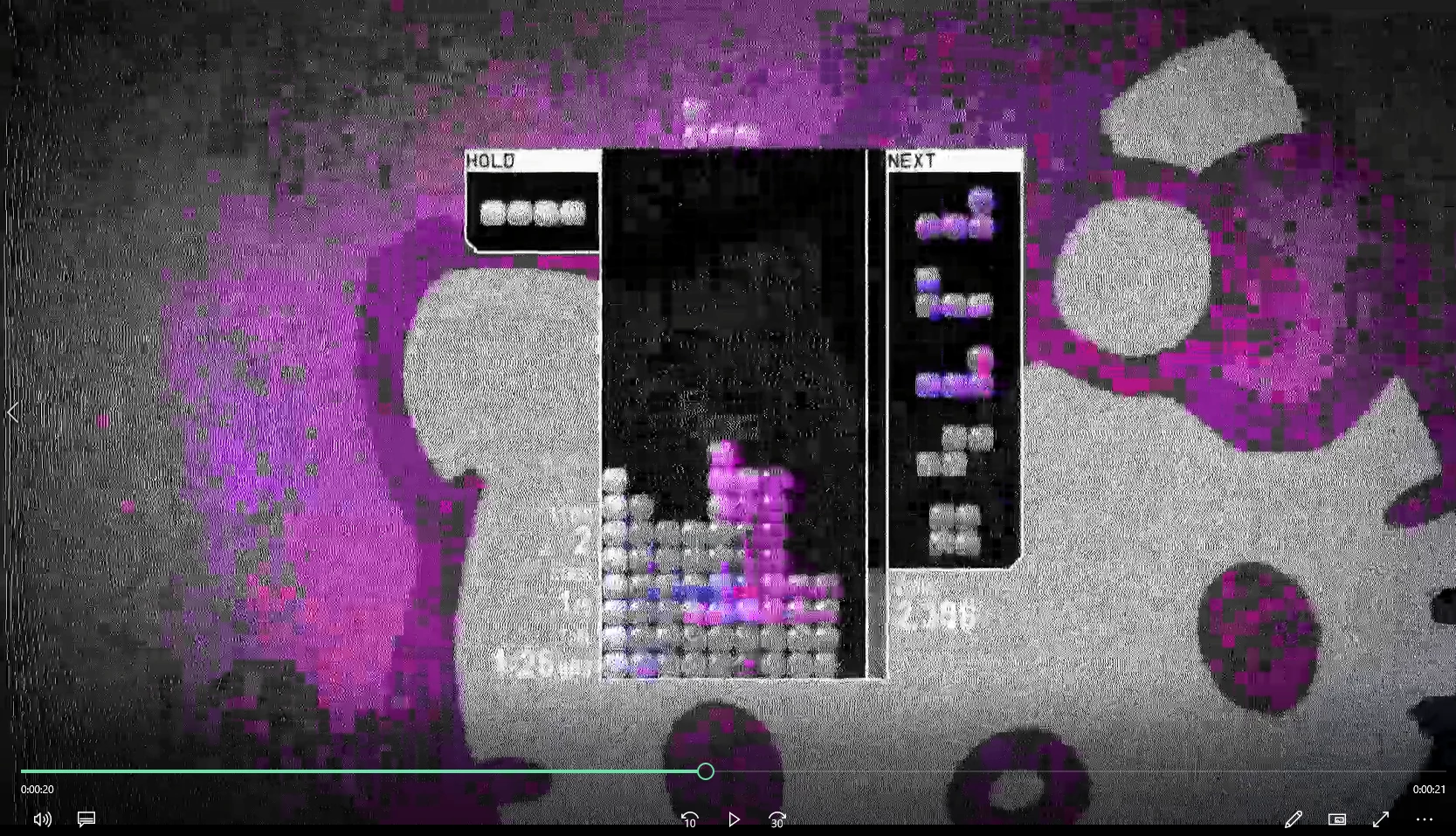
The top image is a screenshot from inside after effects while the bottom imageis the export. This is the first time happening to me and it seems to be an error with the plug in im using since after this scene is over the quality is fine. Im using omino diffusion but I've never had this problem before idk whats going on. 

This topic has been closed for replies.

2 replies

ShiveringCactus
Community Expert
Community Expert
July 3, 2022

As Mylenium says, your original image has a lot of detail, but even if you manage to replicate the look locally (using the ProRes codec for example) if you intend to upload this to a streaming site like YouTube, it will be recompressed.  It looks to me like you've added a TV screens effect to a screen recording, which has added a LOT of noise.  It might be worth thinking what you're trying to convey with this shot, if it's mid-way through a technical disruption, then the compression artifacts help sell that, but if it's something you've done to make your video stand out, I think it might be worth trying something different.

Mylenium
Legend
July 3, 2022

The block artifacts won't go away. Your source image contains so much high-frequency detail, this will never compress gracefully to H.264. The discoloration is another matter but even that can simply be explained by your magenta being the most unsuitable color, since when converting to YCbCr it would just produce a flat signal and on top of it this is exactly the color range that would suffer most from chroma undersampling in compressed CoDecs. So unless there's something else going on this is pretty much plausible to explain. At the least render out an uncompressed version and encode it in a second pass in AME and see if it makes a difference, though I would maintain that it's simply problematic footage that will always be hard to get right.


Mylenium