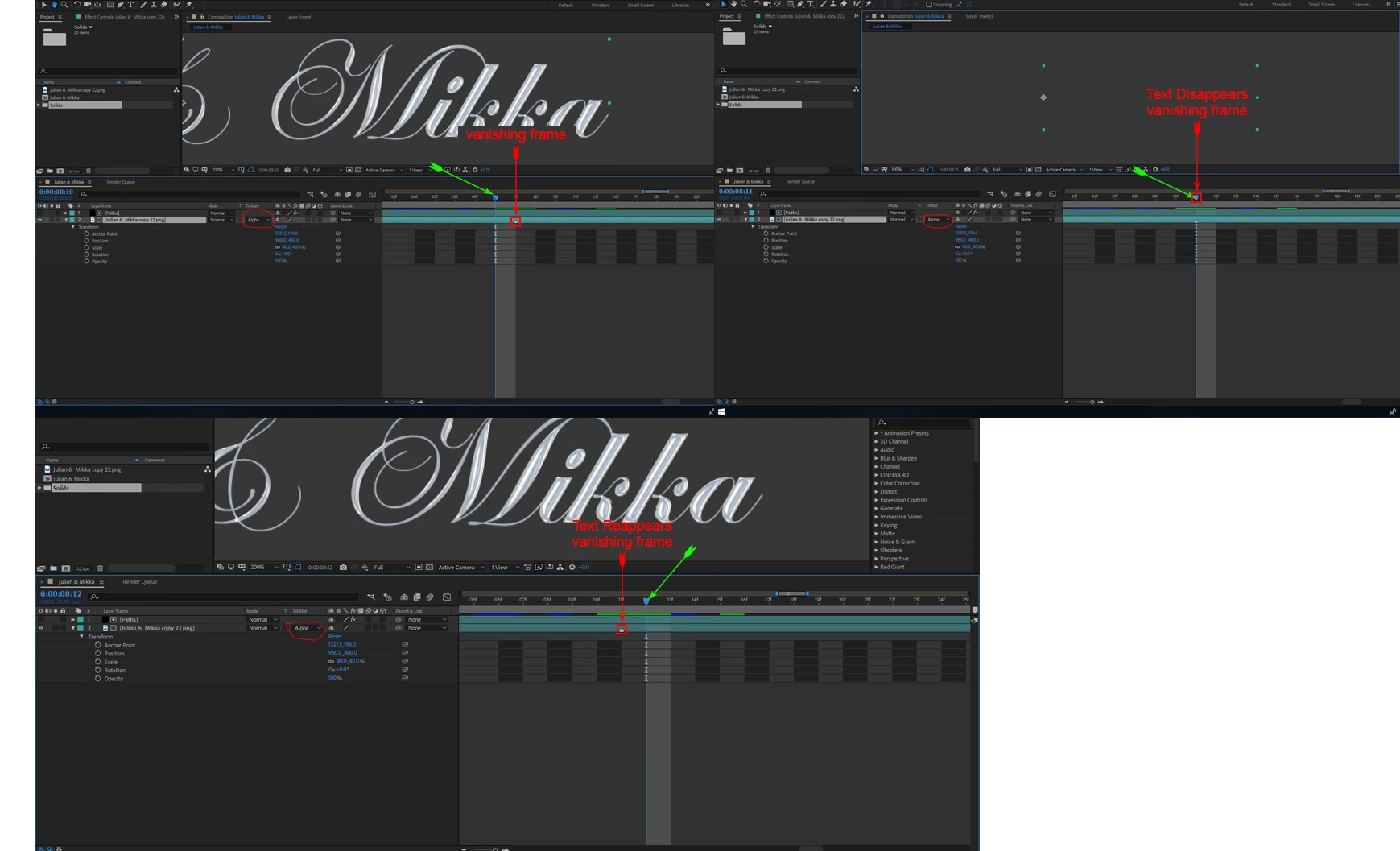
Your screenshots don't tell us much. The top layer is being used as an alpha track matte for the bottom layer, frame 10 and 12 seem to show the text layer, we can't see what is happening at frame 11. What are the modified properties of both layers? I can see that the bottom layer is a png file and it is scaled to 400% so it's probably pretty soft. You should never scale a stationary layer over about 120% unless it is a vector image like a shape layer, a text layer or an Illustrator file. The anchor point tells me that the PNG is probably 1920 wide and 920 high so it is not the same size as the comp. The position property could mean anything because 1321.5 for X and 192 put it outside and above a standard HD comp and barely inside and at the top of a 4K comp. I assume that the top layer contains some kind of animated paths because it is being used as a track matte for the bottom layer. I also assume that you are using Trapode 3D stroke in the Paths layer because of the reference in the post. This is probably a pretty good assumption since the layer is not 3D, but we have absolutely no idea what you are trying to do.
I guess that is enough about what I don't know or can figure out about your project. The most likely cause of some random odd images is a cache error. The easiest way to clear that error is to use Edit>Purge>All Memory and Disk Cache menu. If you have already done that then we need to see the modified properties of your layers. Just press the U key twice and PrintScreen and paste. It would also help if we knew the comp specs and what you are trying to do. If you want to troubleshoot the problem then duplicate that comp in the timeline, open the duplicate, reveal all modified properties by pressing the U key twice and then start adjusting some of the parameters or rest them to see what is causing the problem.

 AdChoices